Participant
February 21, 2024
Question

unable to export to multiple files

  • February 21, 2024
  • 2 replies
  • 450 views

When I am trying to exract pages of a document to multiple files it should ask where I want to export them to, instead I am getting this:
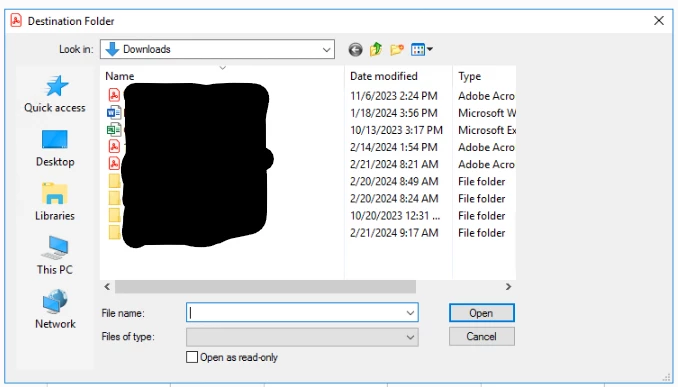
 

It will not let me choose a folder, the only option i have to move forward from this is to select an existing document which will  give me an error saying
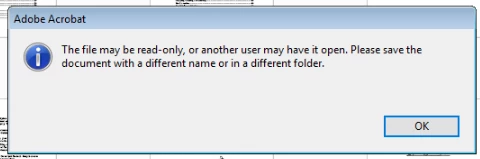
 

It doesn't care if it's only 2 files or if it's multiple it just isn't working

This topic has been closed for replies.

2 replies

Amal.
Legend
February 22, 2024

Hi @Jason35601346mq89 


I trust this message finds you well.


Upon testing the reported issue on my end with Windows 11, everything appears to be functioning as expected.


Could you please clarify if you're experiencing this problem with a specific PDF file or if it's affecting all PDFs? I recommend trying with a different file to see if the issue persists.


Since you're using the latest version of the application, attempting to repair the installation via the help menu (Windows Only) might resolve the issue. Please give that a try.


Additionally, resetting the Acrobat preferences could potentially address the issue. You can find instructions on how to do this here.


Let us know how it goes.


~Amal

try67
Community Expert
Community Expert
February 21, 2024

What's the exact version number of the application (You can find it out by going to Help - About Adobe Acrobat)? What's your OS version?

Participant
February 21, 2024

Server 2016 and 23.8.20533