
kimm92138622
Participating Frequently
September 29, 2021
Answered

White Blank Pop up dialogue boxes (Save As, Apply Redactions, any thing)

  • September 29, 2021
  • 45 replies
  • 46093 views

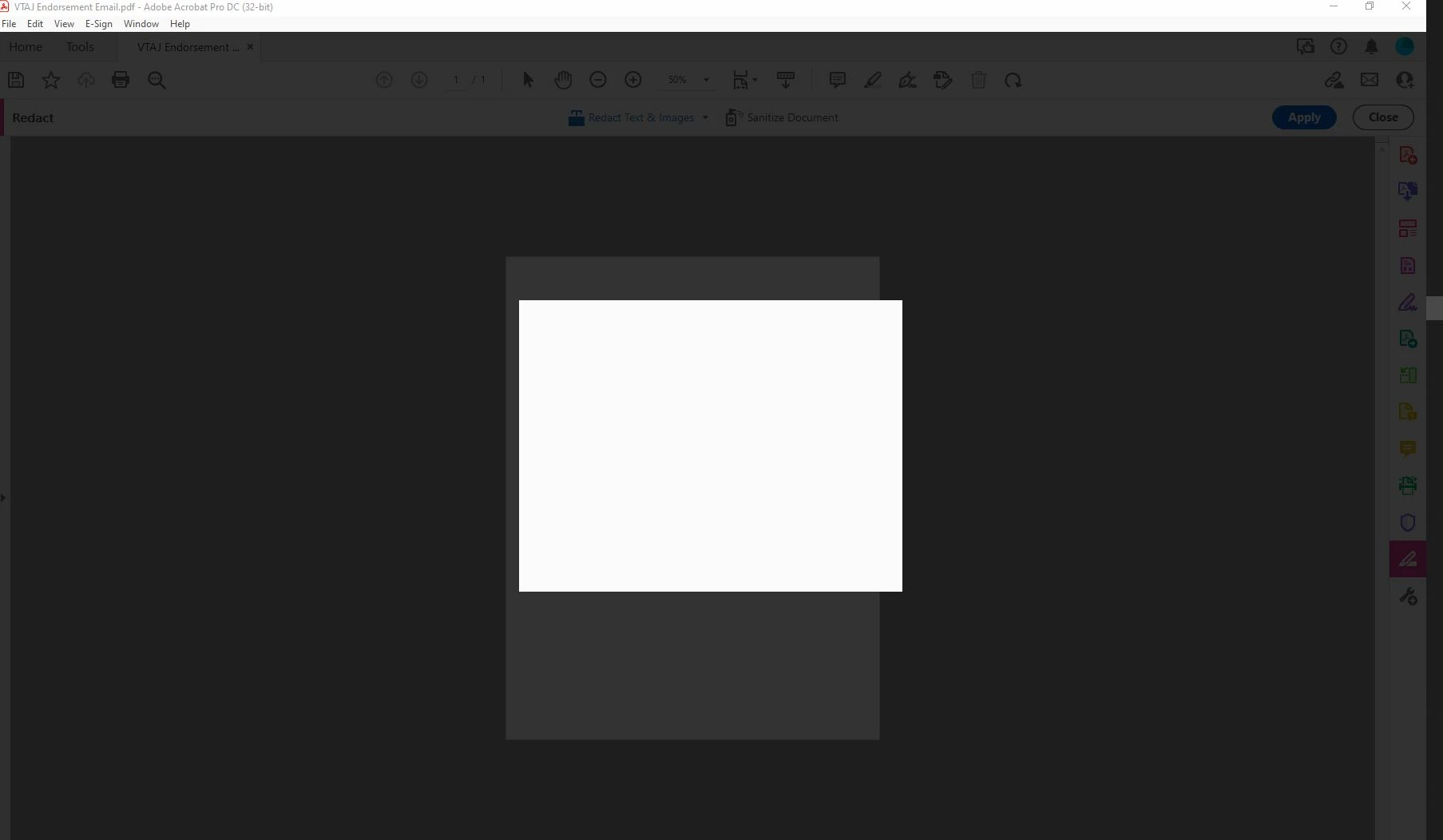
My adobe acrobat dc pro got updated to the latest version 21.007.20091 and I WISH I could undo it. Now I can't get anything done in Adobe because everytime I try to save as or apply redactions or do basically anything, I get a blank white pop up box and grey background screen. It only goes away when I press ESC. This is driving me mad. I'm logged in and do this all the time. Just since the update 9/14 it hasn't been working. Screen shot included.
Correct answer Sunil_Soni

Hi @kimm92138622 


As per our offline discussion, looks like your issue is fixed by applying latest patch.

Please mark this thread answered/helpful to help others.


-Regards

Acrobat Team

45 replies

Participant
January 10, 2022

Hi, 

I am still facing this issue, I have all the updates 21.007.20099 is the version, but still facing the problem.

I have used killed all the tasks and restarted adobe but still facing the issue. Can you pls help?


-Bala.

Participant
December 20, 2021

Exactly the same problem, but from today. My version is the 21.007.20099, and I tryed to find a new version, that seam to be the last one.

My collegue has this problem from some weeks, and we don't know how to solve.

I saw that some of us tryed to unistal and instal again but they have the same problem.

We can save only if we use the "save as other" (my version is in Italian may be in the traslation there is another word), and we use "PDF with reducted dimensions", but that should not be the way.

Thanks in advance for your help

Participant
December 14, 2021

Currently Experiencing the same issue.  Fully patched, online location saving disabled.


Standard Adobe, patch something break something else.

Participant
December 15, 2021

I'd recommend finding an older version of DC Pro and going into the settings and disabling auto update. I was able to get it working by doing this. I had a version  from july. My guess is the patch isn't complete hence why it hasnt been deployed and the need to reach out to support by PM. They will likely release it with a few more fixes and with Adobe luck different bugs.

Participant
December 14, 2021

Same problem here. None of earlier mentioned fixes solves our problem.

Participant
December 13, 2021

HI - we are also experiencing this same issue. We have the latest version and update installed, and we have turned off the "show online storage" preference. But attempting to apply redactions results in the blank white window, which we can only hit Escape to get out of. Please update with what is being done to resolve this.


Thanks

Participant
December 13, 2021

Same issue. How can I fix this?

Participant
December 10, 2021

Hello, I am having the same issue. How do we get this patch and install it?

Participant
December 8, 2021

Hello,

I'm having the same issue. I have checked for updates and am currently running the most recent patch. This only seems to be happening when applying redactions. Any suggestions would be greatly appreciated.

Participant
December 8, 2021

I am also having the same problem. Need to get a fix Please. Adobe is updated to newest version.

Participant
December 7, 2021

I also have this issue. It is very disruptive. I checked for updates and it said my version is up to date. Adobe, FIX THIS. It's been a problem for months now!

Participant
December 2, 2021

Having the same issue when trying to apply redactions.  I've gone to the help tap and checked for updates, says I'm up to date. Please help!