
kimm92138622
Participating Frequently
September 29, 2021
Answered

White Blank Pop up dialogue boxes (Save As, Apply Redactions, any thing)

  • September 29, 2021
  • 45 replies
  • 46035 views

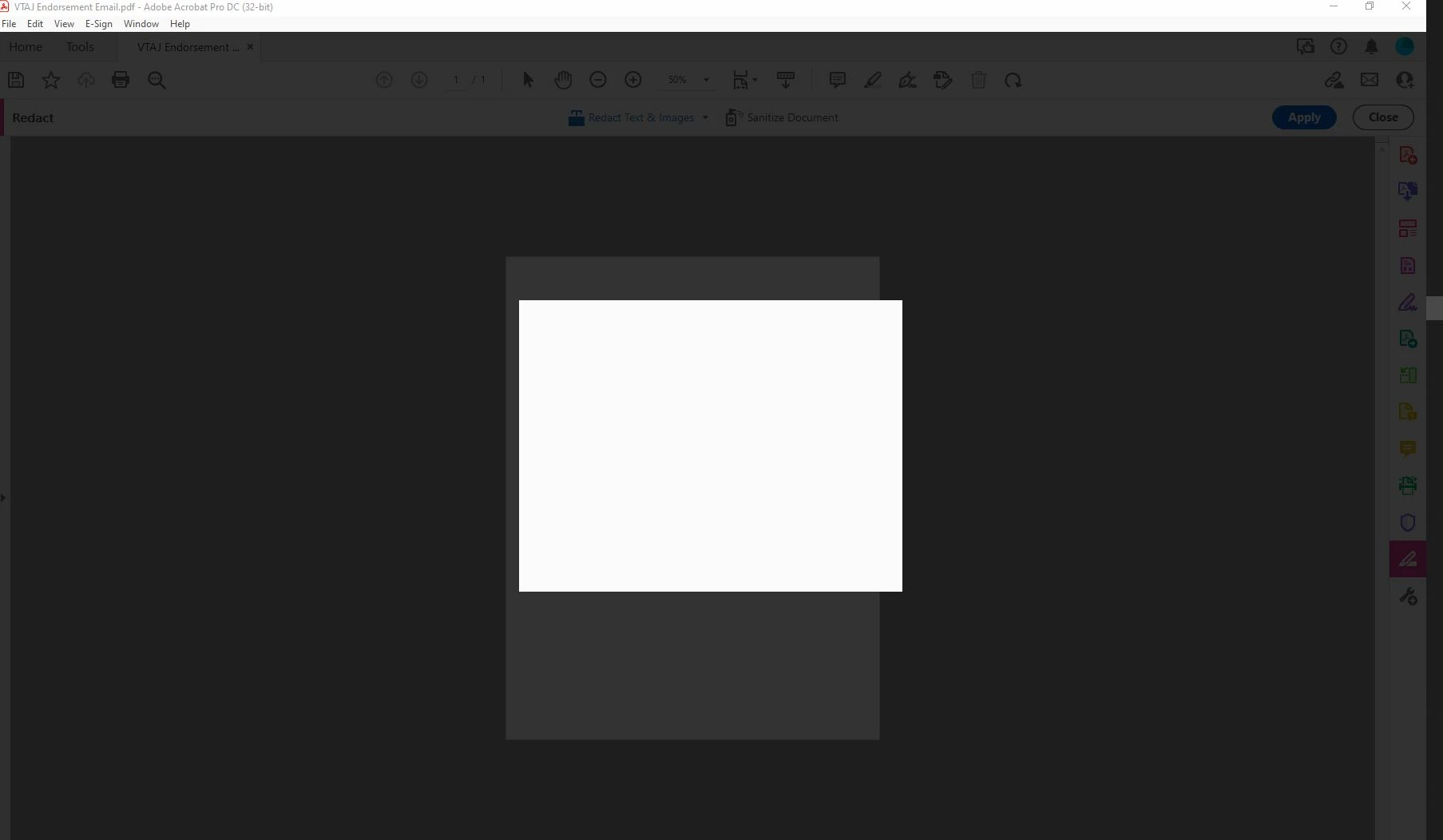
My adobe acrobat dc pro got updated to the latest version 21.007.20091 and I WISH I could undo it. Now I can't get anything done in Adobe because everytime I try to save as or apply redactions or do basically anything, I get a blank white pop up box and grey background screen. It only goes away when I press ESC. This is driving me mad. I'm logged in and do this all the time. Just since the update 9/14 it hasn't been working. Screen shot included.
Correct answer Sunil_Soni

Hi @kimm92138622 


As per our offline discussion, looks like your issue is fixed by applying latest patch.

Please mark this thread answered/helpful to help others.


-Regards

Acrobat Team

45 replies

Participant
December 1, 2021

The Fix is to Reset Internet Explorer settings then Restart the computer.


Participating Frequently
December 2, 2021

Hi @larryb39110041 , 


Thanks for posting.  Just want to see how long this fix has stayed after you reset IE settings?  Other fixes have resulted in the issue coming back, so this is why I am asking how long it has been since you did this and Acrobat continue to work as it should..  Thanks!

Participant
December 2, 2021

It works one time. First time starting Adobe, I won't get blank screens. Second time it's the same as is was. So everytime when you shut down your computer, first you have to "reset Internet Explorer settings".

Participant
November 19, 2021

Same problem here too. I'm on the latest version (21.007.20099) and tried all the fixes listed in this thread, but none worked. 

Participant
November 24, 2021

Same problem


Please post a solution 


21.007.20099


Participant
November 18, 2021

I am having substantially the same problem.  When I attempt to redact from a document, I only get the greyed document and white box.  I have currently installed version 21.007.20099 of Acrobat.  Windows 10.  I have run the "Repair Installation" script in Acrobat, restarted the machine, restarted Acrobat.  I still have the problem. 


If there is a patch that I can use to fix this, I would appreciate it.

Participant
November 19, 2021

I would also appreciate link or patch shared publicly so that I can apply it as well.

Participant
November 18, 2021

Adobe is the worst!!!! There needs to be another competative product that does similar. I am running into the same problem over and over again. It has caused me more time to deal with this issue than it would to make a copy of the document and redact it myself using a copy machine. I thought Adobe was the best out there but this issue is one of many similar issues that makes me question and dislike this product. 


Adobe, please know that if more than one person (as seen in this thread) is having this issue it is likely widespread and your representative responding does not fix the issue, which comes down to the software being incomplete and Adobe not caring about the product but only about your profits. 

Participant
November 18, 2021

I am having the same issue. Please help. I checked for updates and see that I am running update 21.007.20099 so I'm not sure why I am still having this problem.

Participating Frequently
November 9, 2021

I'm having this same issue. I've uninstalled and re-installed and made sure it was the latest update. No dialog boxes will work, such as for Adobe Sign or redactions, etc. Please help.

Participant
November 9, 2021
Hi this is what has been supplied, this is just the next update release it seems. But it certainly worked for me thanks Adobe Support.


Hi Chris,


First of all, Sorry for the inconvenience caused. Please try below patch and share your observations with us.


Before installing or applying the patch, please ensure that Acrobat/Reader is closed and if any AcroCEF/RdrCEF processes are still running, kill them from task manager. Hotfix can be downloaded using the links mentioned below:

* 32-bit application:
* Reader: https://documentcloud.adobe.com/link/track?uri=urn:aaid:scds:US:26d5ff74-f58f-4619-96b6-697e216bee8c
* Acrobat: https://documentcloud.adobe.com/link/track?uri=urn:aaid:scds:US:33e13d54-63b0-46a2-9a69-65b9eb26e6c3
* 64-bit application:
* Reader: https://documentcloud.adobe.com/link/track?uri=urn:aaid:scds:US:0c6c77ae-960d-4a62-b430-9df83e636333
* Acrobat: https://documentcloud.adobe.com/link/track?uri=urn:aaid:scds:US:9695e09b-9781-4dc3-b390-030b322262c4


Please let me know for any query/concern.


-Regards
Participating Frequently
November 9, 2021

I tried the appropriate patch (64 bit acrobat), but I get an error message that reads: "The upgrade patch cannot be installed by the Windows installer service because the program to be upgraded may be missing or the upgrade patch may update a different version of the program. Verify that the program to be upgraded exists on your computer and that you have the correct upgrade patch."


I'm not sure if it's just the wrong file for me, or if I've done something wrong.

Participant
November 9, 2021

@Sunil_Soni What is the status of the patch? Is the private build a workaround for the meantime? 

Participant
November 9, 2021

It is Nov 9, 2011 and I get the same issue when I try and do anyhting with Redact text.  I am running the lastest verion and there are not updates or patches.  I tried a repair installation of my Adove DC and end up with the same result. What can we do to fix this?

Participant
November 4, 2021

I am having the same issues with blank screens when I try emailing a document, redacting, and saving. I have run the repair installation and then restart the computers multiple times, but this is temporary fix because it keeps happening. I have also unchecked "show online storage when saving files" multiple times.

Participant
November 4, 2021

Good afternoon, 

I have version 21.007.20099, I have un checked the "show online storage..." in preferences, basic tools, and I have also tried to end the tasks Adobe AcroCEF(s) in task manager. I still get the black box after redacting. Is there a fix for this yet? Staff in law office unable to complete pressing work.

Thank you in advance for your help!