Participant
September 26, 2023
Question

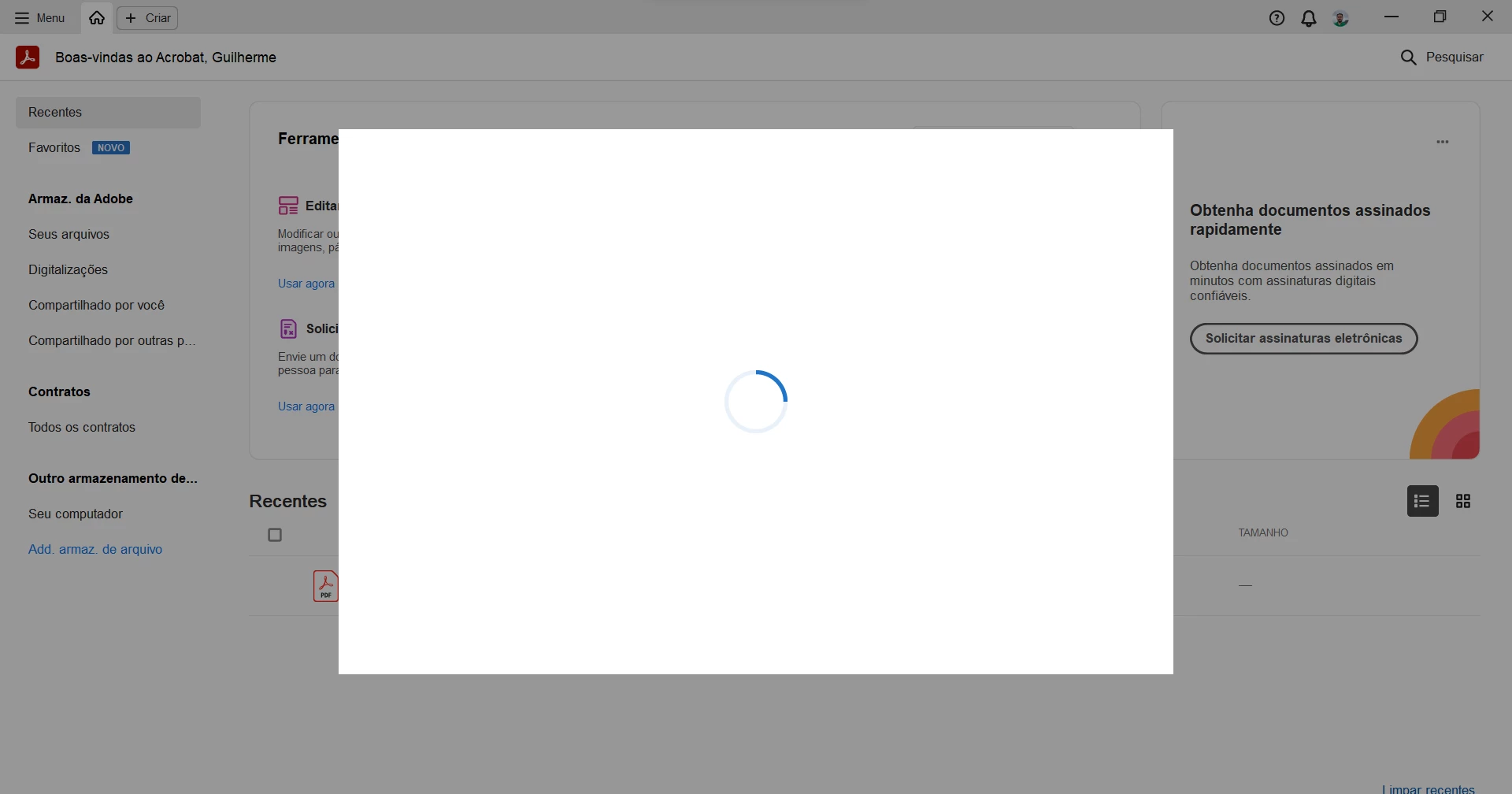
White screen on startup

  • September 26, 2023
  • 1 reply
  • 347 views

Guys, I restored my computer the other day and now Adobe Acrobat is crashing when I open it. When I open it, it tells me that it can't run in safe mode, I deactivate the option and the app opens. However, after a few seconds it loads a blank window that doesn't load anything and won't let me use the app.
 

This topic has been closed for replies.

1 reply

Amal.
Community Manager
Community Manager
September 26, 2023

Hi @Guilherme32539747xora 


Hope you are doing well and thanks for reaching out.


Have you started experiencing this issue after the recent update? What is the version of the Acrobat DC you are using? To check the version go to Help > About Acrobat and make sure you have the recent version 23.06.20320 installed. Go to Help > Check for updates and reboot the computer once.

Also try to repair the installation from the help menu (Win Only) and see if that works.

Please try to reset the Acrobat preferences as described here https://community.adobe.com/t5/acrobat-discussions/how-to-reset-acrobat-preference-settings-to-default/td-p/4792082

You may also try to make the Acrobat/Reader application as the default PDF owner as described here How to set Acrobat Reader or Acrobat your default PDF program on Windows 10 and see if that helps.


Let us know how it goes.


~Amal