
Phos_four_dots
Inspiring
May 1, 2009
Answered

About extra "Profile" info...

  • May 1, 2009
  • 2 replies
  • 1843 views

...continued from the discussion in the "Spam" thread after John C added the "URL", "Bio" and "Products/SysInfo" fields, here:

http://forums.adobe.com/message/1930765#1930765

"Edit Profile should now show places for a URL, a brief (1 line or so) bio, and a list of products you use."

I know what follows is merely an academic observation, but it's still kind of indicative of the attention to detail paid by the Jive programmers. Thi post is meant to act as a heads-up for users editing their profiles, and as something that should be passed along to our good pals on the Jive team.

I was concerned about the "...brief (1 line or so)..." limit for the "Bio" field. I wanted to test the character limit. I entered the following string, but WITHOUT the spaces (for a total of 521 characters):

a123456789 b1234567890 c123456789 d123456789 e123456789 f123456789 g123456789 h123456789 i123456789 j123456789 k123456789 l123456789 m123456789 n123456789 o123456789 p123456789 q123456789 r123456789 s123456789 t123456789 u123456789 v123456789 w123456789 x123456789 y123456789 z123456789 A123456789 B123456789 C123456789 D123456789 E123456789 F123456789 G123456789 H123456789 I123456789 J123456789 K123456789 L123456789 M123456789 N123456789 O123456789 P123456789 Q123456789 R123456789 S123456789 T123456789 U123456789 V123456789 W123456789 X123456789 Y123456789 Z123456789

This is what appeared when after I saved my profiles prefs. All characters were present, but they extended far beyond the area meant to contain the Bio:
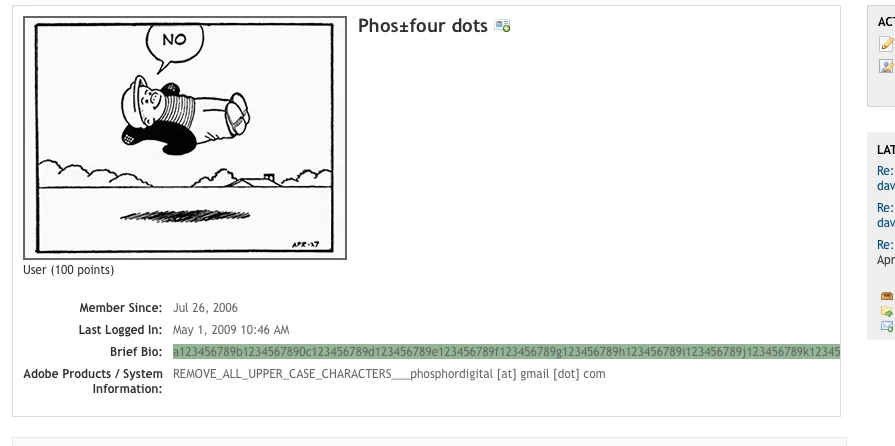
Then, I replaced the non-breaking string with the set of characters pasted in bold, above. This is a total of 572 characters. This is how it appears after saving my Profile preferences:
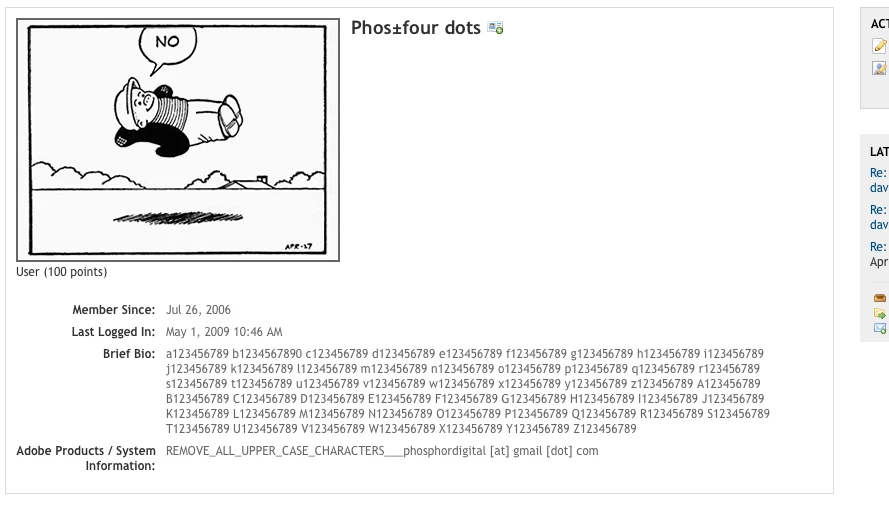
It's good to know that Bio information doesn't need to be limited to "...1 line or so...". I haven't tested to see what the upper-character limit is for the "Bio" field (I'm sure there is one), but it seems to me that 572+ should suffice, at least for most people.

    This topic has been closed for replies.
    Correct answer

    Wrote it in Notepad and whupped it in to the box.

    2 replies

    Inspiring
    May 1, 2009

    I can only think of one comment (AGAIN!):  Welcome to the Amateur Hour!

    Seriously, is this the first forum experience for the Jive coders?  There are so many stupid oversights, omissions and lack of testing that I have to wonder.  Could I do a better job?  Absolutely not.

    May 1, 2009
    Could I do a better job?

    matter of fact... that's my current project. scary.

    no not for jive or adobe...

    Kath-H
    Inspiring
    May 1, 2009

    A slightly bigger box would be nice.

    Phos_four_dots
    Inspiring
    May 1, 2009

    Kath-H wrote:

    A slightly bigger box would be nice.

    Of course! And it's stuff like this that keeps leaving my to scratch my head in confusion and disbelief.

    What I can't figure (this time around) is this:

    In what world of UI design does it make sense to provide a text-input field only 1 line high (and, what, maybe 30 characters wide?) when...(a) The info displayed will possibly cover more than 1 line height's worth of text, and ...(b) There's plenty of room in the Profile Prefs editing area to make that text-input field larger?

    I don't know who is responsible for it, so I won't (and don't want to...) point any fingers and make fun of poor design decisions (for the 20th time).And I kind of hope whoever IS responsible won't embarrass themselves by claiming responsibility.

    But, COME ON! WTF ARE YOU THINKING!?!?

    Kath-H
    Inspiring
    May 1, 2009

    And there was me being all restrained and understated I tried to scroll to make changes and found myself dragging and relocating chunks of text, had to use the arrow keys. Still, it's an improvement, small mercies and all that.

    And someone who can achieve things is listening :) :) :)

    We are not having to rely on assurances that messages are being ferried 'around back' and possibly absent-mindedly lost or mistranslated en route