


質問
Adobe Acrobat initial view details/at the top of the page won't move to the left
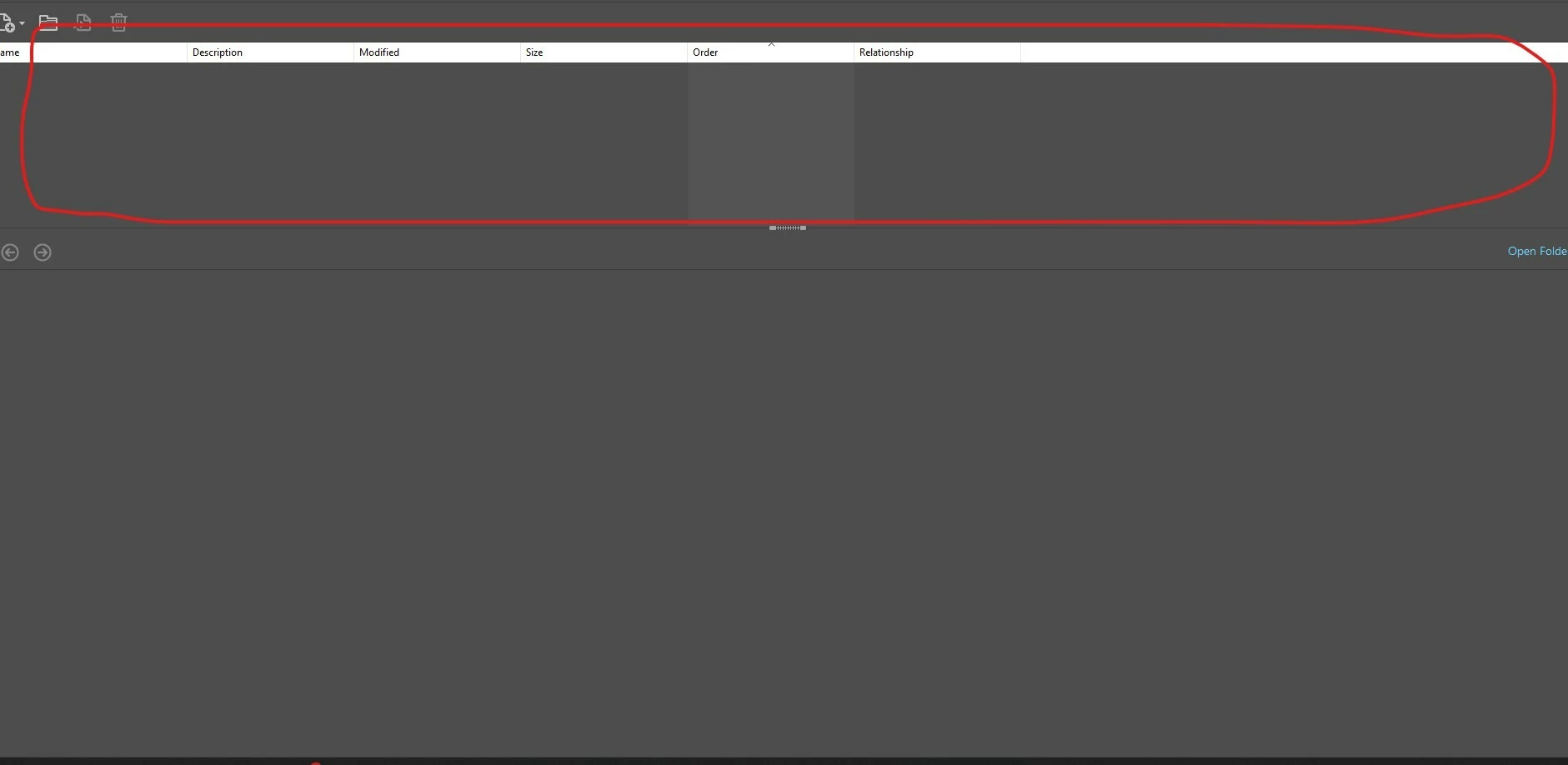
I am opening a pdf and the files and bookmarks always appear on the top in detailed view. I’ve tried changing the portfolio settings initial view to left which works, but restarting the PDF does not seem to save the settings.
When opening this on another computer on the same server, the pdf opens normally and shows the files on the left. It’s just one computer, so I was thinking it had to do with preferences but cannot find this setting. I was wondering if there is something to fix this?
 AdChoices