Inspiring
December 15, 2019
Answered

Adobe unwanted e-mail Notifications

  • December 15, 2019
  • 3 replies
  • 2585 views

Hi,


Can someone tell me how to avoid notifications for posts I am NOT following or what I have to change in my  following settings to achieve that goal?


Please help me. My mailbox is flooded of unwanted messages.


Thanks
 

This topic has been closed for replies.
Correct answer Just Shoot Me

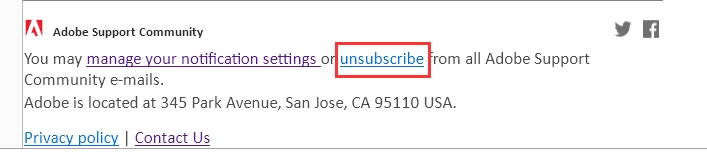
In each of those emails there is a link to STOP receiving, Unsubscribe from, ALL emails from this site.


3 replies

Gaijin_rr
Known Participant
June 9, 2020

But is this really the only option, to just shut off all emails? I would love to get an email when someone replies to my post instead of having to go to the community to check. I'm receiving notifications for when anyone posts to a community I follow, and as far as I can tell, my preferences aren't set for that.  

Sil.C
Community Manager
Community Manager
June 10, 2020

The last screenshot you shared refers to following a community. This setting is not within email notifications but within 'my follows'.
Click on your avatar > My follows and check if you're following any topics or any communities separately.
Hope this helps!

Gaijin_rr
Known Participant
June 10, 2020

Silvia,

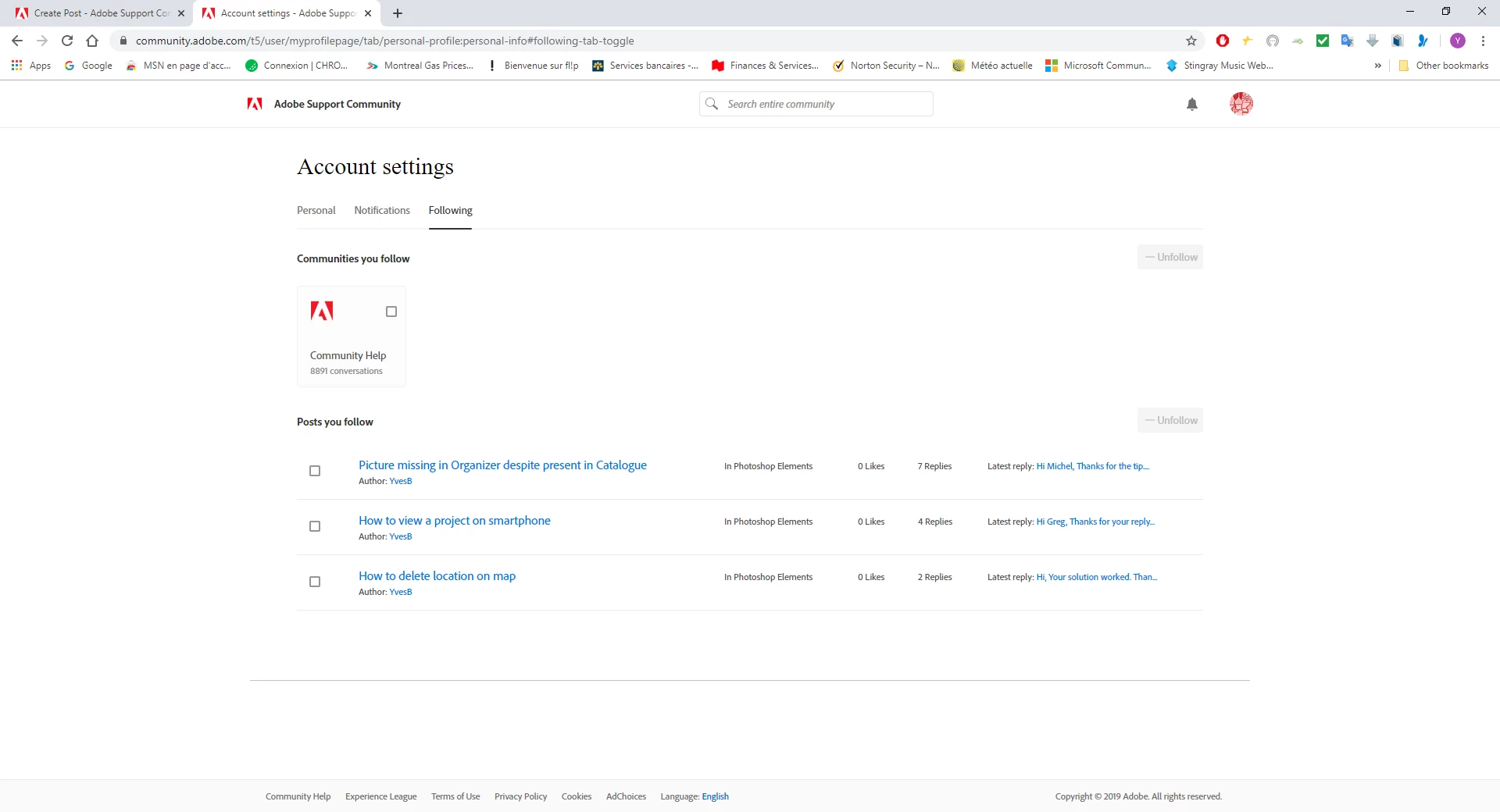
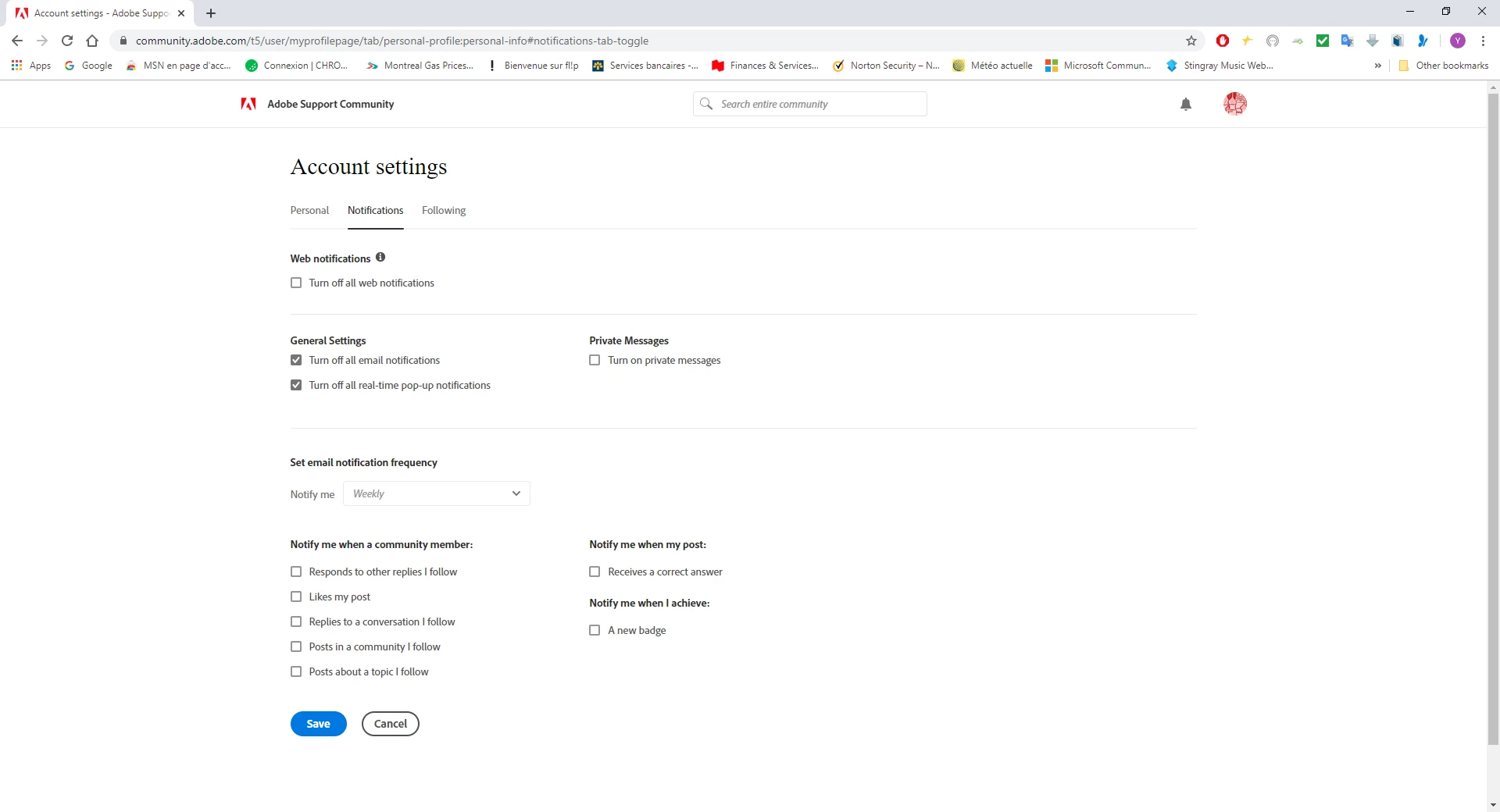
Thank you for your reply! I clicked on my avatar and went to My Follows. There were two relevant options after that. Notifications and Following. I'm attaching screenshots of each of those. It seems I'm getting emails for any post in the Premiere Rush community, and I would rather just just emails about posts I'm following or any post I start. Does it appear I have something marked wrong? Thank you!

Nancy OShea
Community Expert
Community Expert
December 16, 2019

I avoid the entire problem by disabling forum e-mail.  I don't really need or want e-mail notifications.  My web forum profile (click on avatar) gives me a running list of posts I have participated in.   Notifications (bell icon) lights up when someone replies.


Nancy O'Shea— Product User & Community Expert
Ann Bens
Community Expert
Community Expert
December 17, 2019

Same here: disabled all email.

Just Shoot Me
Just Shoot MeCorrect answer
Legend
December 15, 2019

In each of those emails there is a link to STOP receiving, Unsubscribe from, ALL emails from this site.


YvesBAuthor
Inspiring
December 17, 2019

Hi,


Thanks for your tip.


It worked.


Regards