
Andreas Jansson
Inspiring
February 18, 2013
Answered

Clicking the Sign in link often leads to an error 404 page

  • February 18, 2013
  • 2 replies
  • 1648 views

Hi!

This is an error that has been around (at least on my computer) for some months now:

Pressing the Sign in link on the Adobe Forum pages takes me to a non exising page error (404).
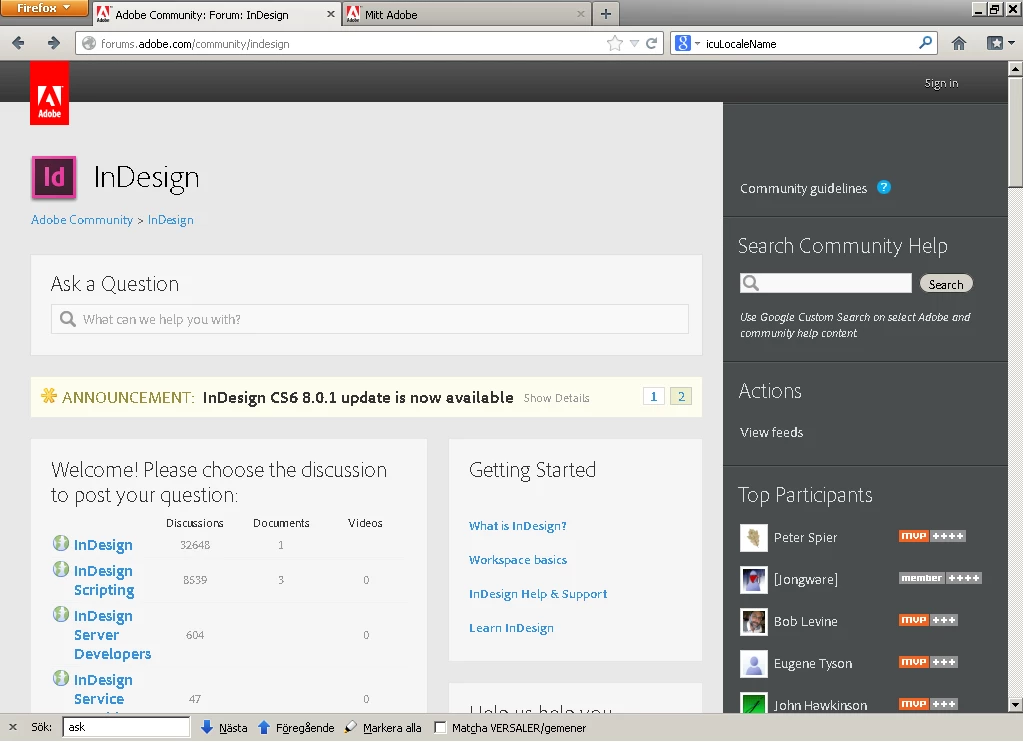
this is the page I get to:
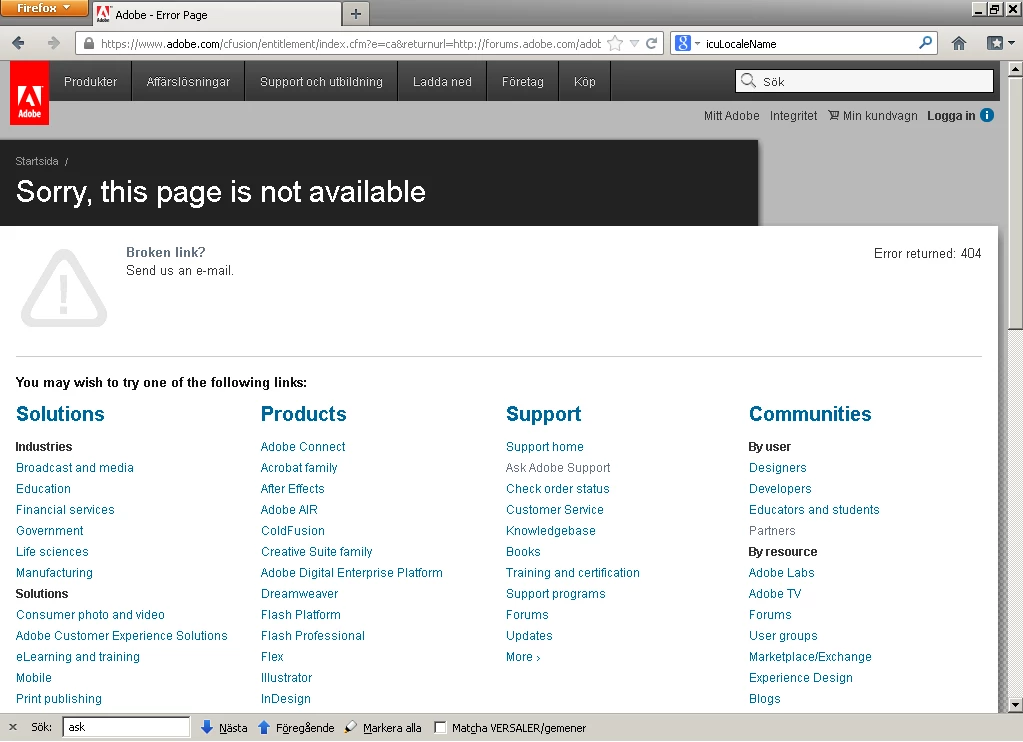
Page is not available broken link 404.

Also there is no form to report this kind of web page errors, when clicking the "Send us an e-mail" link on this page..

Signing in from some other page or form at first seems to make no difference,

reloading the page makes no difference, but clicking "sign in" again, I get logged in (without getting to the sign in page).

Am I the only one having htese problems?

I'm on Windows, alwsay using FireFox (latest version).

Best regards,

Andreas Jansson

This topic has been closed for replies.
Correct answer the_wine_snob

Andreas,

A week, or so ago, there was some maintenance on the Jive end of things, and many were getting similar 404 errors. It was my understanding that those had been resolved, and that things were working fine.

As several have been having issues with Adobe's own cookies (I had a big one with Adobe Store), I would also try cleaning your browser's cache, just to make sure that it's not something specific to your browser.

As many of the "powers that be" monitor this forum, like the tireless John C./Adobe-Admin, I suspect that after the three-day weekend (for many in the US), that you will get definitive answers and advice. Look for those to come on about Tuesday.

Good luck,

Hunt

2 replies

February 18, 2013

If you are trying to sign in and you get errors it frequently helps to clear out the cookies in the browser.

Message was edited by: Curt Y  Looks like the missing posts is back.  Before I responded there were no comments.  Once I posted the other 2 showed up.

the_wine_snob
the_wine_snobCorrect answer
Inspiring
February 18, 2013

Andreas,

A week, or so ago, there was some maintenance on the Jive end of things, and many were getting similar 404 errors. It was my understanding that those had been resolved, and that things were working fine.

As several have been having issues with Adobe's own cookies (I had a big one with Adobe Store), I would also try cleaning your browser's cache, just to make sure that it's not something specific to your browser.

As many of the "powers that be" monitor this forum, like the tireless John C./Adobe-Admin, I suspect that after the three-day weekend (for many in the US), that you will get definitive answers and advice. Look for those to come on about Tuesday.

Good luck,

Hunt

adobe-admin
Legend
February 18, 2013

I'm not able to reproduce this and have not had other reports. As Bill suggested, I would try clearing adobe.com and forums.adobe.com cookies to see if that helps. The URL in the second screen shot appears to be correct.

pwillener
Legend
February 19, 2013

I got this yesterday from around 18:00 JST+9 until I went for dinner.  I didn't think of clearing the cookies, as I also had some other things to finish.

At the same time there was a big JIVE sign and an announcement that these pages are not currently available; I will post that screenshot tomorrow.