



Remote Index
Inspiring
August 18, 2023
Question

Cookie Settings Never Saved

  • August 18, 2023
  • 1 reply
  • 429 views

Every time I sign in to Adobe Support Community I get this dialog asking my cookie preferences:
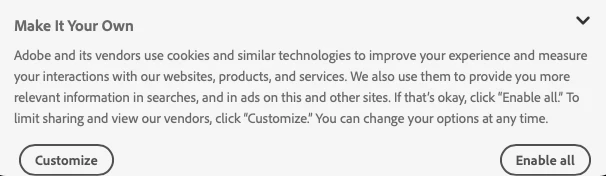


Every time I then click "Customize" (why isn't "Don't Enable" available here? Typical.) ... and I then click "Don't Enable" in the resulting dialog here:
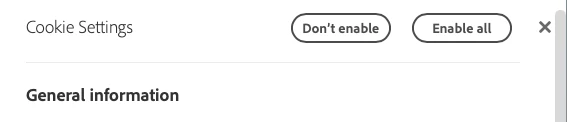
And I get this response:

Here's the question: What, exactly does "We've saved your settings" mean if I have to reset these setting every time I sign in? Every time.


R.

[NOTE: DO NOT MOVE THIS POST TO THE PREMIERE PRO FORUM. THIS IS A BUG REPORT / QUESTION ABOUT THE ADOBE SUPPORT COMMUNITY FUNCTIONALITY.]


This topic has been closed for replies.

1 reply

Nancy OShea
Community Expert
Community Expert
August 18, 2023

Switch to a modern browser that automatically accepts cookies and does NOT have script blockers.


Nancy O'Shea— Product User & Community Expert
Remote Index
Inspiring
August 18, 2023

Nancy OShea,


Thanks for taking the time to post your suggestion.


As you are probably aware, modern browsing poses a number of security and privacy challenges that require script blockers.


R.

Nancy OShea
Community Expert
Community Expert
August 18, 2023

I'm a web developer.   99% of ALL websites use JavaScript to enhance user experience and site functionality. Without scripts, the sites don't work as intended. Any perceived "security benefits" you think you derive from wholesale script blocking are an illusion.  Security begins and ends with your anti-virus, firewall and safe computer practices. When you can't interact with websites as expected, that's probably why.  Disable your script blockers and accept Cookies. You can purge stored cookies at anytime from your browser's advanced cache settings.


Hope that helps.


Nancy O'Shea— Product User & Community Expert