
Noel Carboni
Legend
August 29, 2012
Answered

Extra Long Edit Boxes in IE9 Now

  • August 29, 2012
  • 2 replies
  • 1164 views

Once again, something's different.

It's not "broken and I can't get squat done" different, just "annoyingly" different.

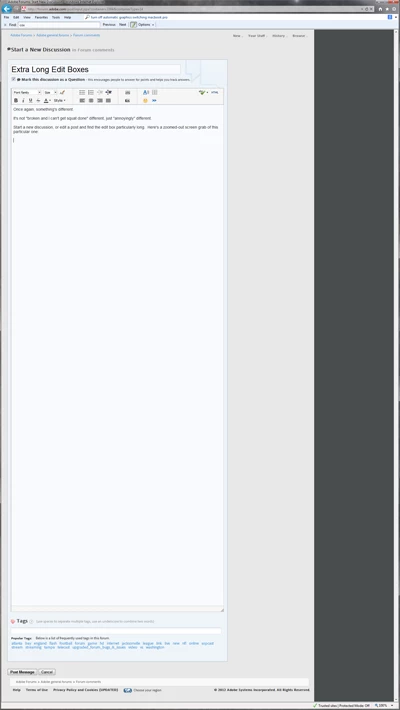
Start a new discussion, or edit a post and find the edit box particularly long.  Here's a zoomed-out screen grab of this particular one I'm typing in right now, as shown in Internet Explorer 9.
It doesn't seem to do it in FireFox, but who knows what cache is in need of refreshing.

This forum presents something new to shake one's head at every week.  If only it could be a GOOD something, and the head shaking a nodding action.  Maybe one day...

Alas, I guess I'll delete my cached files and see if it clears up.

-Noel

    This topic has been closed for replies.
    Correct answer adobe-admin

    Just installed Win7 and IE9 on my machine today and I don't see that.

    Did you, at some point, resize the box while composing a message? The size of the box is supposed to be remembered between sessions. Try shrinking it down and see if it remembers the new smaller size.

    2 replies

    adobe-admin
    adobe-adminCorrect answer
    Legend
    August 29, 2012

    Just installed Win7 and IE9 on my machine today and I don't see that.

    Did you, at some point, resize the box while composing a message? The size of the box is supposed to be remembered between sessions. Try shrinking it down and see if it remembers the new smaller size.

    adobe-admin
    Legend
    August 29, 2012

    Here is what I see when composing a new message in IE9

    TerriStone
    Adobe Employee
    Adobe Employee
    August 29, 2012

    Might not be the forum's fault. Could be a browser thing.