


ThomasBadger
Known Participant
October 4, 2023
Question

How Can I Tell If I've Been Banned?

  • October 4, 2023
  • 2 replies
  • 806 views

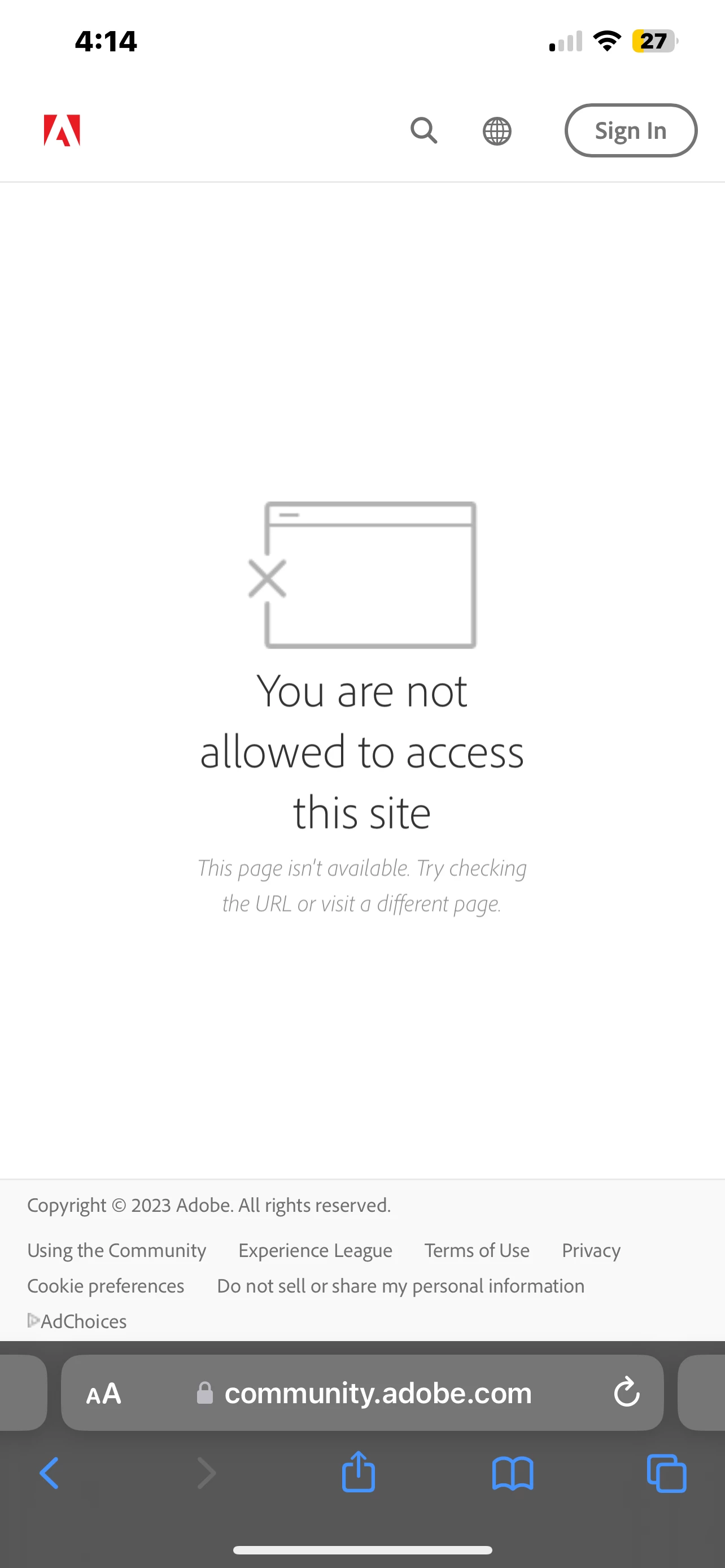
When I try to access community.adobe.com from my main paying account I get the error message below.


Does this mean I've been banned? (The user profile I'm using now was opened sometime in the distant past)

I've been around the tree three different times with Adobe support trying to figure out what's wrong but they are clueless. 


If I am banned, I probably deserve it because I am 100 percent an idiot online and often say things I regret. However, it would be nice to know if I'm being punished or am just the victim of a weird technical glitch.


Thanks


    This topic has been closed for replies.

    2 replies

    Nancy OShea
    Community Expert
    Community Expert
    October 4, 2023

    @ThomasBadger,

    If you were banned by this community, how were you able to post this question? 🤔 🤔

    https://community.adobe.com


    Your online account is at:  https:account.adobe.com/plans

    Use a modern browser (Chrome, Firefox, MS Edge or Safari) that accepts cookies and does not have script blockers or VPN enabled.


    Nancy O'Shea— Product User & Community Expert
    Abambo
    Community Expert
    Community Expert
    October 5, 2023
    quote

    If you were banned by this community, how were you able to post this question? 🤔 🤔

    https://community.adobe.com


    By @Nancy OShea

    Quote “(The user profile I'm using now was opened sometime in the distant past)” Unquote.


    @ThomasBadger,

    Try to find your other account with your current one.

    You may get banned, when getting reported for breaking the community rules, impersonating Adobe, sending unsolicited direct messages, posting inappropriate links and spamming etc.

    ABAMBO | Hard- and Software Engineer | Photographer
    kglad
    Community Expert
    Community Expert
    October 4, 2023

    contact adobe support and ask.  (and be nice. it costs nothing, is more persuasive than being offensive and causes far fewer problems than being disagreeable.)


    there are 2 ways to contact adobe; chat and twitter (now x):

    chat:
    use a browser that allows popups and cookies
    and click here, https://helpx.adobe.com/contact.html?rghtup=autoOpen
    in the chat field (lower right), type AGENT
    be patient, it can take quite a while to reach a human.

    twitter/x:
    tweet @AdobeCare

    p.s. if you're contacted by anyone (via email or private message), it's much more likely to be a scammer than an adobe representative.