


Question
How do I disable the default setting of "Use the selected program to open this type of file"?
My desktop computer is running Windows 10 and has been used for almost 12 years. Since support for it will end this year, I'm being asked to get a new computer running Windows 11. I'll get the new computer next October anyway.
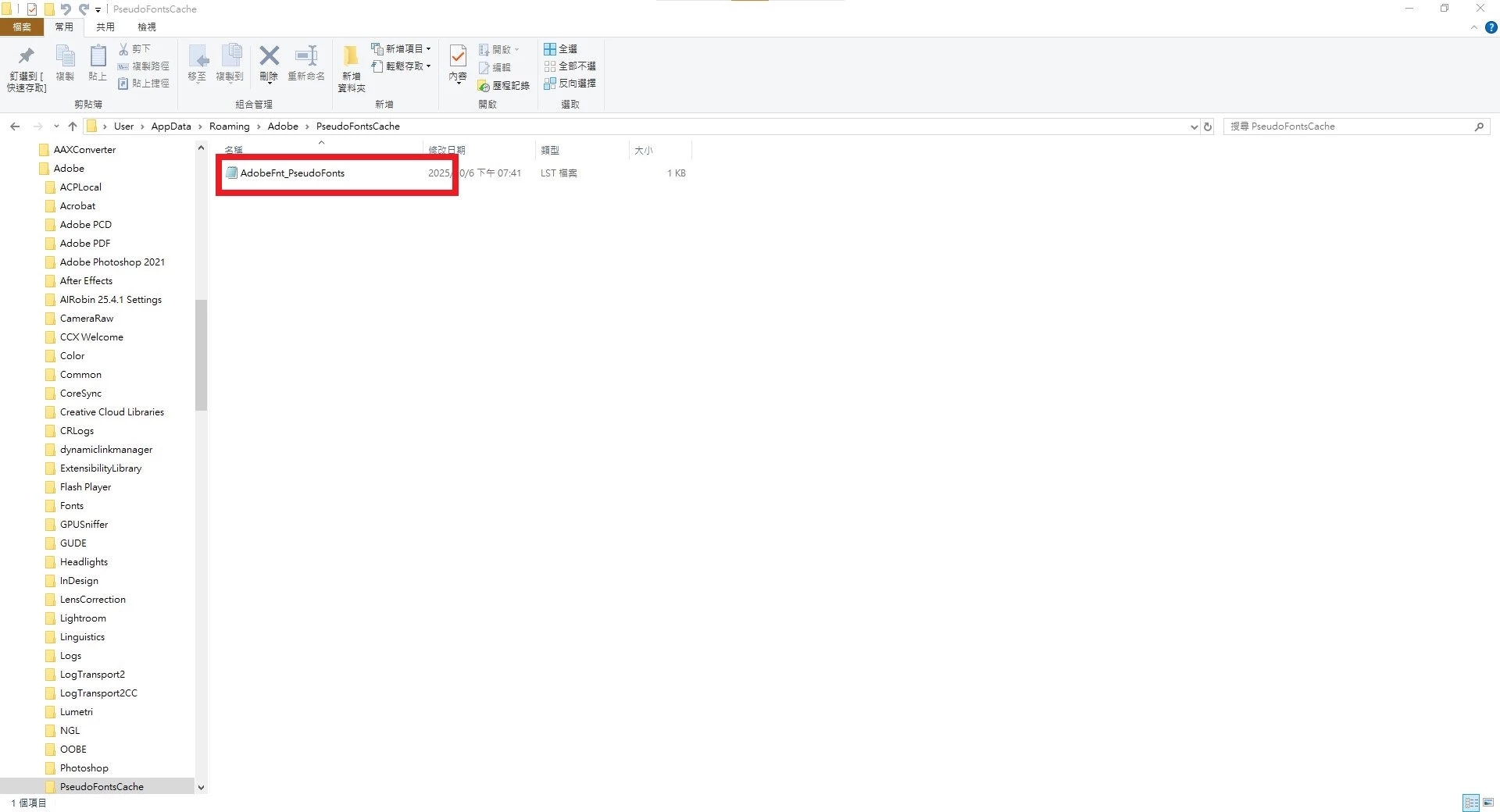
I accidentally deleted the AdobeFnt_PseudoFonts..lst file, and it's now opening with Notepad...
How can I restore the AdobeFnt_PseudoFonts.lst file to its default state?
Can anyone help me? I want to restore it to the application selection mode, openwith.exe.
I deleted Notepad.exe from the registry editor under HKEY_CURRENT_USER\SOFTWARE\Microsoft\Windows\CurrentVersion\Explorer\FileExts.lst\OpenWithList.
Anyway, I wasn't too affected.
I tried many methods, and almost caused a blue screen during the process.
 AdChoices