


Participant
September 22, 2026
Question

How do I edit my community profile name?

  • September 22, 2026
  • 6 replies
  • 26 views

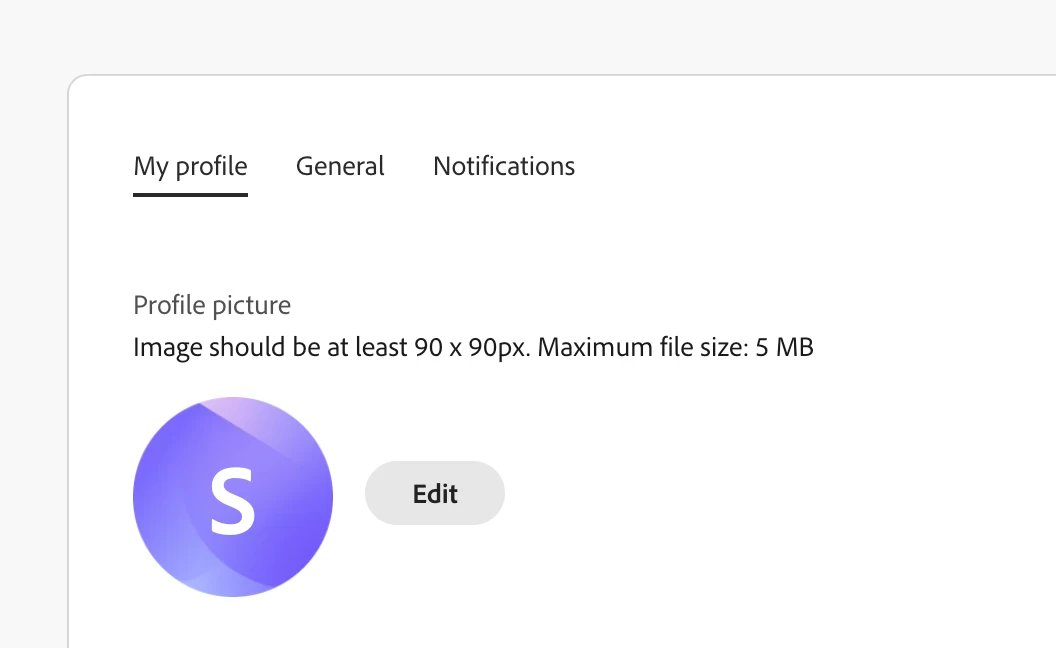
I am trying to change my name from this randomized username to something customized but I don’t see an option in My Profile settings to change it. I can change my profile icon but that’s it. Where do I go to change my profile name? I also tried changing it on my main Adobe account profile settings for the “Adobe screen name” which doesn’t appear to be connected to this community site.
 

    6 replies

    kglad
    Community Expert
    Community Expert
    September 22, 2026

    use a mobile phone’s update (non-opera) browser with wifi disabled to make the change.

    Participant
    September 22, 2026

    I tried this and do not see any different options, still can’t edit my profile name

    Peru Bob
    Community Expert
    Community Expert
    September 22, 2026
    Participant
    September 22, 2026

    Yep I tried that too (I had to put “sunhawk-new” because I have another Adobe account (long story) and it uses the forum name “sunhawk” and also won’t let me change it to “sunhawk-old” or similar.


    Peru Bob
    Community Expert
    Community Expert
    September 22, 2026

    Did you try the custom nickname under My Profile?


    Participant
    September 22, 2026

    Hi Peru Bob, I did try that and it does not appear to be changing my profile name as it shows on the community site: