


m1b
Community Expert
Community Expert
November 28, 2022
Question

How do I follow a topic or tag?

  • November 28, 2022
  • 1 reply
  • 761 views

I am following two topics in the fora here, eg:
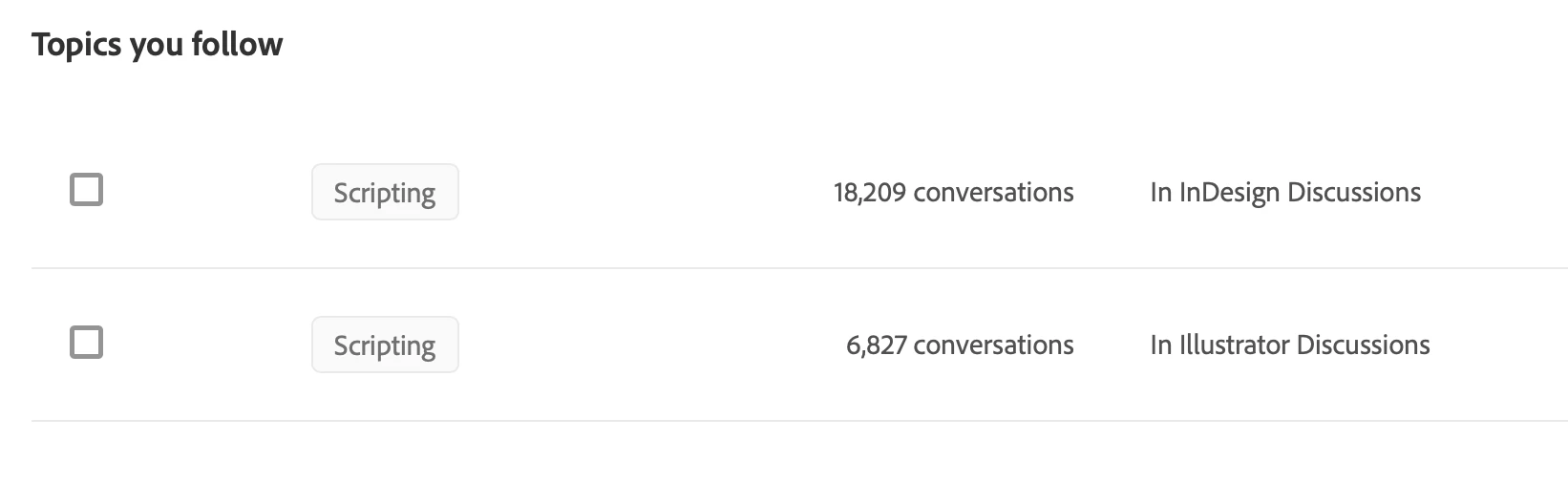
But I cannot work out how I managed to set that up. I'd like to add another topic, but I can't find any UI that allows me to do that. What am I missing?

- Mark

This topic has been closed for replies.

1 reply

Nancy OShea
Community Expert
Community Expert
November 29, 2022

You do not need to do anything to receive Notifications (bell icon) of replies.  It's automatic.  Similarly, when you create a post, you can see it in your Profile (Avatar > My Profile).


Email copies are sent to your private email inbox unless you change your settings to disallow email (Avatar > Account settings).


To Follow a Discussion, look beneath the post for the plus (+) sign.  See screenshot.


I believe you must be logged-in to the community in order to Reply or Follow threads.


Hope that helps.


Nancy O'Shea— Product User & Community Expert
m1b
Community Expert
m1bCommunity ExpertAuthor
Community Expert
November 29, 2022

Thanks @Nancy OShea, I'm trying to find where I can follow a particular tag (sometimes called "topic"). See my screenshot above. I am following the "Scripting" tag in Illustrator and Indesign areas. Therefore I only get email notifications when someone tags their post with "Scripting". This suits me very well, but I just want to add another tag. And I can't find where to do it.

Nancy OShea
Community Expert
Community Expert
November 29, 2022

To follow Scripting, click the Scripting TAG/Label. 

At the top of the page you should see a Follow link adjacent to the POST button.  Click on that.


Nancy O'Shea— Product User & Community Expert