Ann Bens
Community Expert
Community Expert
November 11, 2019
Answered

How to....

  • November 11, 2019
  • 3 replies
  • 819 views

.....disable Notification Feed for certain threads.



This topic has been closed for replies.
Correct answer Just Shoot Me

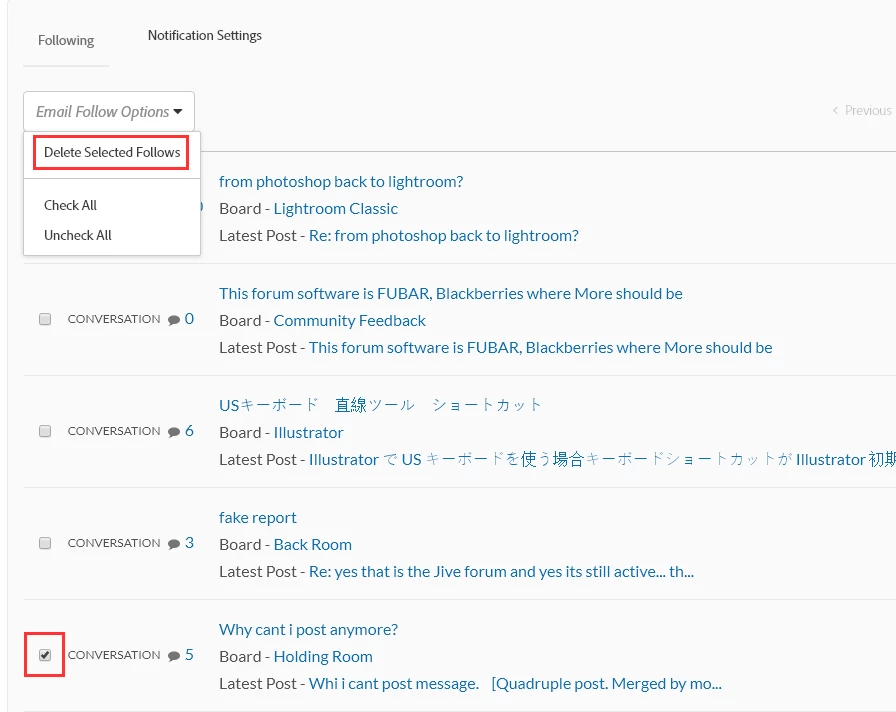
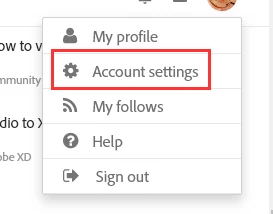
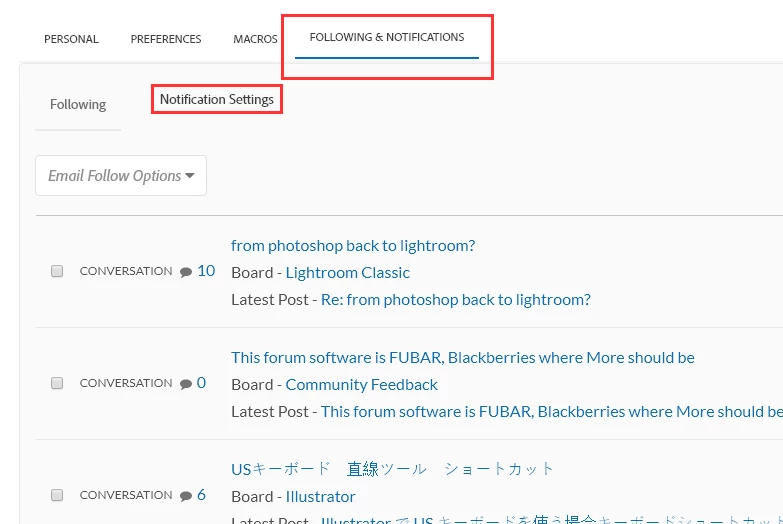
Ann you have to go to your Account Settings then Follows & Notifications section then Notification Settings then find the post you want to stop the notifications and then in the dropdown box select "Delete Selected Follows".


3 replies

Ann Bens
Community Expert
Ann BensCommunity ExpertAuthor
Community Expert
November 12, 2019

No that is not what I mean: like in Jive.

I dont want notification from threads I just moved and dont participate in.


Just Shoot Me
Legend
November 12, 2019

The only way to do that is to first Click the Follow link wait until it changes and or refreshes then click it again to Unfollow. For the complete discussion you do it to the first, original, post.


But you should not get notices from posts you moved, that is unless you add a reply to it before or after you move it.


I basically stopped doing that, IE adding a reply or even placing a note in the OP noting it was moved.

If the people running this place can't take the time to set up a proper forum system then why should I take any more on MY time working with it.

Just Shoot Me
Legend
November 12, 2019

Also there should be a link in each notification email to UnFollow that discussion. 

What there is now in email notifications is an Unsubscribe from ALL notification from this MESS.

Just Shoot Me
Just Shoot MeCorrect answer
Legend
November 12, 2019

Ann you have to go to your Account Settings then Follows & Notifications section then Notification Settings then find the post you want to stop the notifications and then in the dropdown box select "Delete Selected Follows".