
Participant
October 1, 2019
Question

How to return Creative Cloud desktop app to menubar (Mac)?

  • October 1, 2019
  • 2 replies
  • 309 views

Is there a way to return the CC Desktop app to the menubar, like this, as opposed to a windowed version?
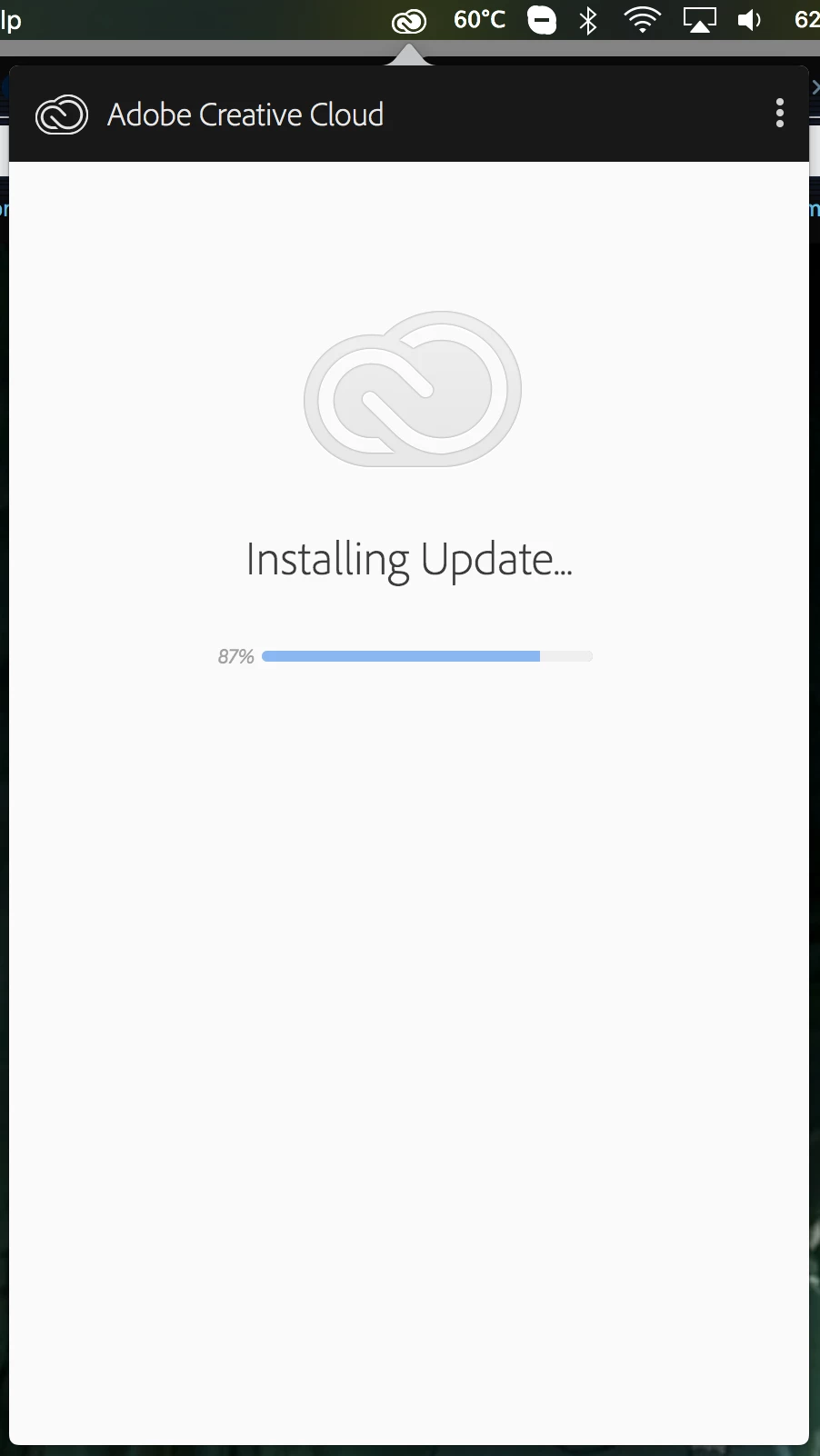
A little while ago it was frozen so my files weren't syncing, so I had it open in a window - but now that I don't need it as a window anymore, is there a way to return it to how it used to open? I much much prefer not having the app icon on my dock.

    This topic has been closed for replies.

    2 replies

    Peru Bob
    Community Expert
    Community Expert
    October 11, 2019

    I don't see any option to go back to the old CC App once you've updated it.

    Participant
    October 11, 2019

    Same question here. Apparently CC updated at some point for me today (11 Oct 2019) and now instead of getting the drop-down from the menubar a whole new window opens up. I far prefer the menubar-only version. 


    The ability to change this used to be part of preferences but it is not an option anymore, at least not one I can find.