Participant
January 30, 2020
Answered

How to stop Japanaese mails?

  • January 30, 2020
  • 2 replies
  • 1396 views

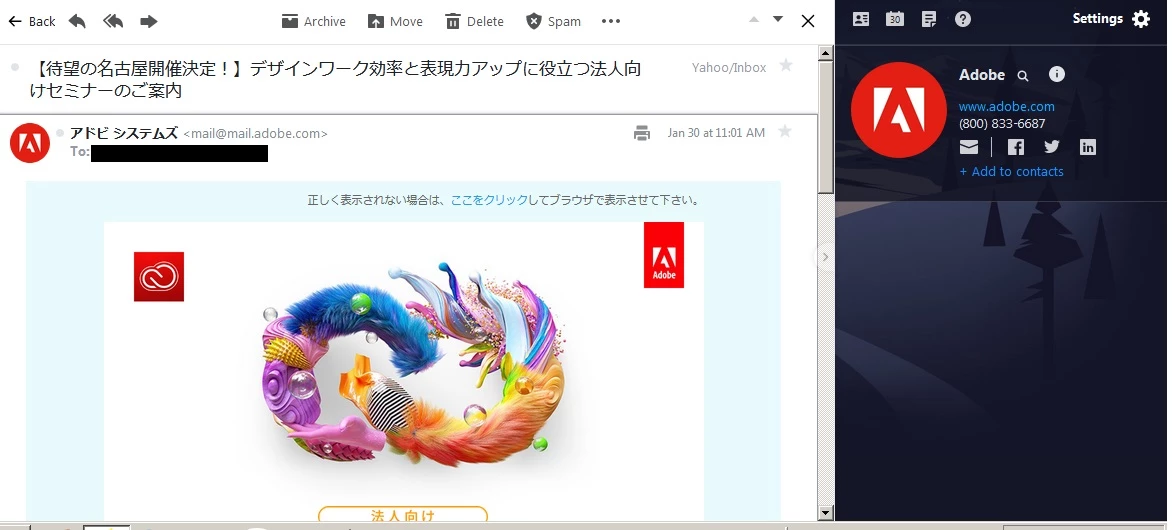
I think all I did was update some plugin or something that said it needed updating and now adobe keeps sending me all kinds of junk mail in Japanese.  Just because I live in Japan doesn't mean I am fluent in Japanese.  This is really incredibly annoying!
This topic has been closed for replies.
Correct answer assause

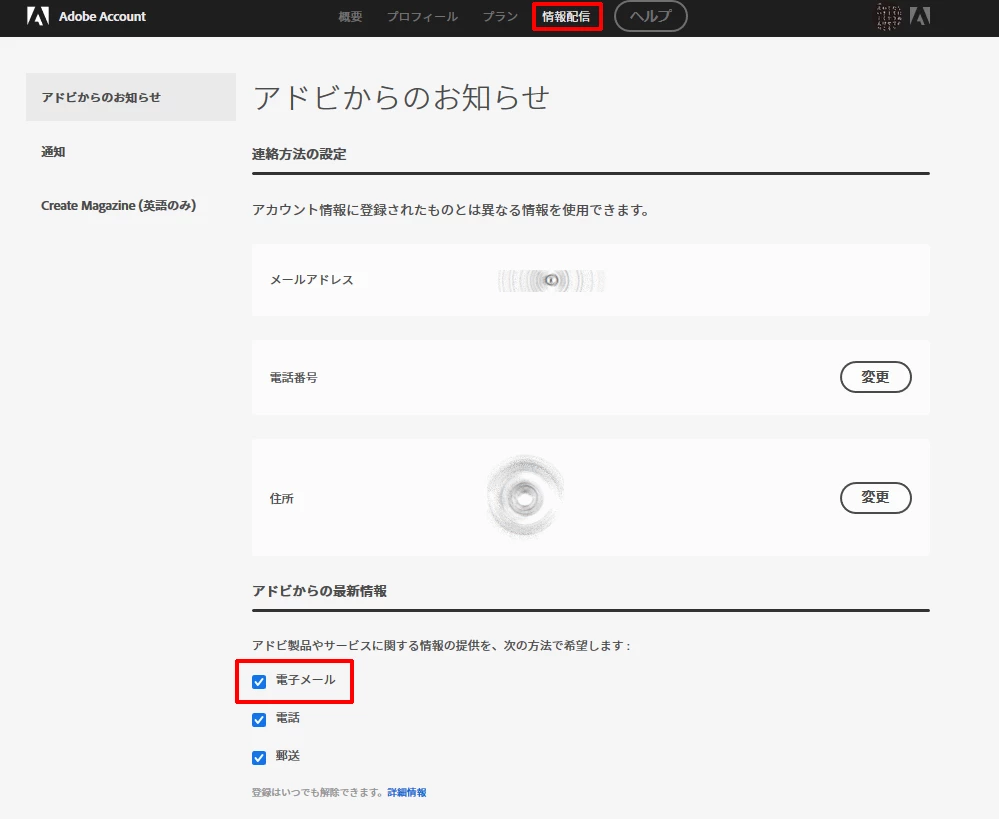
Isn't it the email (電子メール) setting in the information distribution (情報配信) of the account management?
(Because I am Japanese, the screenshots are in Japanese view)

2 replies

assause
Community Expert
assauseCommunity ExpertCorrect answer
Community Expert
January 30, 2020

Isn't it the email (電子メール) setting in the information distribution (情報配信) of the account management?
(Because I am Japanese, the screenshots are in Japanese view)

Participant
January 30, 2020

I've found it now.  I'm just really annoyed that I had to bother with all this in the first place and it has certainly put me off ever wanting to buy anything from Adobe.


Note to self: Do not install anything from Adobe on next computer!

John T Smith
Community Expert
Community Expert
January 30, 2020
Participant
January 30, 2020

I hovered over all the links in the email and I think I managed to click the one to stop their spams from coming.  I didn't intentionally install any cloud thing on my computer that I can recall.  From looking at the list of installed program through control panel it looks like I installed a flash player update recently probably because some site said I needed an updated version.  Dunno what creative cloud even is.

Just Shoot Me
Legend
January 30, 2020

IF You have a subscription to any of the plans Adobe now offers and you installed any of those program in the subscription plan you purchased then you have installed something dealiing with the Adobe Cloud interface. The CC desktop app that is needed to install the actual programs is linked to the cloud storage system and by Default starts up with your system. that can be changed in the Preferences for the CC DTA.


There is also another setting to Auto Update the apps you have installed. I suggest you turn that off also.


Then just every now and then Open the CC DTA and do whatever updates are listed.


Make those changes and Restart your computer.