
I need to make text changes across a row of images
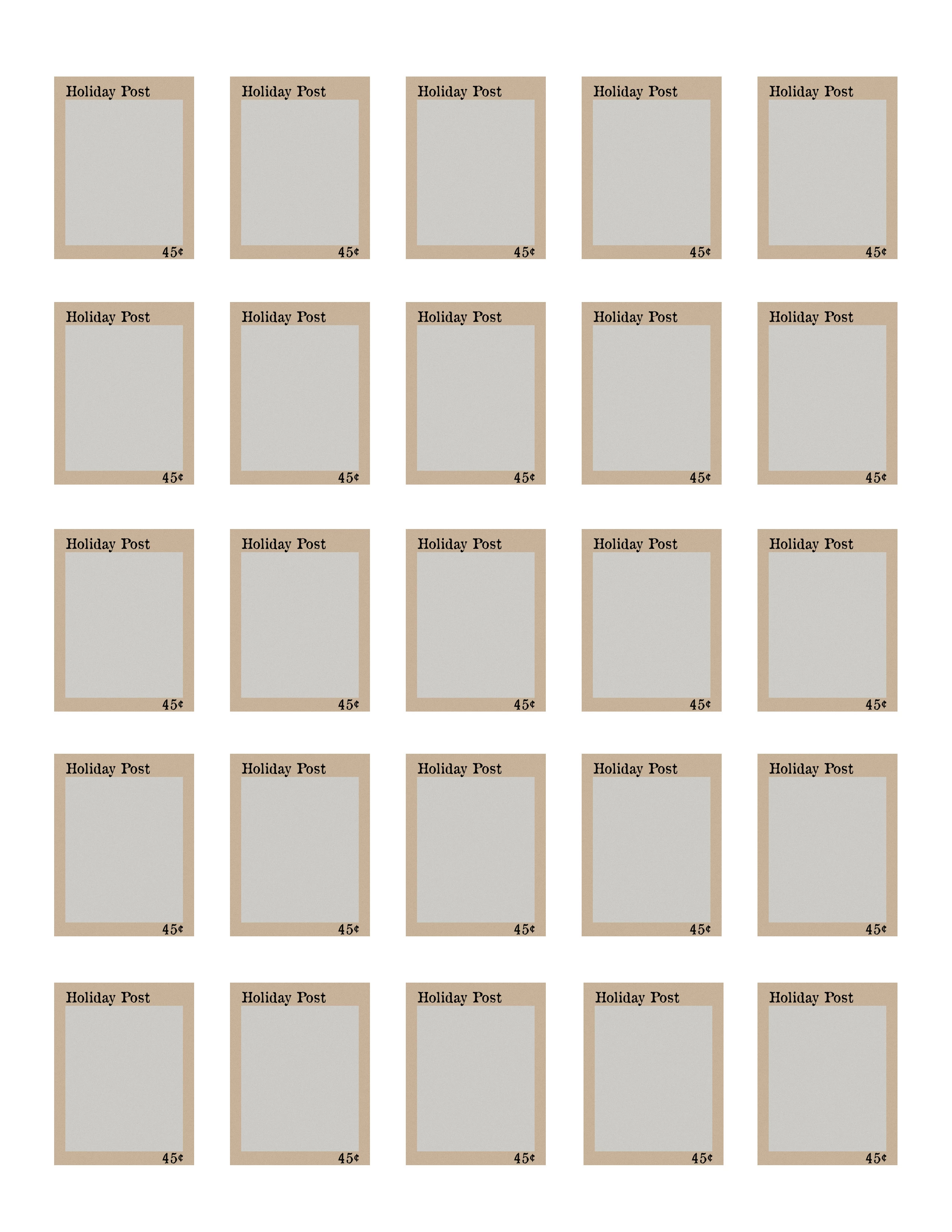
I am trying to create a sheet of faux postage (a/k/a postoids). Each row of stamps will feature a different image (which I am doing using Smart Objects). Currently there are two sets of text on each stamp; I’d like to make three eventually. The text will be the same across the entire sheet of stamps. It will change from time to time. In the attached example, it says Holiday Post, and 45 cents. I would like to be able to change that to, say, Autumn Post, and $1.
What is the simplest way I can set this up so that when I change the text on one stamp, it will change on all the stamps? I’ve been trying different ways and haven’t come up with anything that really works yet.
Open to suggestions!
I’ve just started to use Smart Objects (thought I should mention that). Thank you!


 AdChoices