

Ramón G Castañeda
Inspiring
April 6, 2009
Question

I've finished cleaning the new forum view to where I can live with it

  • April 6, 2009
  • 1 reply
  • 2526 views

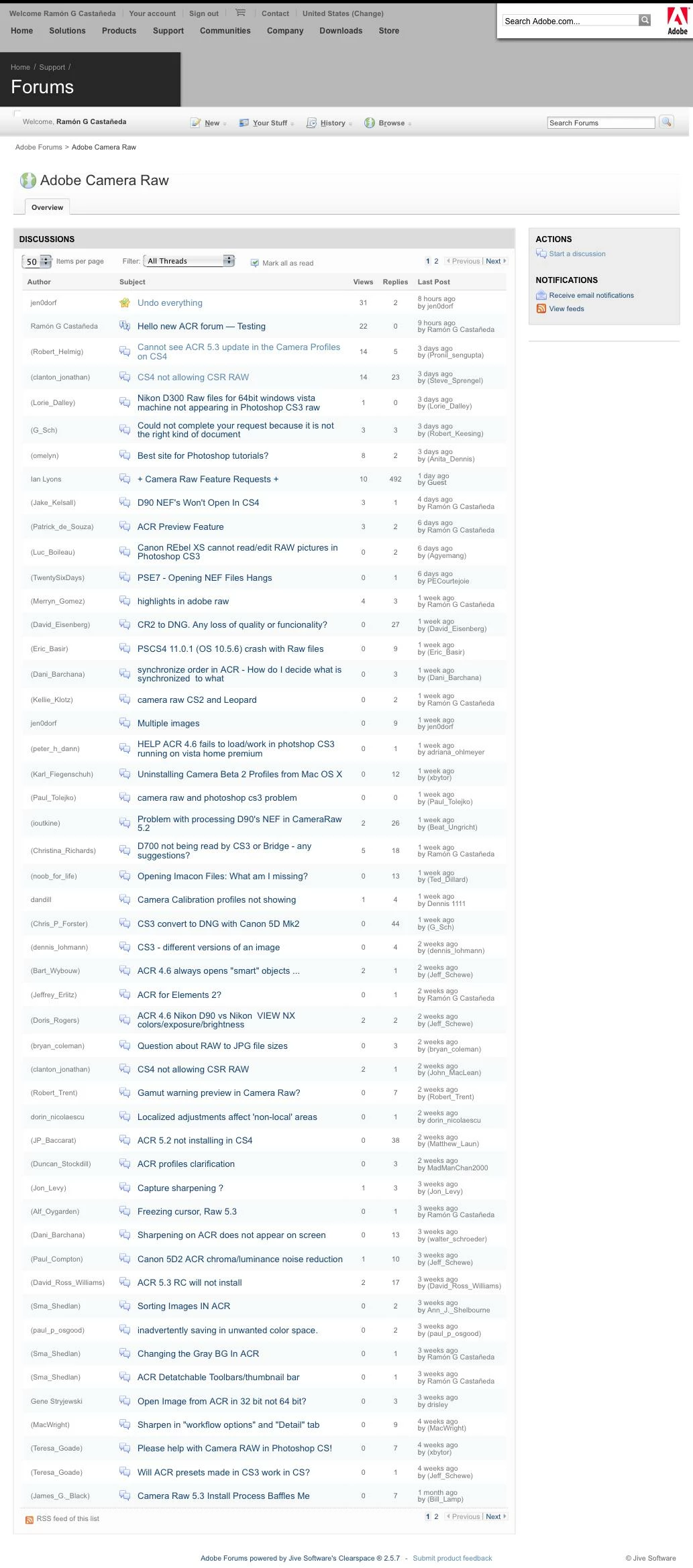
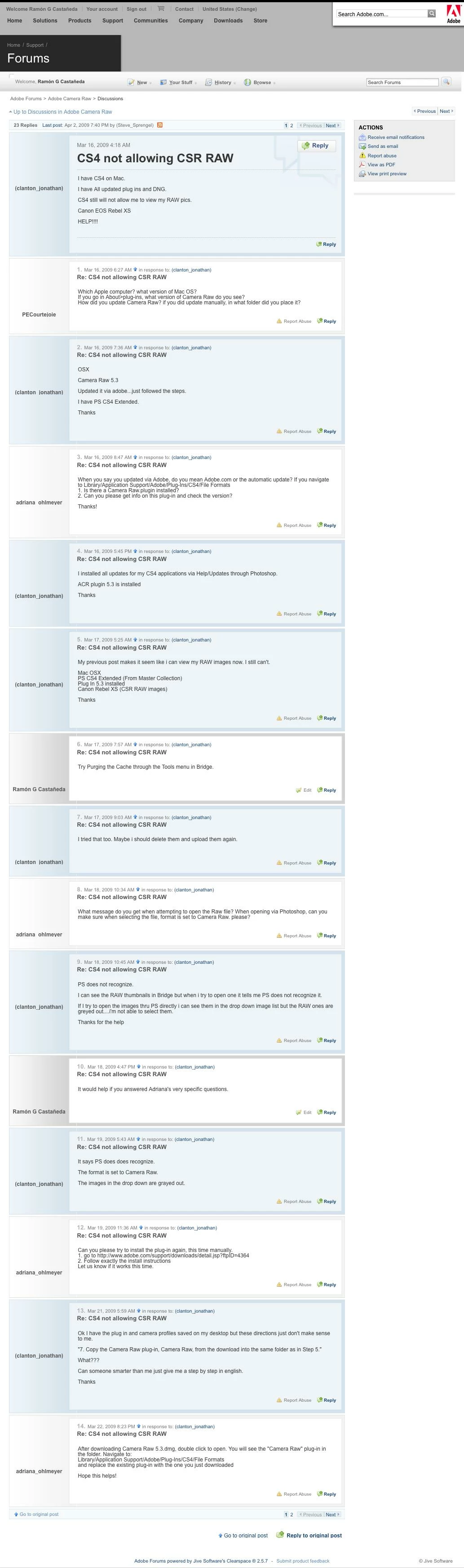
Hallelujah!  I've finished cleaning the new forum view to where I can live with it:

No more avatars, no more "Popular Discussions" box, no more "Top Participants", no more "More Like This" nonsense, no more "Answer Bar", no more black footer at the end of every fluffykittening page, no more ridiculous LED meter bars suggesting Levels of participation, no more number of posts, no more "Date since…", no labels, no badges.

ACR Forum thread index
Sample thread:
My thanks to Eric, Mark, Zeno, Curt and all who contributed to the fixes in various threads.

    This topic has been closed for replies.

    1 reply

    Phos_four_dots
    Inspiring
    April 6, 2009

    You—or someone—would be doing the rank and file a great service by gathering a methodical list of step-by-step instructions for this.

    I saw some of them before in the WebX F.C.& A. thread, but didn't bother with anything until I logged in to these forums for the first time this evening.

    I tried adding the "forums.adobe.com.##*#jive-answer-bar > DIV" business (with and without the spaces) as a user-filter in AdBlock plus, but it didn't seem to work. I'll mess around with that later.

    I suppose I could suss it all out on my own, but I'm not sure everyone who might want to do the same would be able.

    I still wish we could view thread widths as they appear on the "Print Preview" pages.

    Ramón G Castañeda
    Inspiring
    April 6, 2009

    Phos±four dots wrote:

    I tried adding the "forums.adobe.com.##*#jive-answer-bar > DIV" business (with and without the spaces) as a user-filter in AdBlock plus, but it didn't seem to work. I'll mess around with that later.

    Phos±,

    I did it just by hitting Command+K, which brings up the yellow "Preferences" pop-up for AdBlock.  When that's active, just move your cursor over the offending Answer Bar on the page till the answer bar tag shows up, then press S to bring up the save dialog box,  Save and you're done.

    That's how I nuked (hid) every single offensive element of each page.  I didn't touch code at all, as I wouldn't know what to do with it.