
JJMack
Community Expert
Community Expert
November 3, 2019
Question

Image Posting

  • November 3, 2019
  • 2 replies
  • 642 views

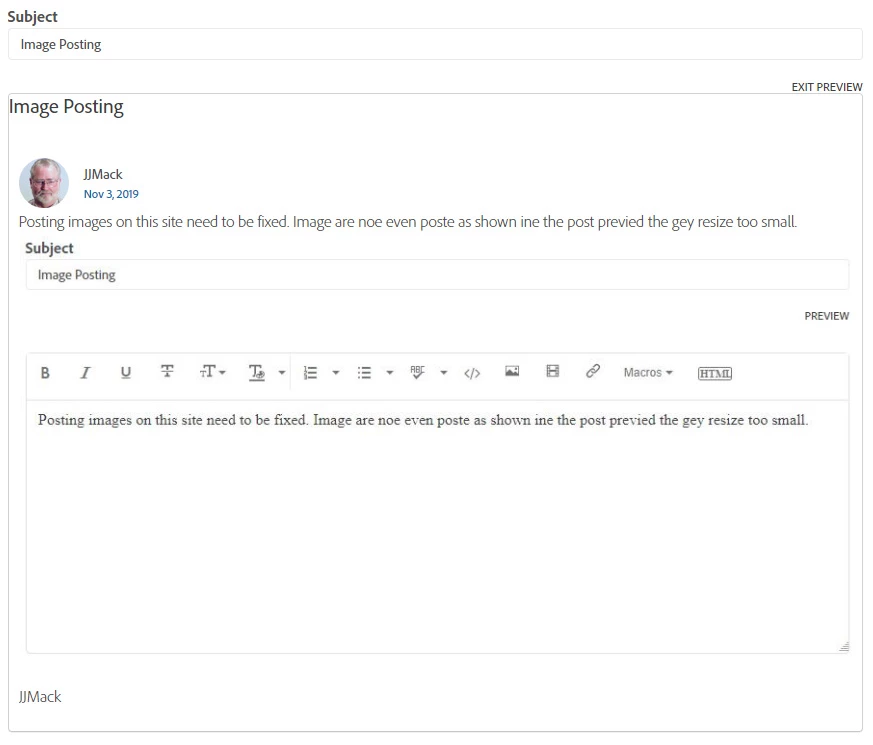
Posting images on this site need to be fixed. Image are noe even poste as shown ine the post previed the gey resize too small.

This topic has been closed for replies.

2 replies

Just Shoot Me
Legend
November 4, 2019

Also if you click on the image it opens in some type viewer. you can then Right click on it and select Open in New Tab. Once opened in a new tab you can Zoom In using the browser zoom feature.

JJMack
Community Expert
JJMackCommunity ExpertAuthor
Community Expert
November 4, 2019

The image are Jpeg image I save using Photoshop  for Screen capture can no longer be pasted into the forum editor. In the past you could  paste to post screen captures and use the large image option for the image being posted. That no longer possible site changes stopped supporting paste.  When I post the jpeg images I saved in Photoshop of my screen captures  I do indeed  use  insert Photos  large image icon option and the left justify icon and even use image bounds handles to expand the image to the width of the editors windows that I have extended the height of. At one time this would work well. Site changes have change that for it now all the image I  post are resized too small by the site software to be readable.  Clicking on the posted image open a window with the image the same size as it is in the forum  realized to small to be readable. Thate windows full screen mode displays the same small resized image. This site seems to work one step forward two steps Backwards. Navigation, Sorting, formats, search, help all have problems.  We were promised a good new forum experience. However all I read here are complaints about this changed site problems.  And itspergormance is very slow at time when one uses it spell checker the also  has problems withe some words.

JJMack
Tacafy大尉
Legend
November 4, 2019

JJMack, Hello.
Certainly you can no longer paste images directly from the forum editor,
If you open the image insertion screen, you can paste it there.

I use Photoshop to edit the screen shot, and finally copy it to the clipboard and paste it into the image insertion screen in forum.
(The size problem will remain just as Just Shoot Me says. I can only expect a forum update.)


https://community.adobe.com/t5/Community-Help/Cannot-paste-image-from-clipboard-into-a-thread-now-days-Is-this/m-p/10702662#M56552


Just Shoot Me
Legend
November 4, 2019

are you selecting Large as the Size of the image.