
Problems with tablet in Photoshop Elements 10
I installed photoshop elements 10 from my wacom eu account after I got a Bamboo Fun Pen & Touch, as this was a part of the purchase. The installation went painfree, and I have no issues using photoshop with my computer mouse or touchpad.
However, when I connect my tablet, start photoshop elements and press down my pen to draw, what i do with my tablet dosen't synchronise on the screen and lags. Sometimes it dosen't draw at all. Photoshop also reacts as if i right clicked when I lift the pen in both cases. How do I solve this?
I have the latest driver, I just installed everything a couple of days ago, I use windows 7.
PS: I had a very similar problem after first installing ArtRage3, but I solved this problem by disabling Winpad in the preferences. I don't know if this is relevant, just as a note.
normal
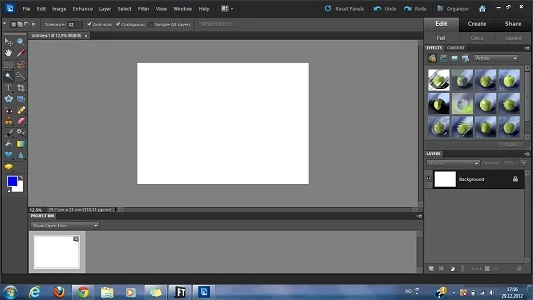
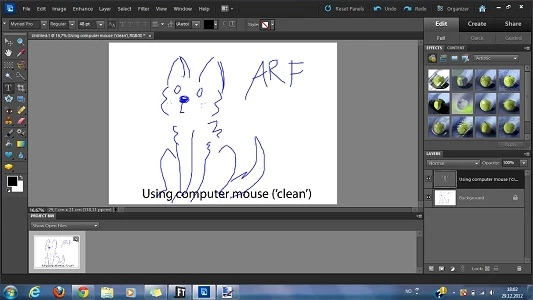
when using mouse, creates clean lines, works completely fine
when using my tablet, photoshop decided it didn't want to draw today after all


 AdChoices