

johnrellis
Legend
Oct 30, 2019 5:24 PM UTC
Answered

"Reply to this message" in emails doesn't work

[This post contains embedded images that don't appear in email. View the post in your Web browser to see the images.]


The new "Reply to this message" button at the bottom of email notifications doesn't work -- clicking on it does nothing. Tested with:


- Outlook Version 1909 / Windows 10

- Office.com > Outlook on Chrome Version 77.0.3865.120 / Mac OS 10.14.6.


Also, the formatting with Office.com is mangled.


The formatting in Outlook looks like:
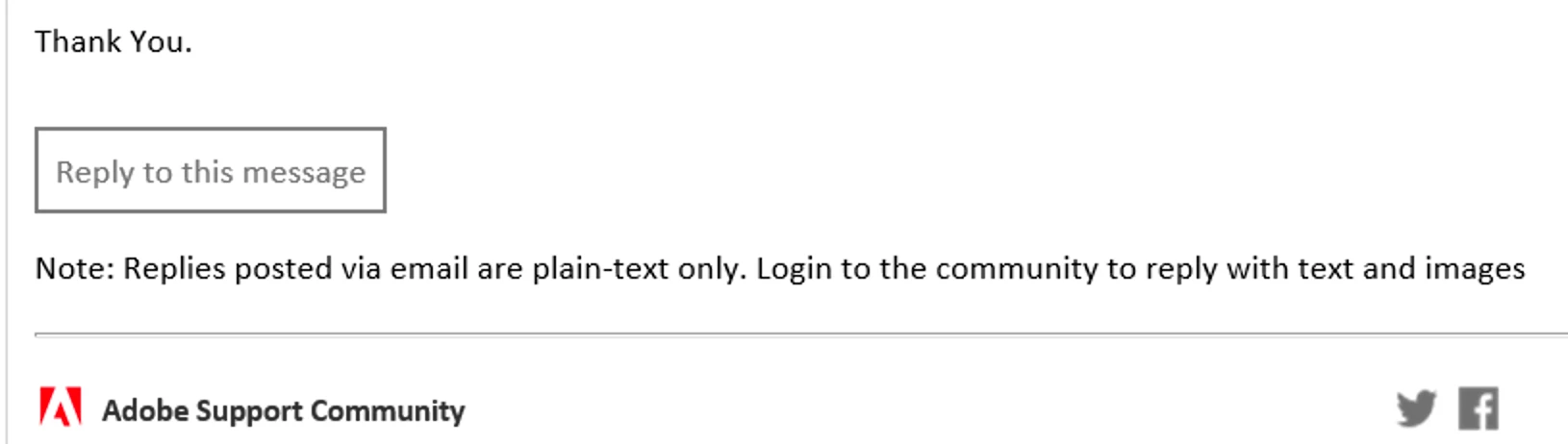
 

The formatting in Office.com / Chrome looks like:
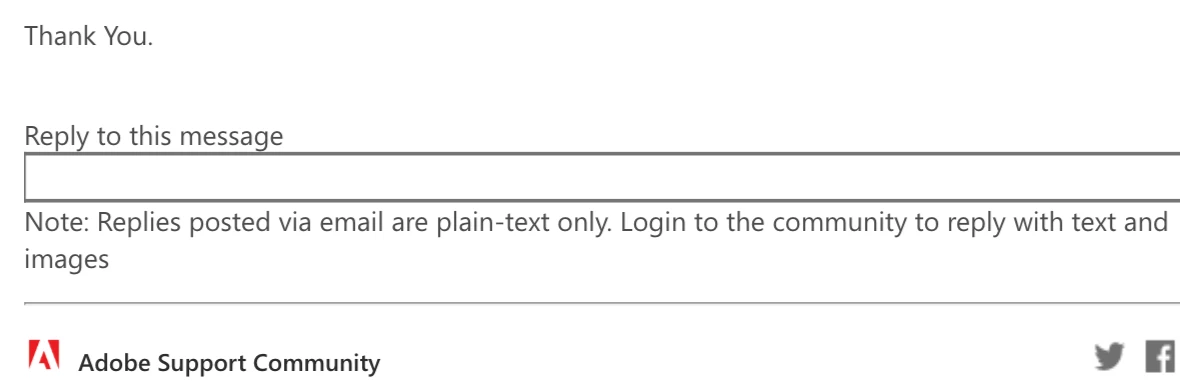
[Use the reply button under the first post to ensure replies sort properly.]

This topic is closed to new replies. Start a new post to keep the conversation going.
nicholasi33592111
nicholasi33592111Correct answer
Adobe Employee
Oct 30, 2019 6:08 PM UTC

Hi John,

Thanks for finding this bug within the email template. Our team is investigating this issue currently so expect a fix. 


Nicholas Ivanecky

Product Manager, Adobe Support Community


2 replies

nicholasi33592111
Adobe Employee
Adobe Employee
Nov 25, 2019 11:06 PM UTC

Hi John, 

Replies via email is working again. 🙂 

Translate
nicholasi33592111
Adobe Employee
nicholasi33592111Correct answer
Adobe Employee
Oct 30, 2019 6:08 PM UTC

Hi John,

Thanks for finding this bug within the email template. Our team is investigating this issue currently so expect a fix. 


Nicholas Ivanecky

Product Manager, Adobe Support Community


Translate