

InDesign EPUB Effective PPI Adjustment Issue
Hi, I have this InDesign issue really bothers me. I don’t know what I did wrong. Appreciate it if you can help me. Thank you so much in advance!
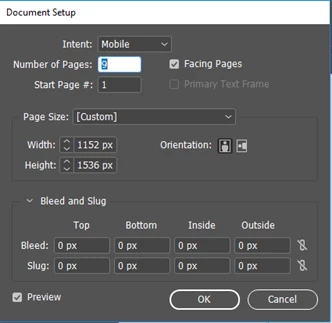
I created mobile documents in InDesign with height in 1536 px and width in 1152 px as shown below.
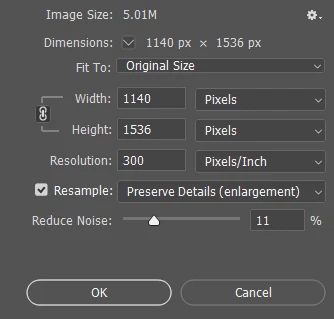
I also created JPEG images in Photoshop with the same height (height in 1536 px and width in 1140 px) as below window shown.
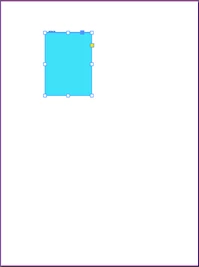
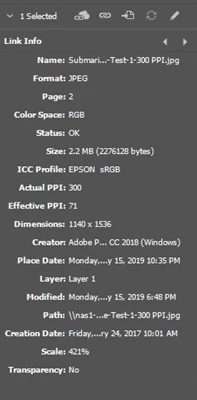
I thought since I created the same height for the JPEG image and the InDesign document, the image should cover the document (at least the height) exactly. However, as you can see below on the left, the image in blue is way smaller when I insert it into the InDesign file. I have to scale up the image to cover the document page so my effective PPI drops dramatically. Below Link Info (on the right) is the image info after I stretch it to cover the document page. The PPI is reduced from 300 to 71. I would like to know what I did wrong that the image size is so different from the document size. I want them to be the same size, so the image PPI can remain the same. This document is for a digital book in EPUB format. Thank you so much!
 AdChoices