
Panorama Photomerge Blank Space After Stitching
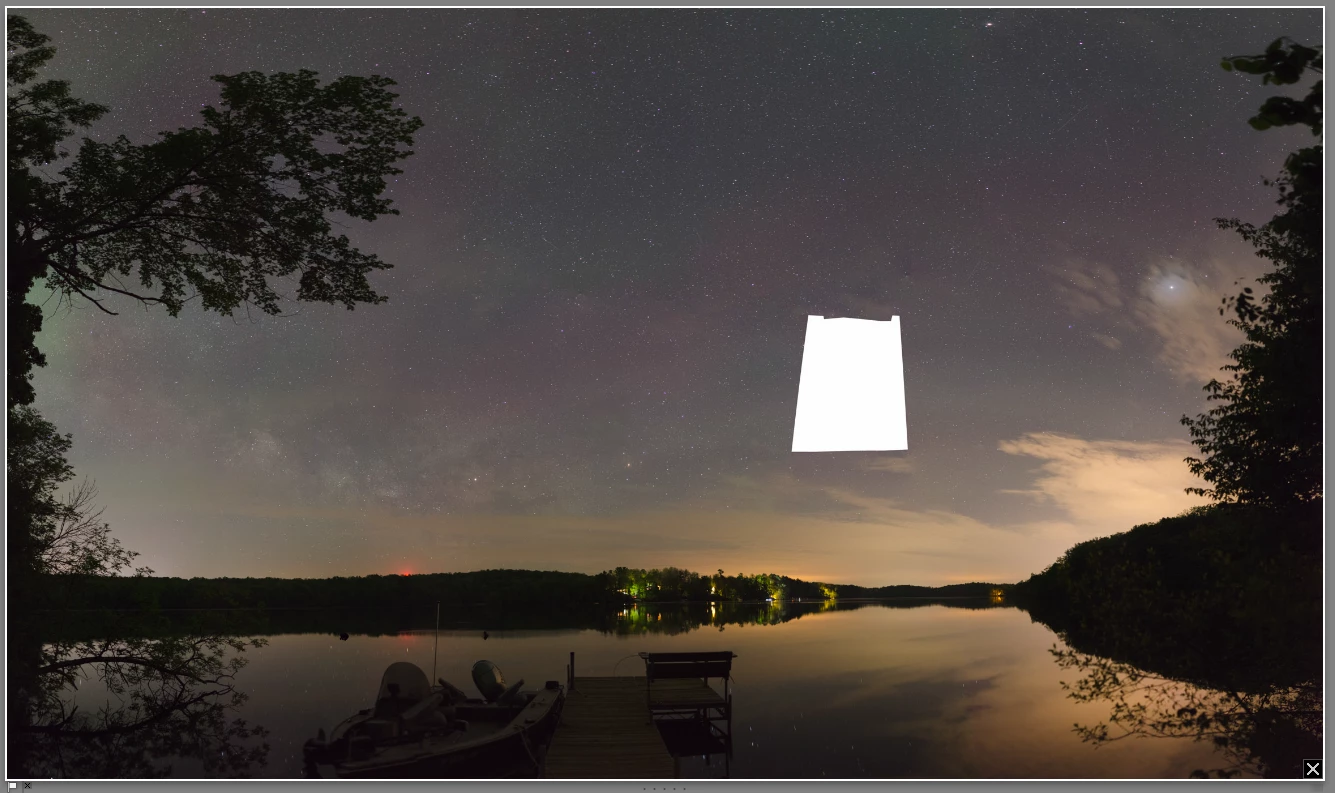
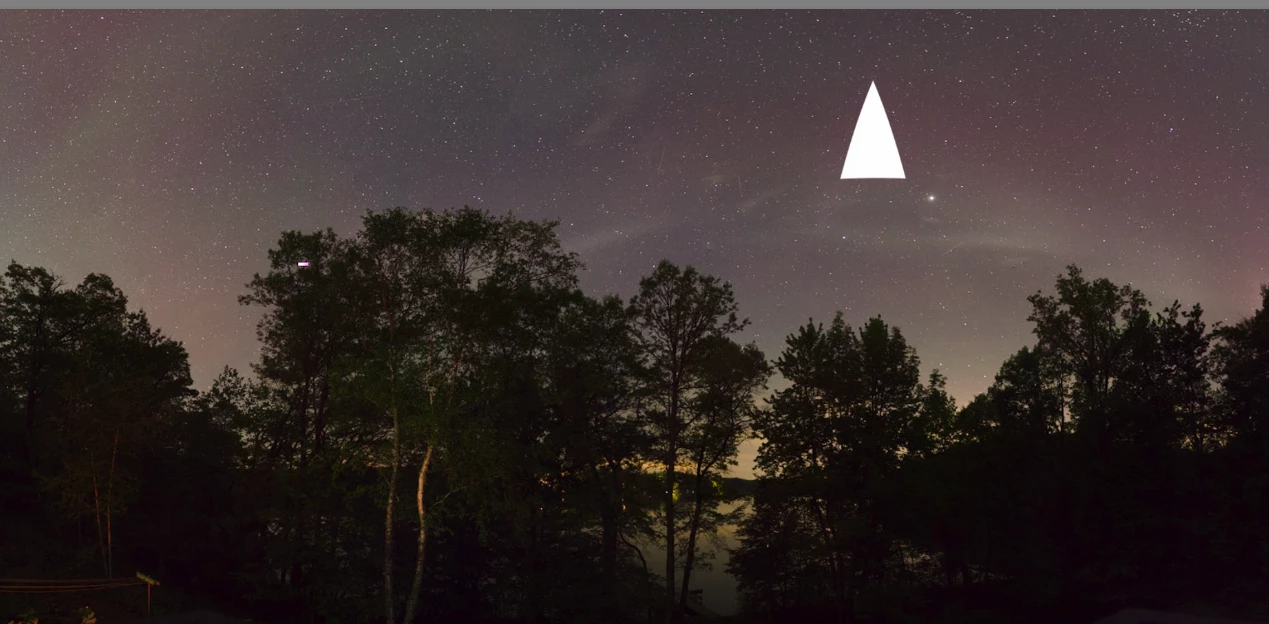
Not sure what to make of this, but I have a couple of panoramas that have come out of the photomerge with a big empty space in them. I definitely have a photo that can be used to fill in the space in both of these occasions, but Lightroom doesn't seem to like them for some reason. I've tried a few ways of working around it without success:
1. Photomerge the already merged panorama with the "missing" photo. I get an error that it's not able to process the image.
2. These photos are taken in overlapping sets, 3 or 4 rows worth. So I've tried merging each row. Either the row gets cut off before reaching the "missing" picture, or when I try to merge the rows, it just comes out with an empty space again.
In both occassions I've had some success in manually adding the missing photo in Photoshop. I've also tried merging them using Photoshop, but for some reason Photoshop just errors out (too many pictures I guess?).
I do know that Lightroom has around a 64k or 65k pixel limit of some sort. In the past when I've run into that, the photomerge tool just doesn't merge anything though.
 AdChoices