

Exit
  • Global community
    • Language:
      • Deutsch
      • English
      • Español
      • Français
      • Português
  • 日本語コミュニティ
  • 한국 커뮤니티
0

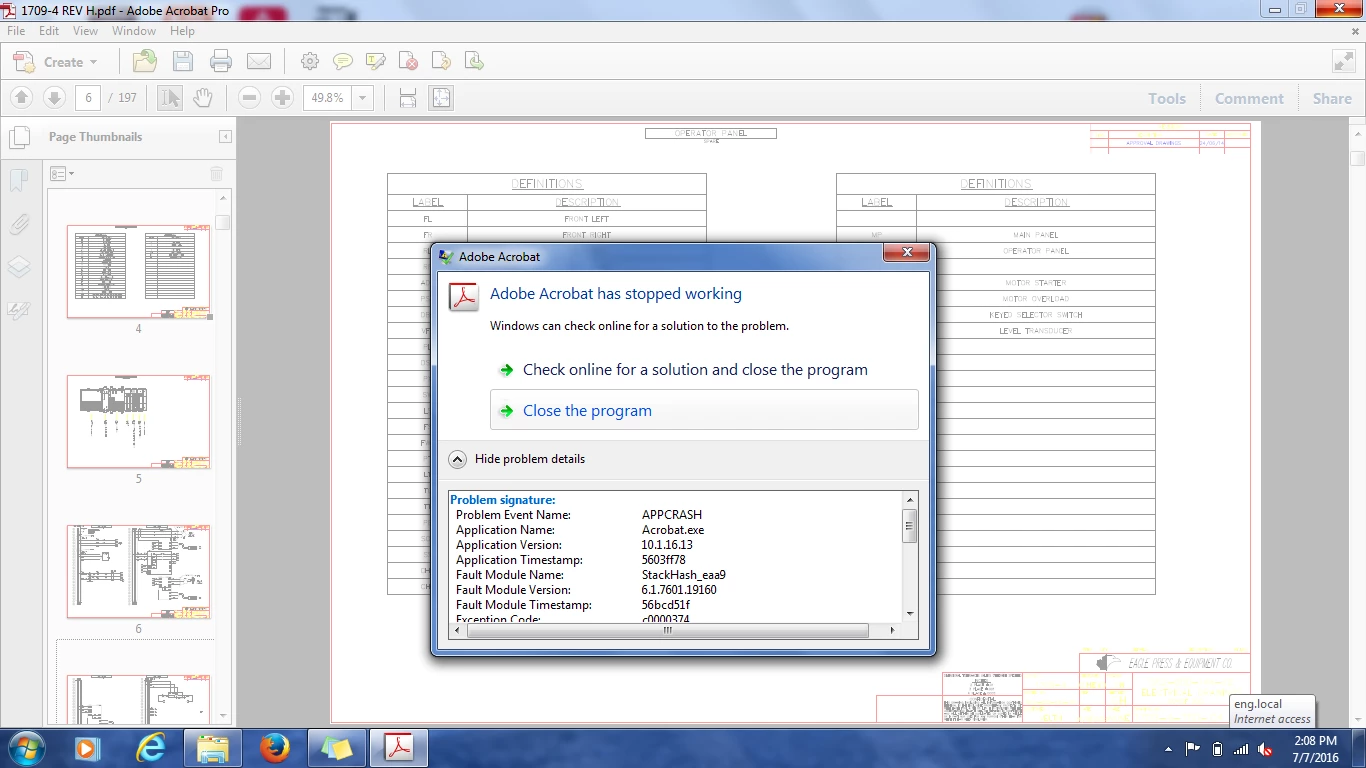
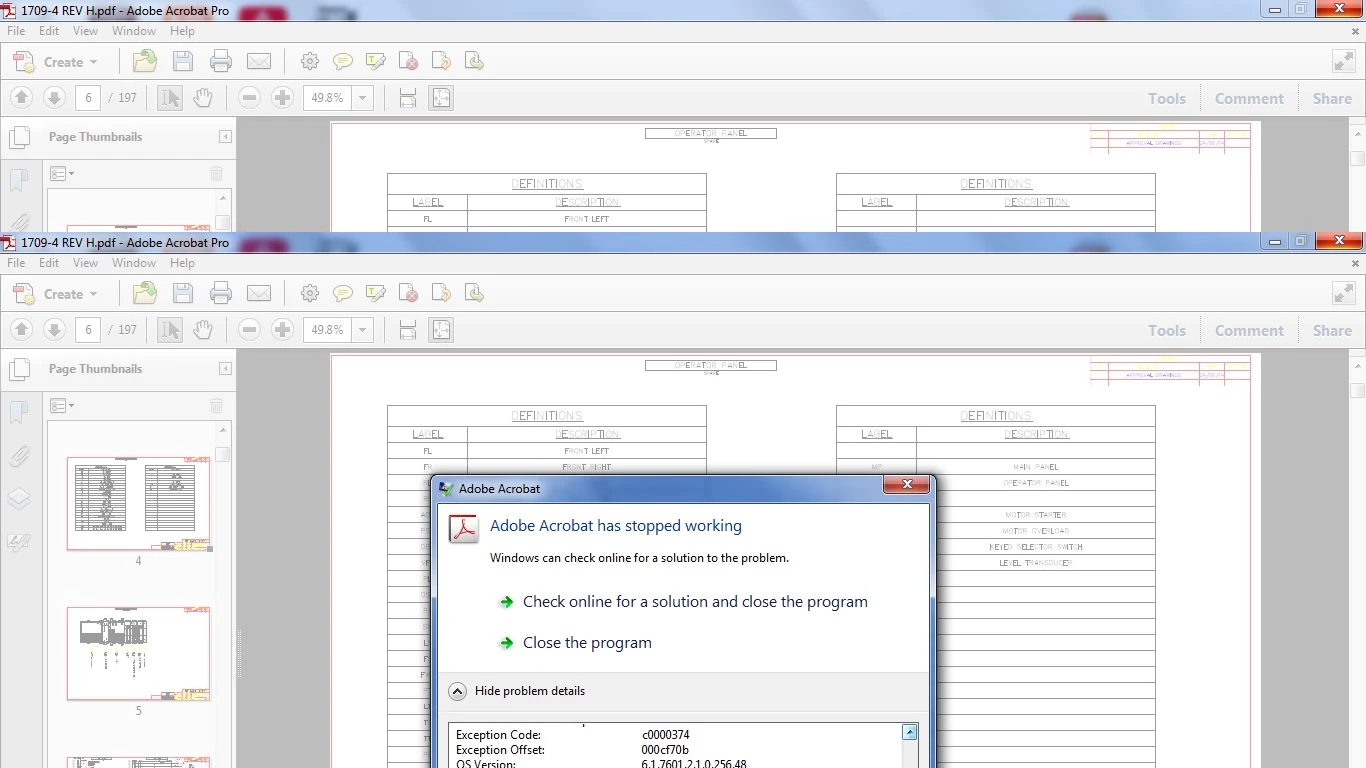
Adobe Acrobat Pro X keeps crashing when I am deleting spare pages from my document? I have to get this fixed to hit my deadline.. help
New Here ,
Jul 09, 2016 Jul 09, 2016

adobe crash.pngadobe crash 1.jpg

TOPICS
Acrobat SDK and JavaScript
3.1K
Translate
Report
Community guidelines
Be kind and respectful, give credit to the original source of content, and search for duplicates before posting. Learn more
community guidelines
Community Expert ,
Jul 09, 2016 Jul 09, 2016

Try deleting the pages via the Tools - Pages - Delete dialog, instead of using the Pages panel.

Also, make sure you update your version of Acrobat to the latest available.

Translate
Report
Community guidelines
Be kind and respectful, give credit to the original source of content, and search for duplicates before posting. Learn more
community guidelines
New Here ,
Jul 11, 2016 Jul 11, 2016

Tried that and it also crashes.

I am up to date on the software.

Thank you

Translate
Report
Community guidelines
Be kind and respectful, give credit to the original source of content, and search for duplicates before posting. Learn more
community guidelines
New Here ,
Jul 11, 2016 Jul 11, 2016
LATEST

It also does it with all PDF's so its not corrupt. I can edit on a different workstation via dropbox or server so it is the exact same file and it works on that workstation.

Thanks

Translate
Report
Community guidelines
Be kind and respectful, give credit to the original source of content, and search for duplicates before posting. Learn more
community guidelines
Community Expert ,
Jul 09, 2016 Jul 09, 2016

This behavior could point to a corrupt PDF file - even tough Acrobat should never crash, regardless of what bad PDF files you throw at it. Try the following: Select File>Save As and then save the file with a new filename. Does that throw an error? If so, you are dealing with a corrupt PDF file. If not, try to delete the pages from that newly saved PDF file (a "Save As" will recreate the internal PDF structure, and if is possible that you can delete pages from that - now cleaner - file.

Translate
Report
Community guidelines
Be kind and respectful, give credit to the original source of content, and search for duplicates before posting. Learn more
community guidelines
