

Question
FAQ: How to find the exact version of After Effects you're using
To find out the exact version of After Effects that you're using, follow these steps:
Mac:
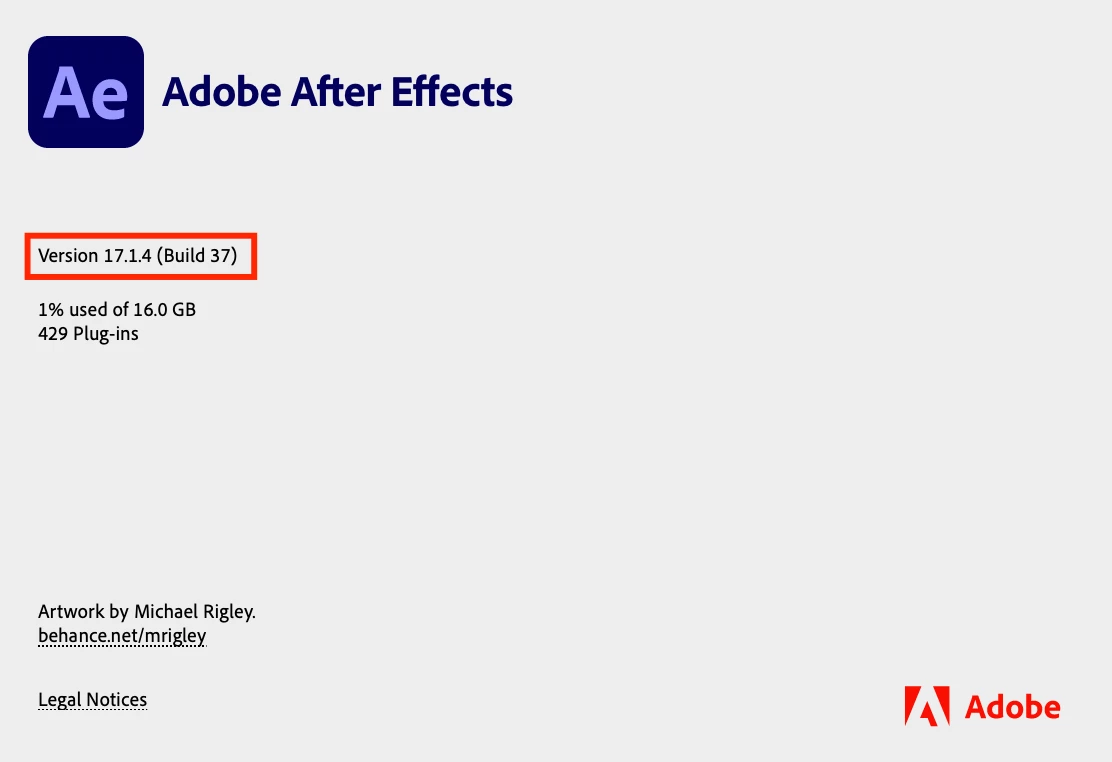
When After Effects is open, click on After Effects in the menu bar at the top left and select About After Effects. In the pop-up window, you'll see the After Effects version number and the build number. A reference image is attached below.
Windows:
When in After Effects, click on the Help menu at the top and select About After Effects. You'll see a pop-up window that lists the After Effects version number and build number which looks like this:


 AdChoices