Participant
November 22, 2018
Question

Issue while using puppet tool

  • November 22, 2018
  • 9 replies
  • 4698 views

Hi

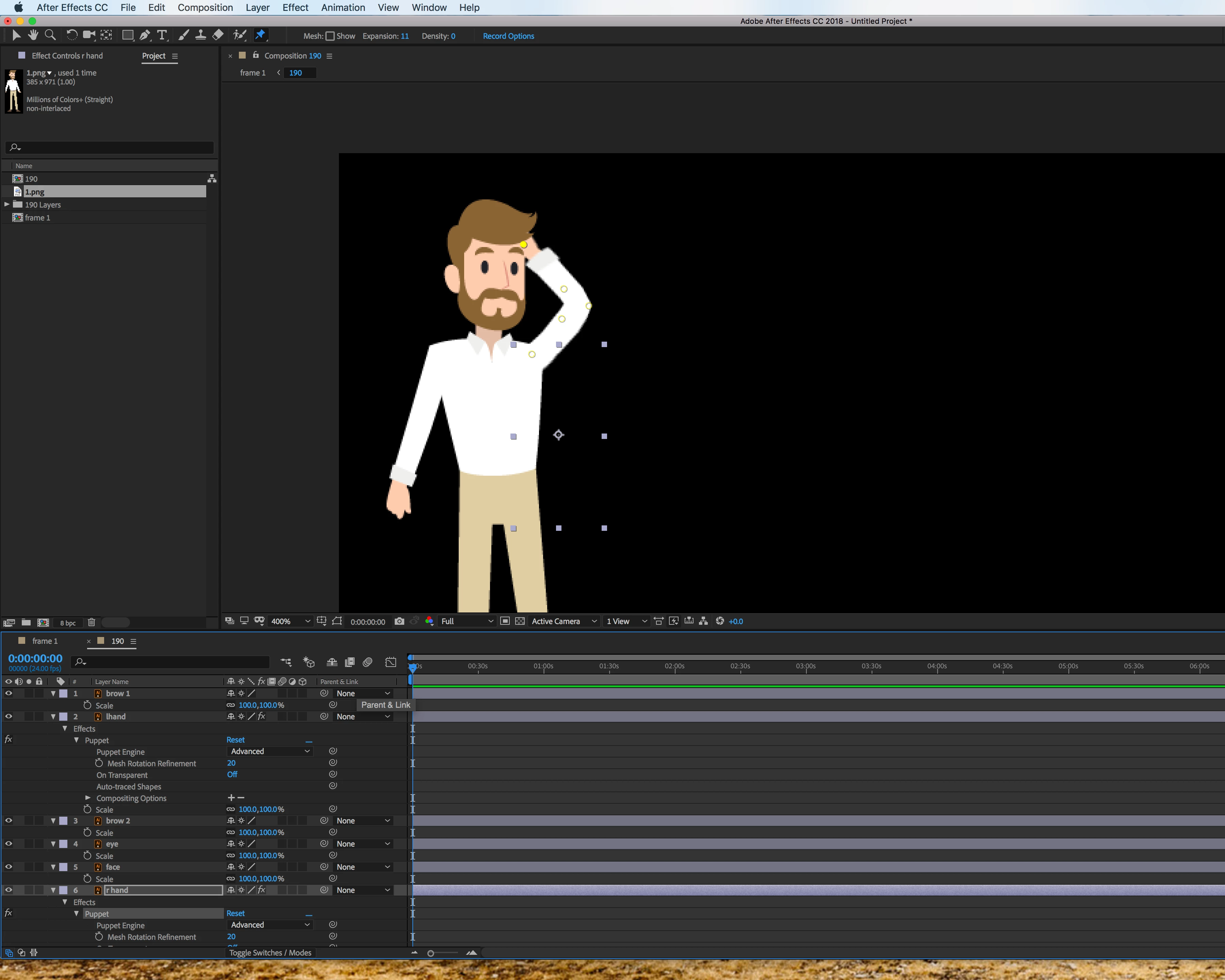
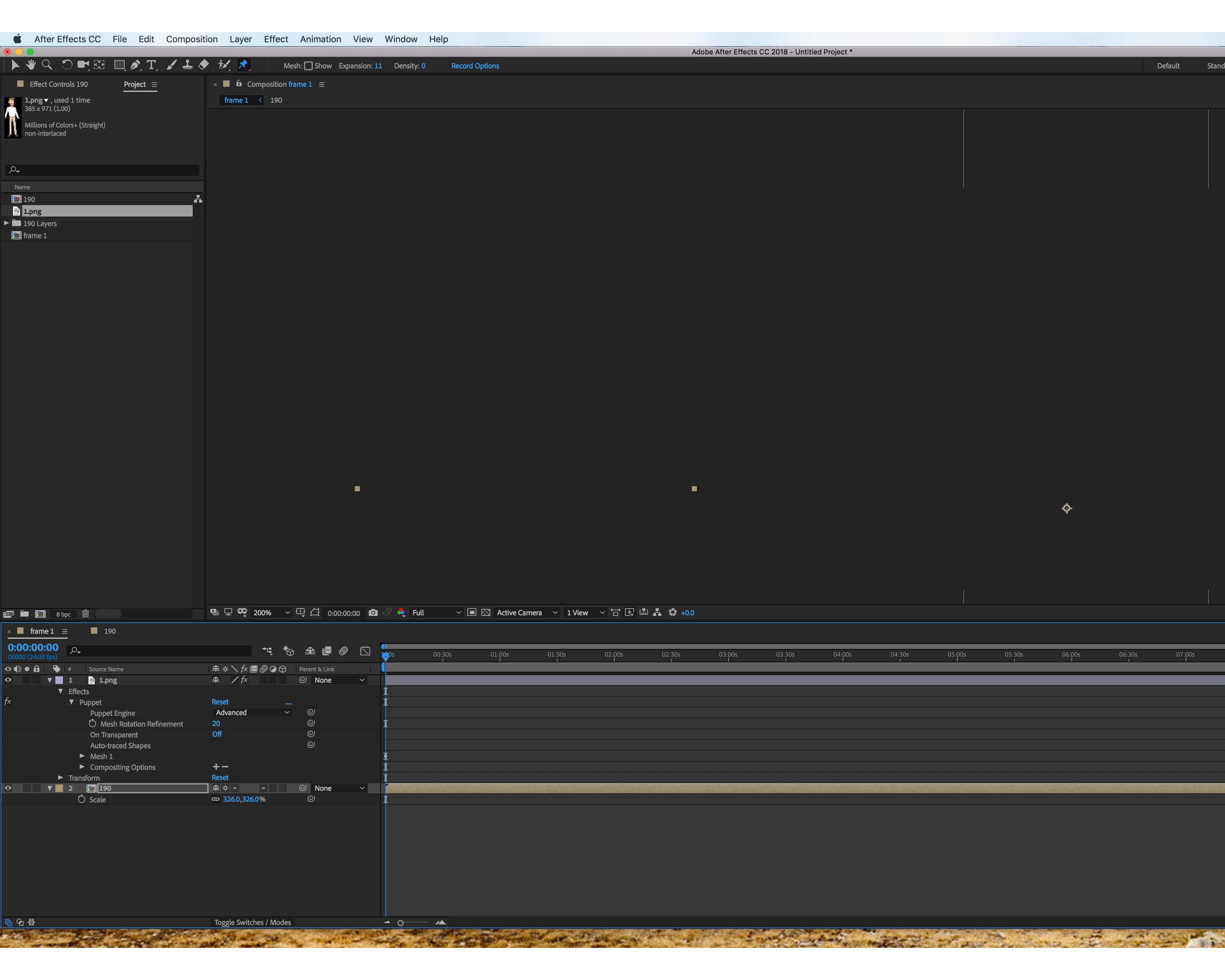
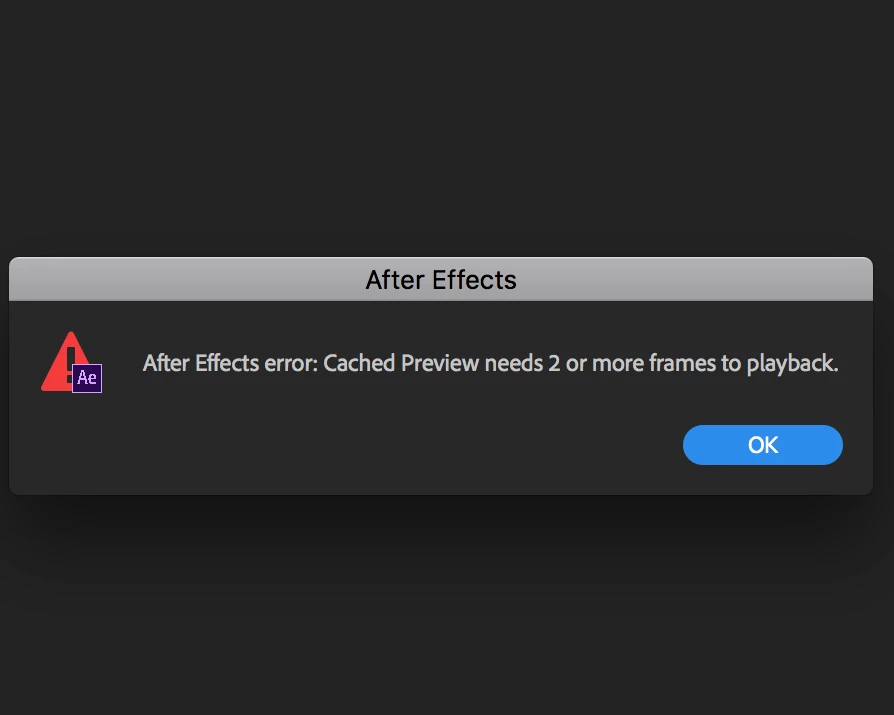
Am facing issue while using puppet pin tool in after effects CC 2018 . I have imported aa working file from illustrator while importing the image remains the same but when i work in that particular file layer in after effects using Puppet Pin tool am facing issue in the original composition file and not able to get the same action which i have worked in the layer file and also am getting after effects error " After effects error:cached preview need 2 or more frames to playback" while playing the video .

Please find the attachment for your reference
This topic has been closed for replies.

9 replies

rayh40656475
Participant
January 28, 2022

Change the puppet engine from "advanced" to "legacy", then schange it back to "advanced". For some reason, this fixes it for me.

Participant
August 2, 2022

Tried all the other suggestions - was ready to tear out my hair and this worked!

'Off and on again' I should have known...

Participant
January 21, 2022

Disable your FX on the puppet tool, change the comp frame rate to what you want, and then enable your puppet tool FX again. It has worked for me!


Participant
January 14, 2020

The same thing happen to me. The solution that worked for me if you switch off the Continuous Rasterize and change the expansion of the mesh to different number...it worked 🙂

Rameez_Khan
Legend
March 20, 2019

Hi TRN_Designers,

Can you try the suggestion given by diaasalem?

Let us know if that helps.

Best,

Rameez

diaasalem
Participant
March 7, 2019

I had the same problem, I found that changing the frame rate after creating the puppet mesh is the reason.

When I set the frame rate back to the same when I used the puppet tool everything worked properly

Community Expert
November 23, 2018
OussK
Community Expert
Community Expert
November 23, 2018

Can you give us your PC spec, i think you have a memory limit.

Participant
November 23, 2018

Participant
November 23, 2018

Thanks, i have tried  it but am getting this same error when i enable Rasterize switch. If i disable this option the animation is working fine but am losing the quality of the animation.

Is there any alternate way to increase the quality without enabling this?

OussK
Community Expert
Community Expert
November 22, 2018

Try to purge your RAM and disk cash, go to edit/purge..