


Question
Windows silent installations of air applications
I use Adobe Air 21 installed with the following command line
".\Files\AdobeAirInstaller\AdobeAIRInstaller.exe" -silent -eulaAccepted
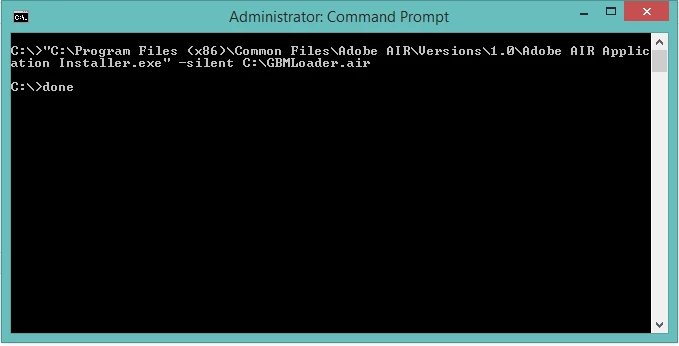
I install GBMLoader.air application with the following command line.
"C:\Program Files (x86)\Common Files\Adobe AIR\Versions\1.0\Adobe AIR Application Installer.exe" -silent "C:\GBMLoader.air"
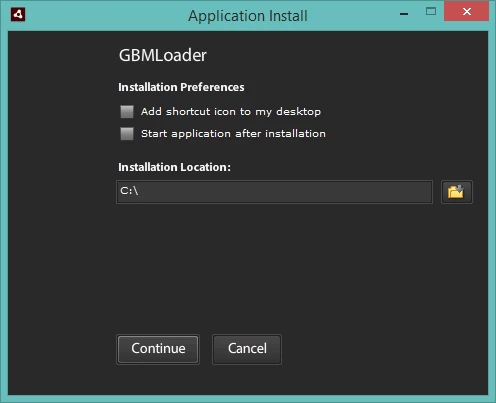
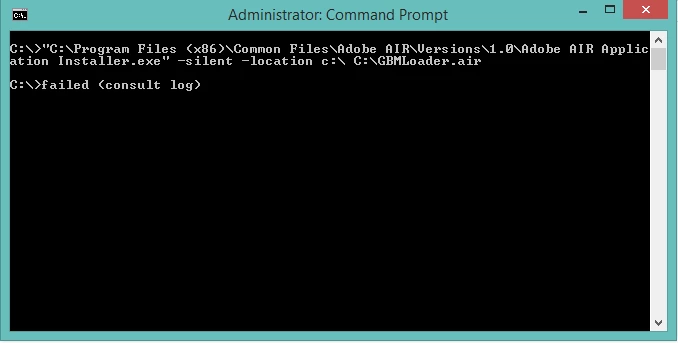
This works fine except the default installation location of the AIR application is wrong. The application should point to the C root. I tried the "location" switch but I get "too many arguments" or failed as feedback.
"C:\Program Files (x86)\Common Files\Adobe AIR\Versions\1.0\Adobe AIR Application Installer.exe" -silent -location "C:\" "C:\GBMLoader.air"
Anyone any idea what the correct switches are?
 AdChoices