



AI format files showing transparency grid in Bridge preview
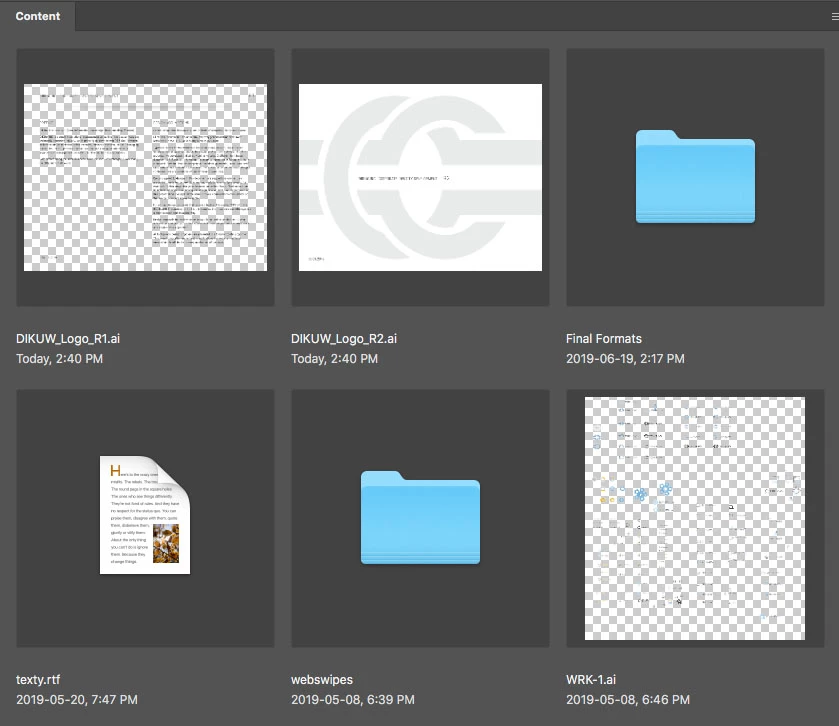
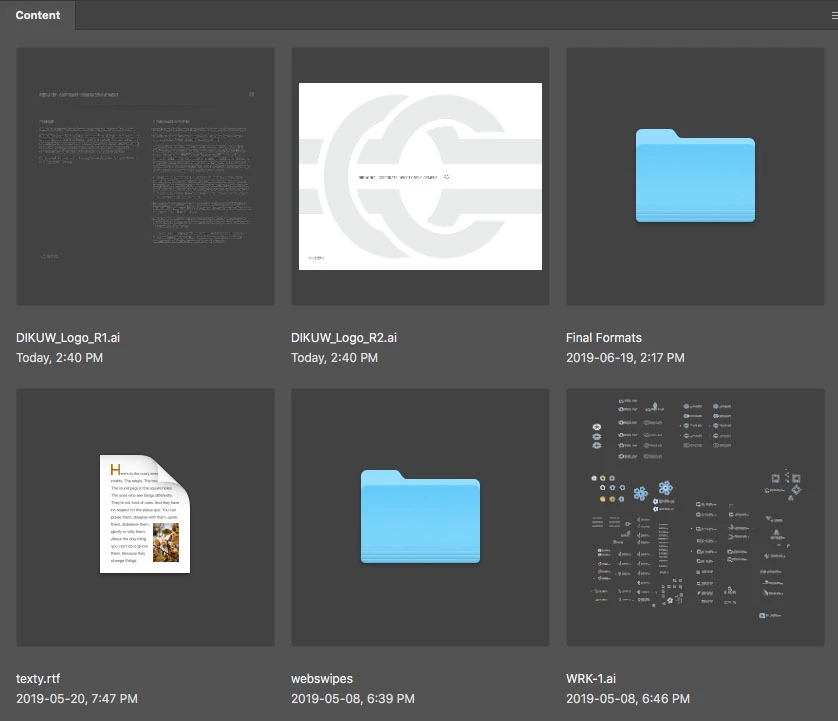
So, with the latest update of Adobe Bridge, AI format files are now showing transparency grid in Bridge preview and thumbnails, instead of standard white background (the way it's been, like forever). Unchecking "Show Transparency Grid" in the the thumbnail preview options drop-down actually makes it worse... rendering the artboard background as dark grey instead (screenshots attached).
The worst part about this is that the transparency grid seems to be generated completely at random, as you can see in the screenshot (DIKUW_Logo_R1 vs DIKUW_Logo_R2), where one shows transparent background and the other artboard-white. There's no difference in the setup of these two files, as far as I can see... they're both presentation files for a 2 rounds of a logo design. R2 was in fact generated from R1 (resaved with a different name and updated content).
I find this new development extremely annoying... can anyone shed some light on what's happening here and/or how I can remedy this?
Thank you.
 AdChoices