
Anderzon_1979
Participant
October 31, 2019
Question

Graphic problem, bridge cc (latest version)

  • October 31, 2019
  • 5 replies
  • 550 views

Hi,

Since i updated to osx catalina on my macbook pro 2015 i got a strange problem, in bridge when i hit space to preview a choosen picture i got a scrambled picture. I do not have the same issue on my mac mini which is the latest one.

The latest update of catalina 10.15.1 didn't help. Bridge is updated. Anybody else here who got this problem?

Kind regards, Martin
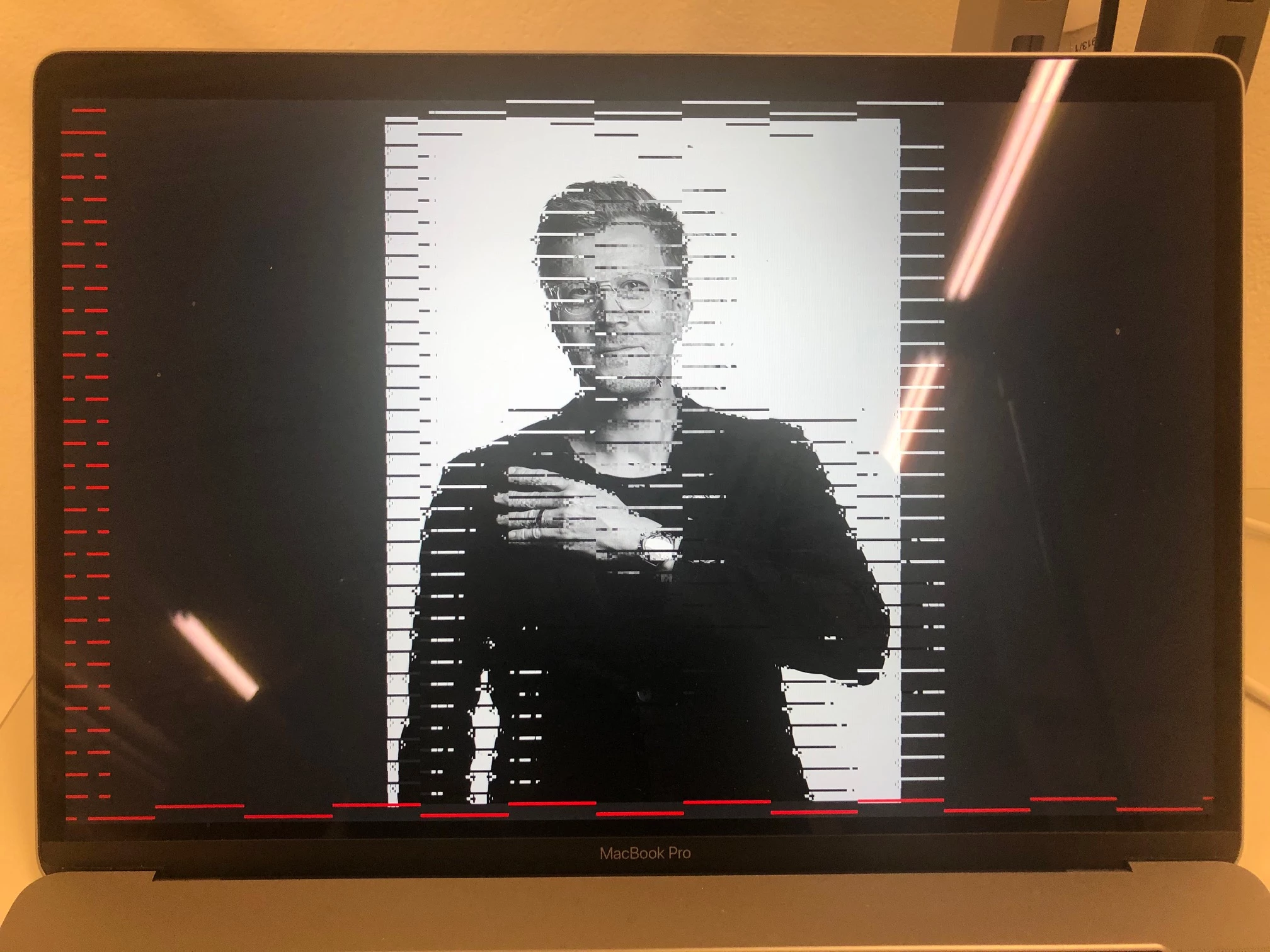
This topic has been closed for replies.

5 replies

gary_sc
Community Expert
Community Expert
July 10, 2021

I had forgotten the answer to this and it snapped into my head. Try this as shown below in your preferences. That should do it!

gary_sc
Community Expert
Community Expert
July 10, 2021

You do not state if these are raw files but if so, have you tried turning off the Graphic Accelerator in ACR's Preferences? (Under Performance)

jbm007
Community Expert
Community Expert
October 31, 2019

These are known issues with the new MAC OS 


There is a new version of Bridge coming out around first week in November that should sole most issues.

Anderzon_1979
Participant
October 31, 2019

Great news, many thanks for your quick reply!

assause
Community Expert
Community Expert
October 31, 2019

That's because macOS 10.15.
At this time, Bridge does not support mac OS 10.15.
Most other Adobe applications are not compatible with macOS 10.15.

Chuck Uebele
Community Expert
Community Expert
October 31, 2019

Moved to the Bridge forum from the Photoshop forum.