



Volition74au
Inspiring
May 2, 2018
Answered

Creative Cloud "Unable to load Sync Location" on Windows 10

  • May 2, 2018
  • 3 replies
  • 1070 views

Hi everyone,

I originally had Creative Cloud file syncing working. I changed the syncing location and have had trouble since. I get the following;
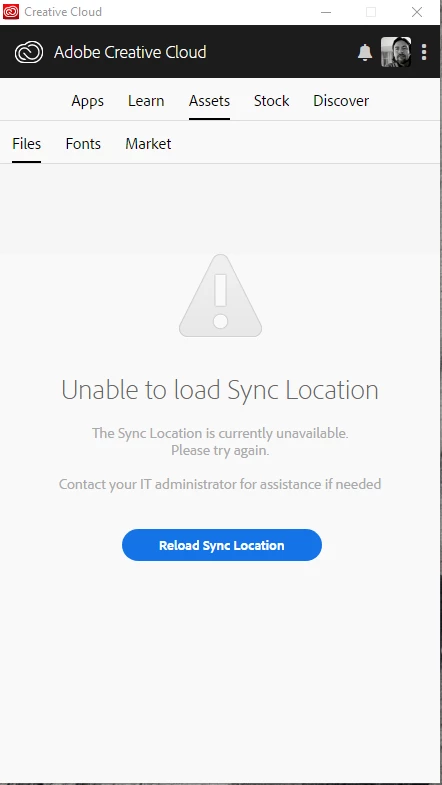
I went to this thread https://forums.adobe.com/thread/1868200 and did the uninstall of Creative Cloud and then the reinstall. However, this did not fix the problem.

I then tried deleting the options.tix file as per this instruction https://helpx.adobe.com/creative-cloud/kb/creative-cloud-desktop-app-spinning.html

Both these methods did not solve the problem. Can anyone help me please?

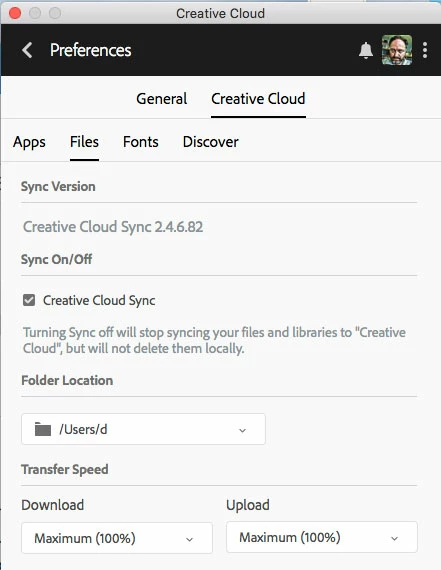
I also cannot see my CC files from within the applications, for example;
This topic has been closed for replies.
Correct answer David__B

Hi Volition74au,

What folder location do you have specified in the Creative Cloud Files folder in the preferences?

It sounds like there is some kind of conflict or permissions issue accessing whatever location is specified.

If you wanted to work with our phone/chat support directly you should be able to reach them from here:

Contact Customer Care

- Dave

3 replies

David__B
Adobe Employee
David__BCorrect answer
Adobe Employee
May 10, 2018

Hi Volition74au,

What folder location do you have specified in the Creative Cloud Files folder in the preferences?

It sounds like there is some kind of conflict or permissions issue accessing whatever location is specified.

If you wanted to work with our phone/chat support directly you should be able to reach them from here:

Contact Customer Care

- Dave

Volition74au
Inspiring
May 10, 2018

How do I escalate this issue. I have not received an answer on forum so would like to try ad get support from Adobe. Where do you submit issues?

kglad
Community Expert
Community Expert
May 2, 2018