
Participant
February 11, 2016
Answered

Failed to start CoreSync

  • February 11, 2016
  • 1 reply
  • 1230 views

I'm using OS X El Capitan, MacBook Pro 2015.

While installing Creative Cloud, I'm getting the notification "Could not create -Library/Application support/Adobe/CoreSync"
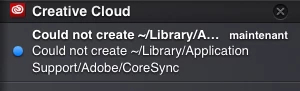
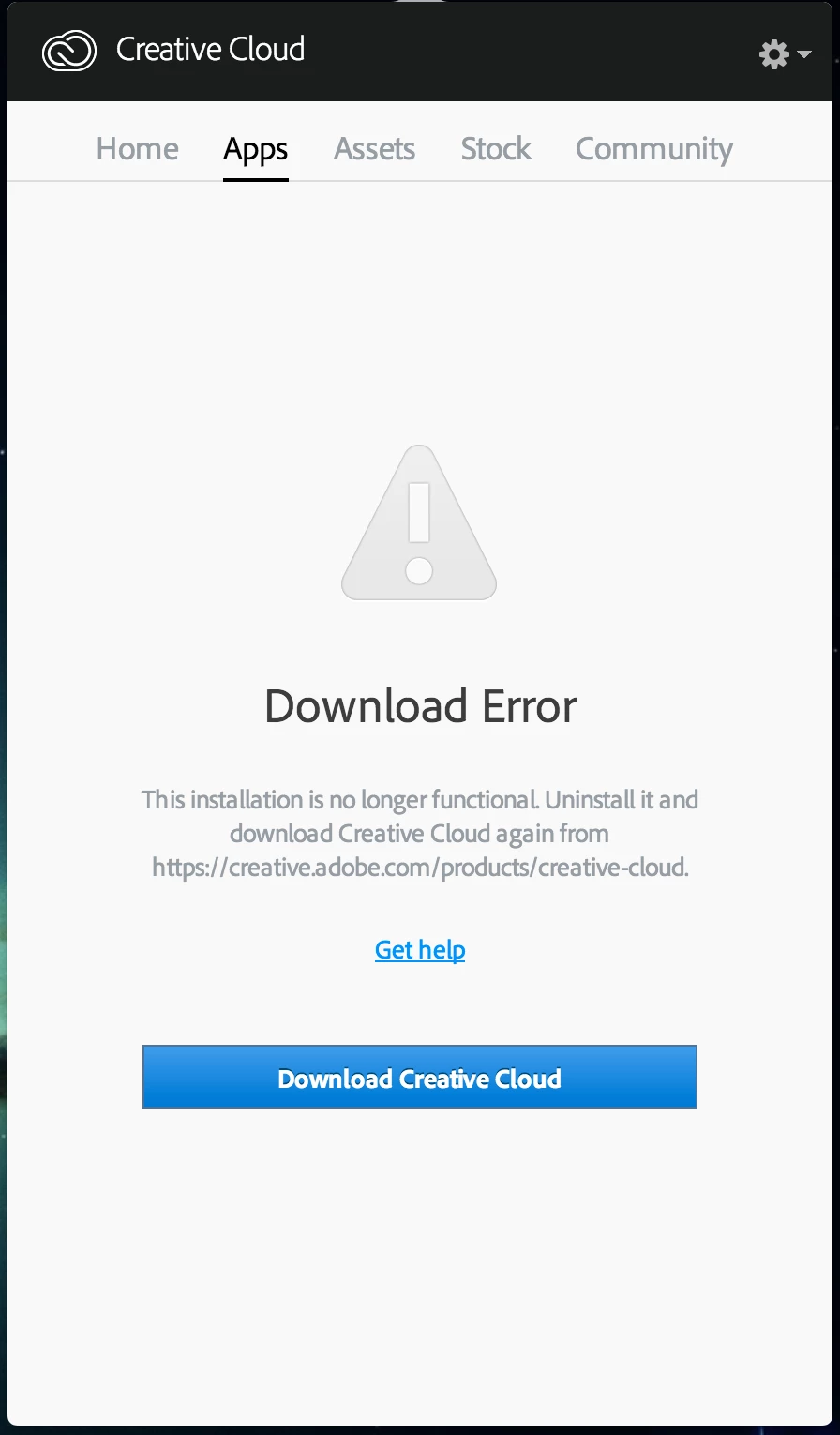
The program still installs and I can open it but then when trying to install an app I get this screen instead:
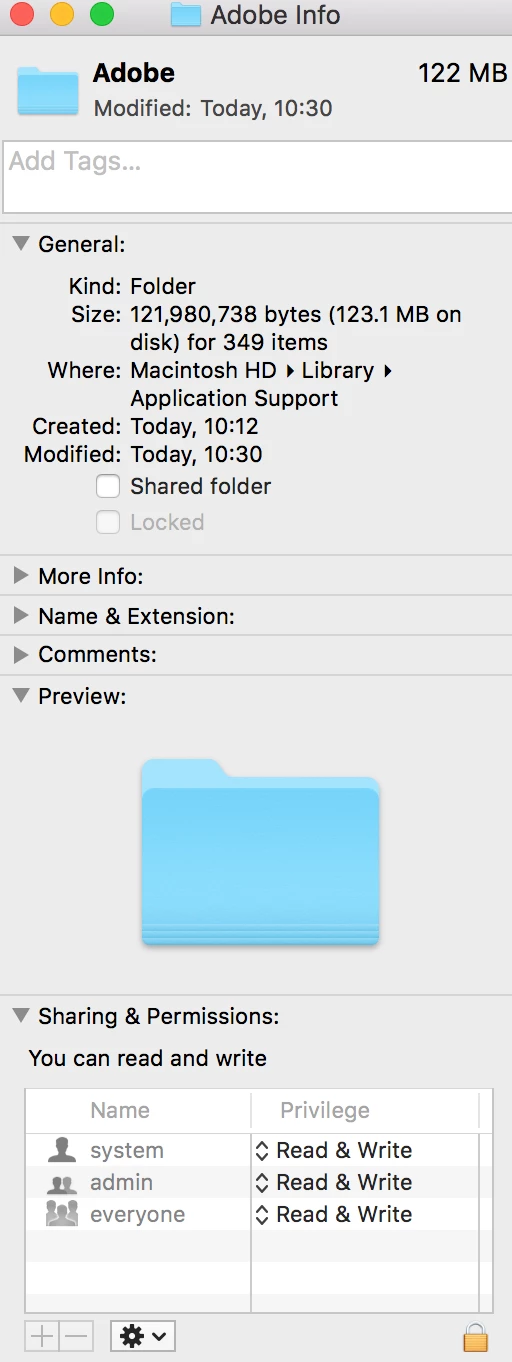
I've tried going to the adobe folder and setting the permissions but this does not fix it?
This topic has been closed for replies.
Correct answer Bani Verma

Hi Mikeb41143156,

Please refer to the following link for help:  Creative Cloud Help | Download Error in Apps tab of Creative Cloud Desktop Application

You may also want to check few threads where similar issue has been addressed :

Creative Cloud - Download error - stubborn error

"Load error"

hello, I can not install the creative cloud, the error 48

1 reply

Bani Verma
Community Manager
Bani VermaCommunity ManagerCorrect answer
Community Manager
February 25, 2016

Hi Mikeb41143156,

Please refer to the following link for help:  Creative Cloud Help | Download Error in Apps tab of Creative Cloud Desktop Application

You may also want to check few threads where similar issue has been addressed :

Creative Cloud - Download error - stubborn error

"Load error"

hello, I can not install the creative cloud, the error 48