Inspiring
February 6, 2018
Answered

How to Keep Headers on Master Page In Place When Adding Additional Pages?

  • February 6, 2018
  • 1 reply
  • 1972 views

We have a report template for company documents, and it is set up on the master page to have chapter headers, page numbers, footer, etc. We are using CC 2017.

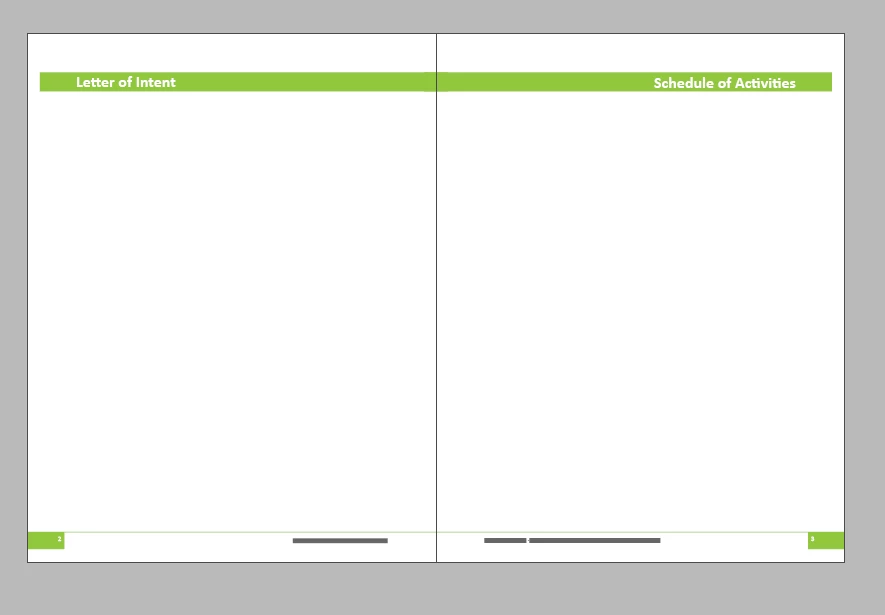
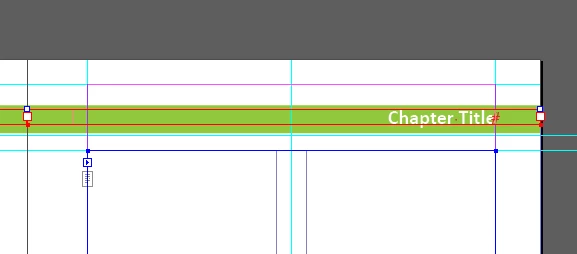
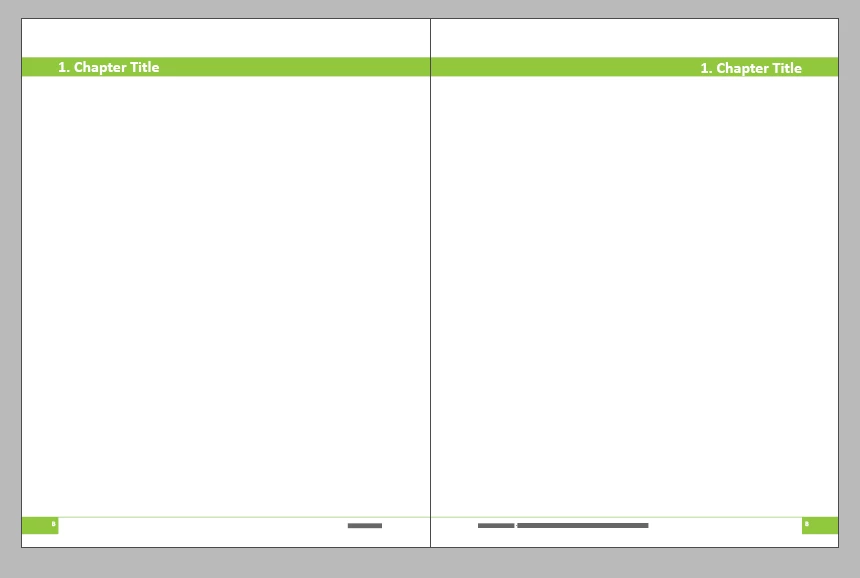
The issue is that once a header has the chapter title added to it on a page, it doesn't stay in place when additional pages are added to the report that cause the page to change from right-hand to left-hand. The pictures of the master page and document pages are below, showing how the headers are shifted to the spine leaving white spaces on the edges of the page.

Thanks for your help.
This topic has been closed for replies.
Correct answer raquelindsay

This would work. We've used this workaround too, when we compile books and need to have the footer in each section reflect the report name. We have to be careful how many of these workarounds we build into the template because we have an office of 7 people who might be editing any given document. We found a solution that works even better for us - posting it below.


The best correction we found was reformatting the chapter headers using paragraph shading instead of a text box fill. Added a paragraph shading to the paragraph style, set to fill the column width, with insets to align the text with the border.  We can stick to the system of lifting the header to the page and entering the chapter heading, and for some reason there is no shifting anymore when we add extra pages.

Thanks for everyone's help!

1 reply

Barb Binder
Community Expert
Community Expert
February 7, 2018

Hi Raquel:

How are you adding the content? Are you overriding the frames on the body pages?

~Barb

~Barb at Rocky Mountain Training
Inspiring
February 7, 2018

Yes, using ctrl-shift-click to enter the chapter title on the page.

Entering it in the master page would mean needing to create a different master page for every chapter, doesn't that defeat the purpose of a master page? If there is a better way please share!

Thanks,

Rachel

Barb Binder
Community Expert
Community Expert
February 8, 2018

The best correction we found was reformatting the chapter headers using paragraph shading instead of a text box fill. Added a paragraph shading to the paragraph style, set to fill the column width, with insets to align the text with the border.  We can stick to the system of lifting the header to the page and entering the chapter heading, and for some reason there is no shifting anymore when we add extra pages.

Thanks for everyone's help!


Great idea. Glad you go to work.

Happy weekend,

~Barb

~Barb at Rocky Mountain Training