
Participant
November 5, 2019
Question

PNG problem - the borders of images grouped and exported as a PNG as showing

  • November 5, 2019
  • 1 reply
  • 565 views

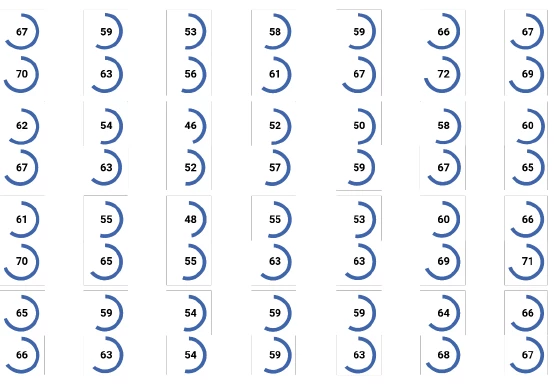
I generated a series of charts and graphics in InDesign by grouped tables, images, objects and text together and exporting the selections as PNGs with transparent backgrounds and a resolution of 300 PPI. These charts and graphics were then pasted into a word document which was saved as a PDF. Some readers have reported that on their computers, some of the elements in the charts and graphics (images and text boxes) have faint outlines that correspond to the borders of the element in InDesign. The lines are not showing up when the PDF is printed. For those images that had a border (copy pasted excel graphs), I made sure to crop them so that it wouldn't show. The faint lines that are showing up correspond to the border of the frames of these images, not the borders of the original image. I also made sure that none of the text boxes had borders. A few of them have a white background, but none have borders. Does anyone know how I could fix this??

 

This topic has been closed for replies.

1 reply

John Mensinger
Community Expert
Community Expert
November 5, 2019

Without seeing it first-hand, my best guess (and strong suspicion) is that you're seeing "stitching," a display issue that can occur when a PDF contains areas of flattened transparency.


https://indesignsecrets.com/when-you-see-thin-white-lines-in-your-pdf-files.php


I generated a series of charts and graphics in InDesign by grouped tables, images, objects and text together and exporting the selections as PNGs with transparent backgrounds and a resolution of 300 PPI. These charts and graphics were then pasted into a word document which was saved as a PDF.


While I realize it's possible you believed you had good reason for all that, I'm very curious as to why you would include Word in your workflow that way. Most InDesign users would have completed the whole job in InDesign and exported to PDF from there. The control you give up by converting to PDF from Office rather than using InDesign's PDF export is significant, and may have contributed directly to  the problem you've got.