

Swandive stream
Inspiring
August 24, 2018
Question

Why is there no precise user interface scaling options in Adobe CC?

  • August 24, 2018
  • 3 replies
  • 1848 views

There are two options at present: Default "Scale to Lower Supported Scale Factor" and ""Scale to Higher Supported Scale Factor". The trouble is the lower one tends to be too small and the higher one too large so panels take up too much screen space. Currently I'm struggling to see the panel/button labels in InDesign with glasses on as they're so tiny. What I don't get is that Blender, a free 3D modelling software, has a highly customisable user interface scaling where you can set it to the pixel count (i.e. 12pt font, 14pt font, 20pt font) and generally is heavily interface-customisable so why does expensive Adobe software lack this option? Surely I'm not the first user to have issues with this?
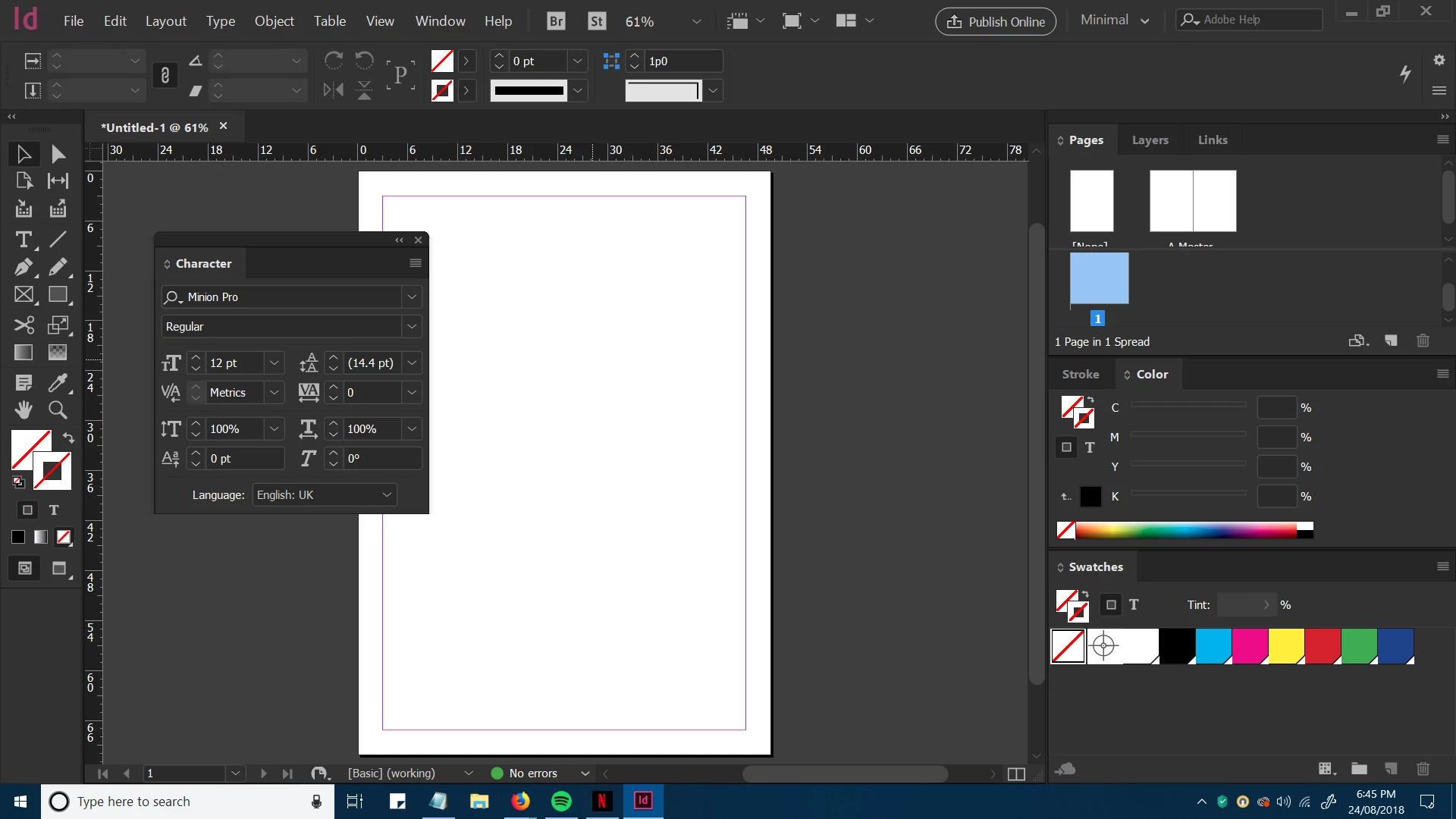
I'm struggling to read the default scale but this is a bit overkill (too large).

This topic has been closed for replies.

3 replies

BobLevine
Community Expert
Community Expert
August 25, 2018

UI Scaling on Windows 10 is especially frustrating with dual monitors. It gets even worse if they both have separate scaling. Some of that is Microsoft's fault (it's gotten better but still has a ways to go) but Adobe needs to do a much better job.

You get three choices, 100%, 150% or 200%. If your O/S scaling is set to anything else, the UI is scaling in InDesign is going to be a mess. I wish I had a better answer but that's just the way it is right now.

Here's the place to voice your opinion on it:Adobe InDesign Feedback

Bill Silbert
Community Expert
Community Expert
August 24, 2018

You're not the first person to report this problem. It seems to happen on Windows 10 with a 4K display. It seems to be an ongoing problem as this thread InDesign 2018 - USER INTERFACE STILL TOO SMALL!!! points out. You can also look at this older thread InDesign CC 2014 GUI is way too big in which adjusting font scaling worked for what sounds like the same issue.

Kanikas
Legend
August 24, 2018

Moving to InDesign