


Lightroom 3 Develop previews different from Loupe view?
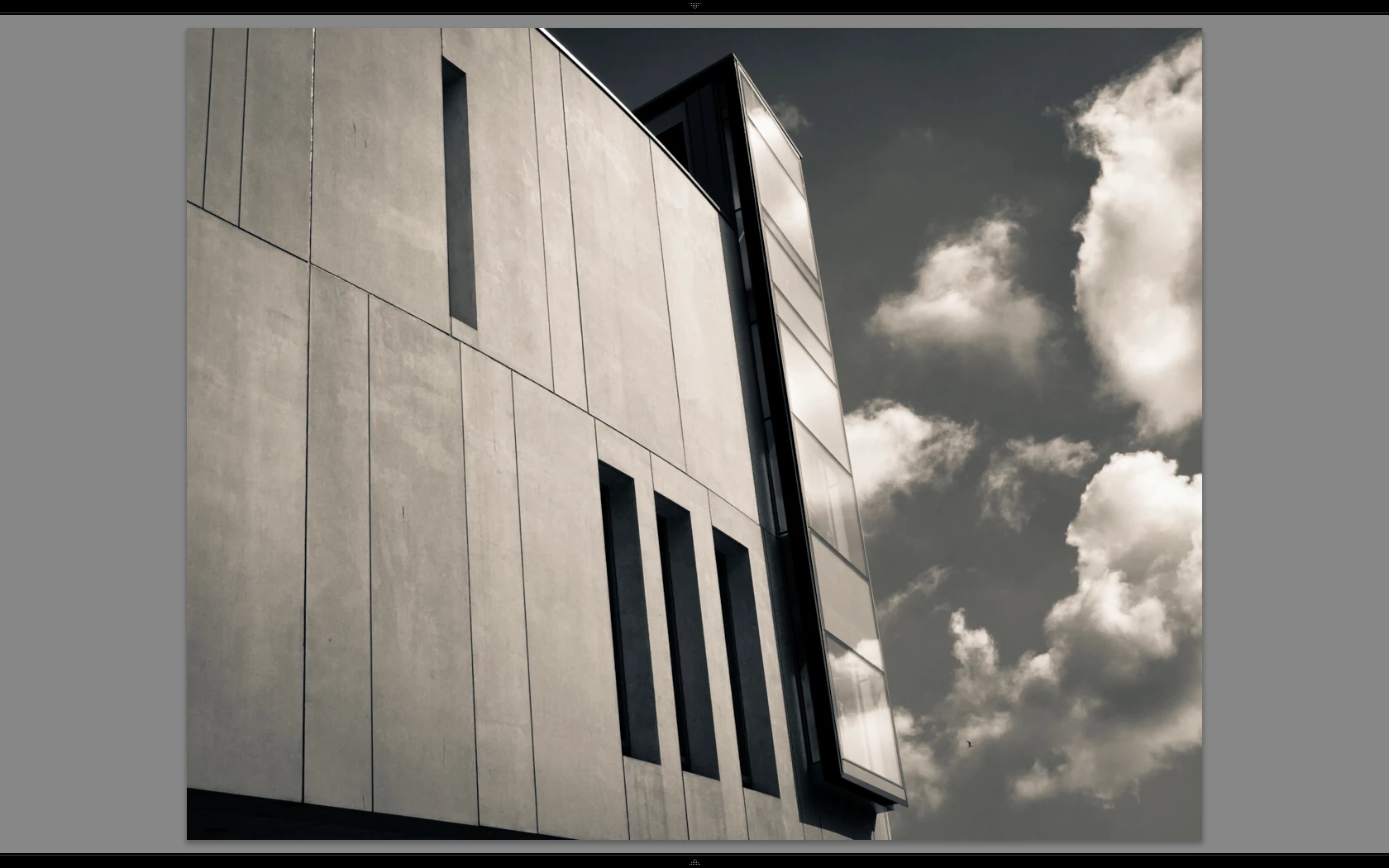
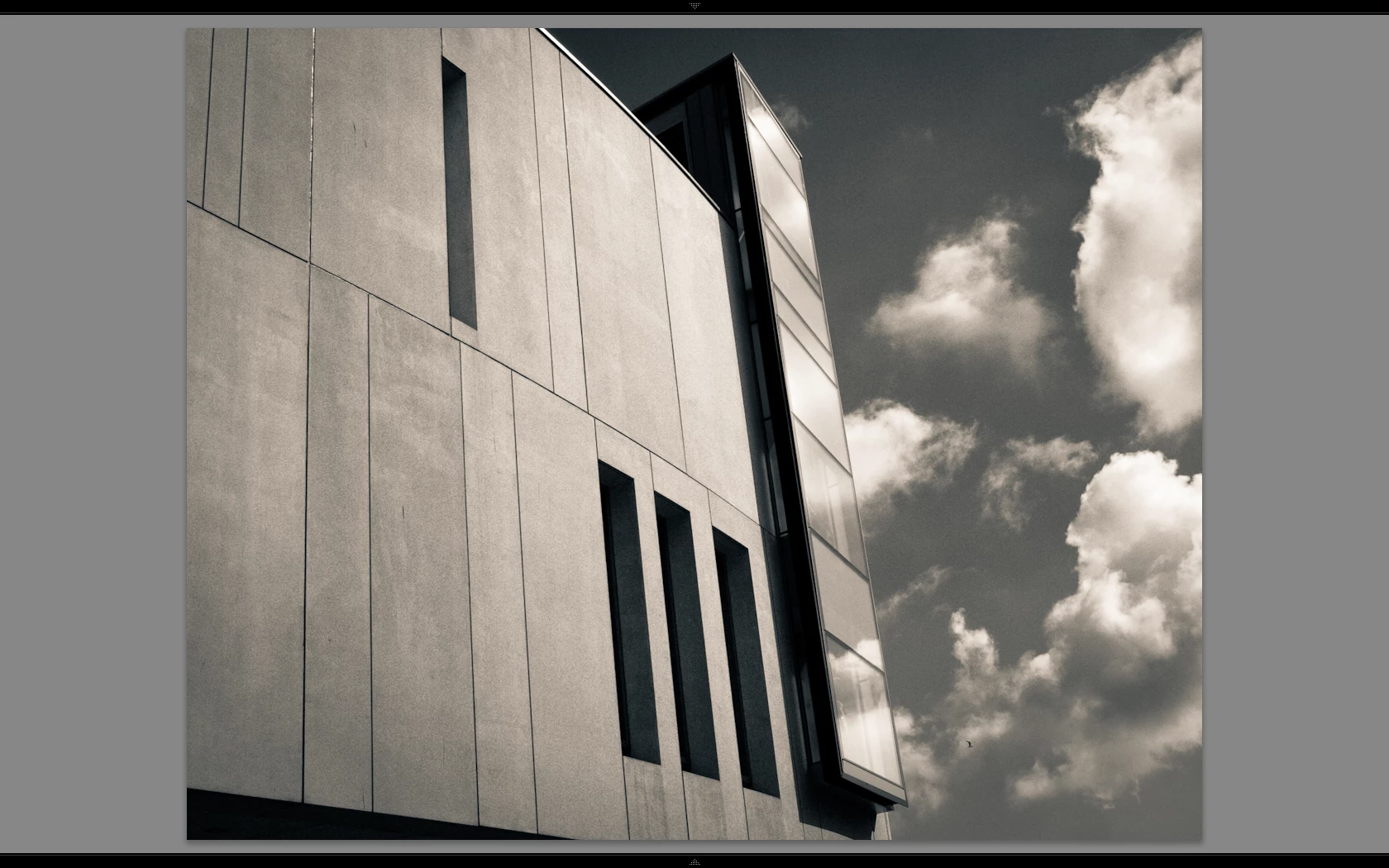
Hi there, I have a weird problem and it's very difficult to explain but I will try 🙂 I have a Macbook and a secondary profiled monitor connected for a better view of how the image will turn out once developed. I have just noticed (as I have only just started using the secondary monitor) that in standard view once I have started editing an image in develop, and then go back to loupe view, and then back into develop, the image on the secondary monitor displays identically for a second or two and then degrades. Becomes very grainy. If I then go back to loupe view it smoothes out. At first I thought this was because Lightroom uses the RAW data to compile the standard preview in develop as opposed to a preset preview (1680 high in my case) in loupe view, and that the develop module was obviously providing a more accurate view - but this isn't a more accurate view, as when I go 1:1 the image is smooth and not grainy!
To further illustrate, lets say I choose an image I have edited before, the view is the same in both modules initially, but as soon as I alter the image in any way in develop the preview degrades. Lets again say I have a degraded preview on screen, standard view, in develop module. If I then flick to another image that image is smooth for a second or two and then degrades too - you can see it happen! If I then edit the image whilst in develop, then I go back to loupe view, the image is still degraded, but then if I stay in loupe view and go 1:1 the secondary monitor (which is still displaying standard preview) picks up the change and shows an accurate smooth detailed view.
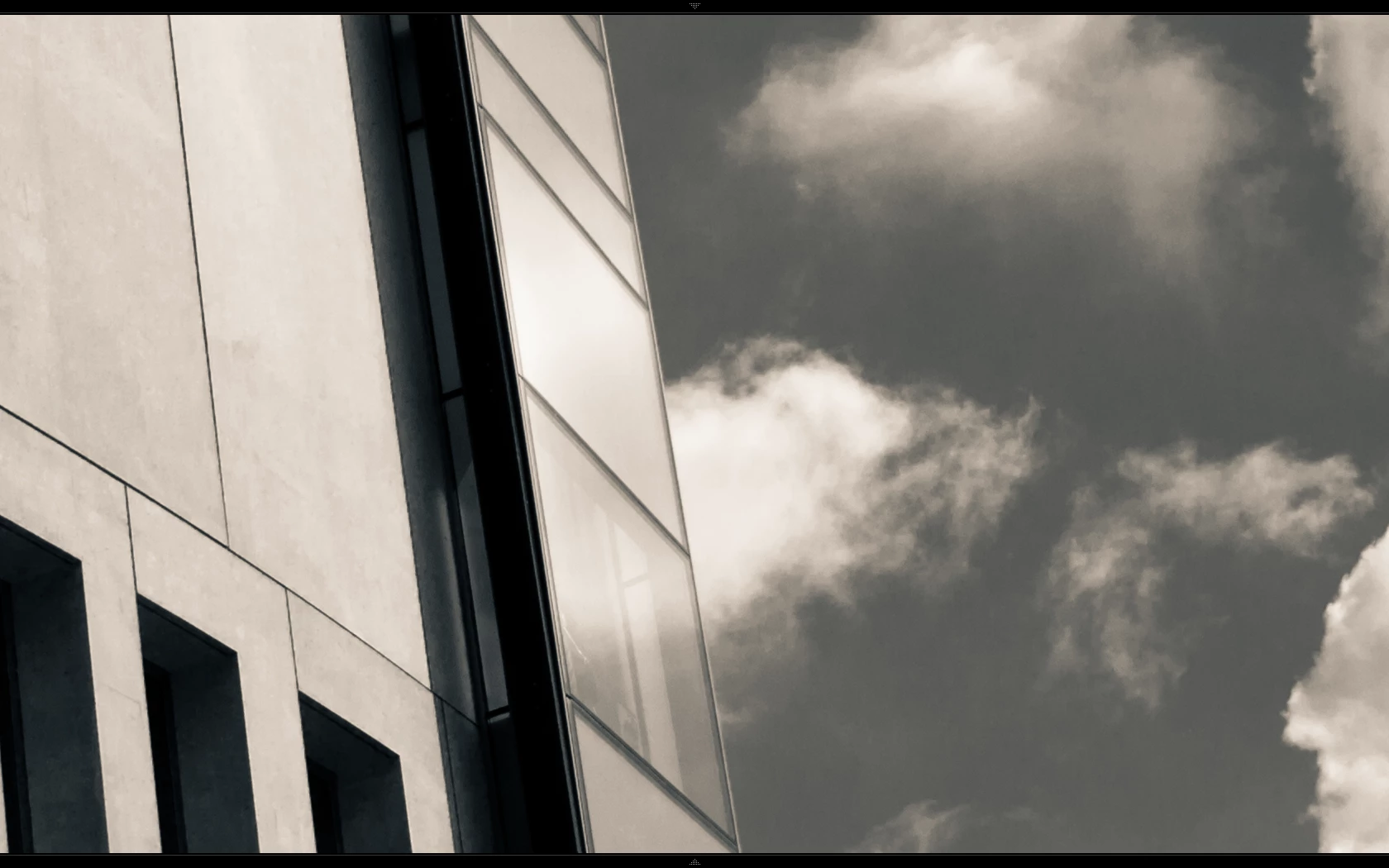
This is very weird but does mean that using Lightroom for serious editing is not possible as I can't trust the preview (unless I keep flicking back to loupe view!) except at 1:1 which anyone with a 14Mp camera knows is so big you cant get an overview of what you are doing. 1:1 is only useful for sharpening and noise reduction really. Please note: this is not visible when minor edits are made, but I often convert my images to B&W with split toning, and when you do this and say bring down the blue mix sliders down to increase sky definition (which can introduce artifacts) the degrading is severe - but like I say it isn't true or real as 1:1 view shows nice smooth tone variation. I have rebuilt previews to match the resolution of my larger monitor, deleted preview files, not sure what else to do except forget using the bigger monitor as the effect is far more noticeable on that! I have attached files (which I hope upload OK as I couldn't preview) showing the problem. If anyone else has this issue I would be very interested to hear about it!
Tim.
Loupe View
Develop View
Develop View 1:1

 AdChoices