


Participant
January 21, 2017
Answered

Lightroom won't open ORF RAW files - Can't update

  • January 21, 2017
  • 3 replies
  • 3946 views

Hi,

I just bought the Creative Cloud Photography plan with Lightroom CC and Photoshop CC.

Everything installed without any problems - Photoshop CC (2017), Lightroom CC (2015) and Camera Raw CC.

I can open up my Olympus PEN-F RAW ORF files without any problems in Photoshop CC, but when I try to import them in Lightroom CC I get an error. Lightroom CC asks me to check for updates, but then I get an error that the version controlled failed. I've tried a couple of times, and I assure you I'm connected to the Internet.
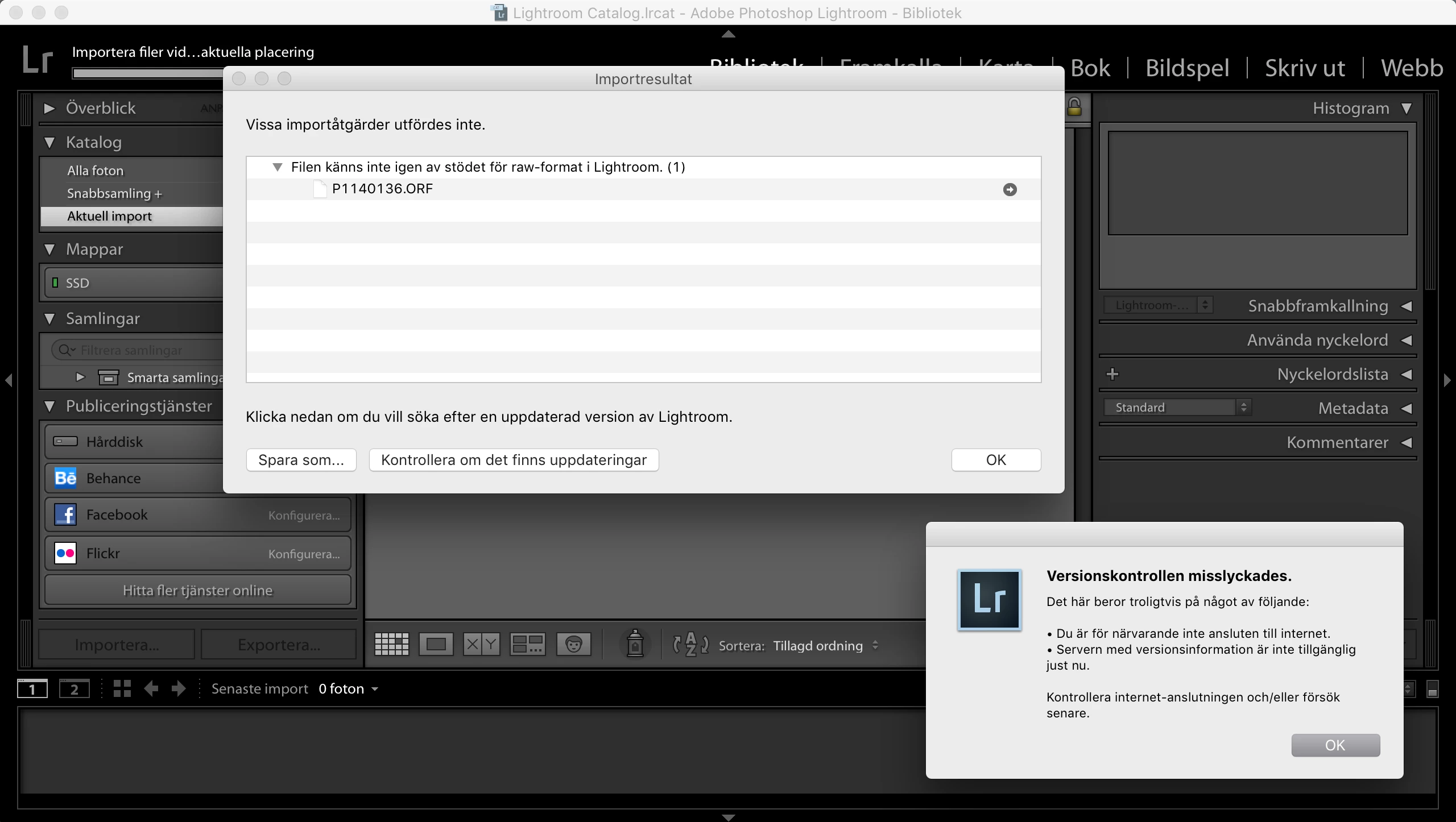
Screenshot is in Swedish, but it basically says that the version control failed and that it's most likely because of that I'm not connected to the Internet or that the version information server is down.

Both seems very unlikely since I just installed and updated the apps through the Creative Cloud app.

What can be the problem?

I have the latest version of Lightroom - which should work with ORF raw files.

Lightroom-version:  CC 2015 [1014445]

Licens: Creative Cloud

Operativsystem: Mac OS 10

Version: 10.12 [2]

This topic has been closed for replies.
Correct answer dajviden

Tried to run the patch, this is the error message I got.

I tried the trial once, over a year ago. Could this be the problem?

Translation:

Update failed

The updates couldn't be installed.

Contact your administrator if you want to install updates on your computer. The updates has been deactivated by the administrator.

I guess I'm the administrator - but I haven't deactivated anything...

EDIT: I found the solution.

Renaming the AdobeUpdaterAdminPrefs.dat solved it for me.

adobe application manager fails to update

Thanks for helping out.

3 replies

dajvidenAuthorCorrect answer
Participant
January 21, 2017

Tried to run the patch, this is the error message I got.

I tried the trial once, over a year ago. Could this be the problem?

Translation:

Update failed

The updates couldn't be installed.

Contact your administrator if you want to install updates on your computer. The updates has been deactivated by the administrator.

I guess I'm the administrator - but I haven't deactivated anything...

EDIT: I found the solution.

Renaming the AdobeUpdaterAdminPrefs.dat solved it for me.

adobe application manager fails to update

Thanks for helping out.

Rob_Cullen
Community Expert
Community Expert
January 21, 2017

CC 2015 [1014445] is not the latest version-  (Camera needs v6.5-  2015.5 ? if I am correct?)

Lightroom version: CC 2015.8 [ 1099473 ] is the 'latest'

Update to 2015.8 with the CC App.

Regards. My System: Windows-11, Lightroom-Classic 15.1.1, Photoshop 27.3.1, ACR 18.1.1, Lightroom 9.0, Lr-iOS 10.4.0, Bridge 16.0.2 .
99jon
Legend
January 21, 2017

Try updating from a direct download by installing the LR6.8/2015.8 patch.

Install Photoshop Lightroom

dajvidenAuthor
Participant
January 21, 2017

I tried to do a fresh install (using the CC cleaner) and install it from the URL you posted. I only tried to download and install the full version though. I guess that's the latest version.

i will try to install the patch instead - see if that helps.

Thank you.