
How do I change the weight of a path stroke line in Photoshop CC 2017?
I've been searching through the tutorials here and on LinkedIn (Lynda.com) and not finding anything for PS CC 2017, which seems to be different, as my screens don't match tutorials for older products.
I have a photoshop doc open, with a colored background. I'm wanting to draw a line with the pen tool, and then make it thicker and change the color to hex #29adde.
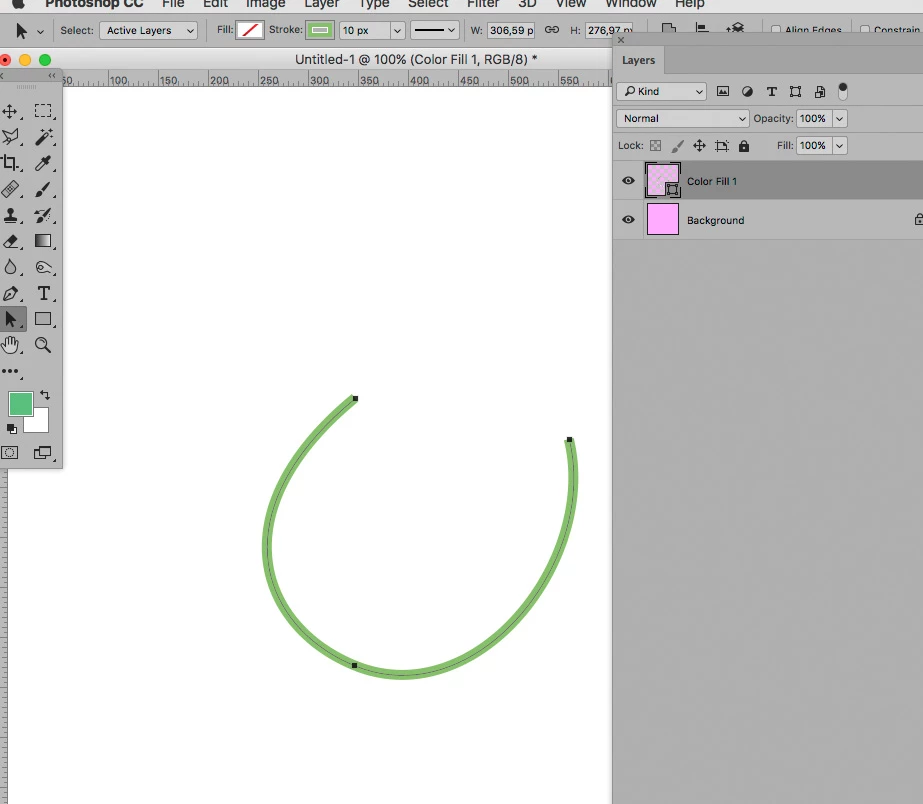
I know how to draw a line (open path) with the pen tool, save it as a path, and then select it with the path selection tool. I can then click the 'stroke path with brush' icon and it will change to a 1 pixel width line of whatever color I have selected in the color picker.
However, I don't see any way to change the weight of the line to something thicker. The stroke icon at the top of the window next to Fill isn't selectable, and the options to the right of that are grayed out.
Thank you for any help.


 AdChoices