

4k SLog3 Grading Problem
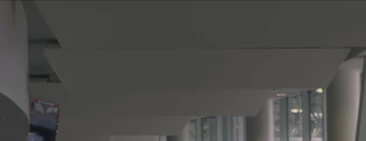
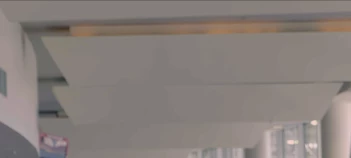
I recently shot a couple test shots with my Sony FS7, I brought the footage into Premiere to do some grading and noticed some pretty awful artifacting in portions that had natural gradients from the light. The banding/artifacting is rather distracting and was even more noticeable when the camera moved at all. Even with Lumetri color correction OFF the file, the banding and compression appeared to be present (hard to tell with ungraded slog3 footage).
I first thought this was an issue with my camera, lens, or user error. Went back on a different day tried some new settings and got the same results.
I then put the footage through Quicktime to see if I could notice the banding in the ungraded footage, didn't see it there. Decided to put the footage into a different software to see if there were any issues with the footage after it was graded and after grading there was no banding/artifacting. I even pushed the footage to it's limits and didn't notice any artifacting.
I triple checked that the footage was only be distorted when in Premiere. Tried creating sequences of all different ratios, and making a sequence from the raw clip itself. No matter the amount of grading, the artifacting/banding still appears in the footage.
Has anyone else had a similar problem and did you find a solution for this? Am I missing something quite obvious?

 AdChoices