Participating Frequently
August 27, 2017
Answered

Default button in encore menu is set to active subtitle track, but output doesn't highlight active subtitle track button as default (Blu-Ray)

  • August 27, 2017
  • 1 reply
  • 2495 views

Hi everyone

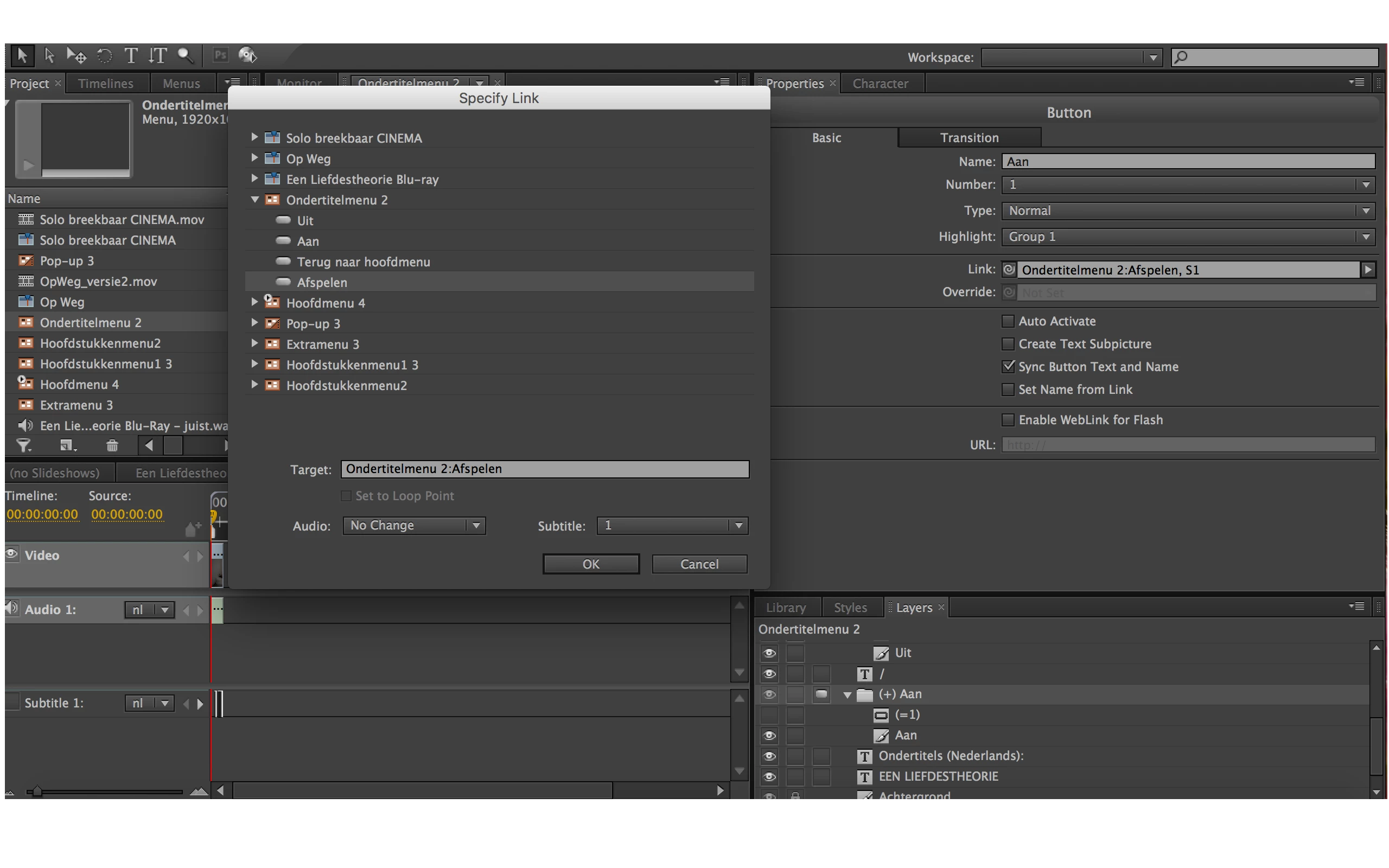
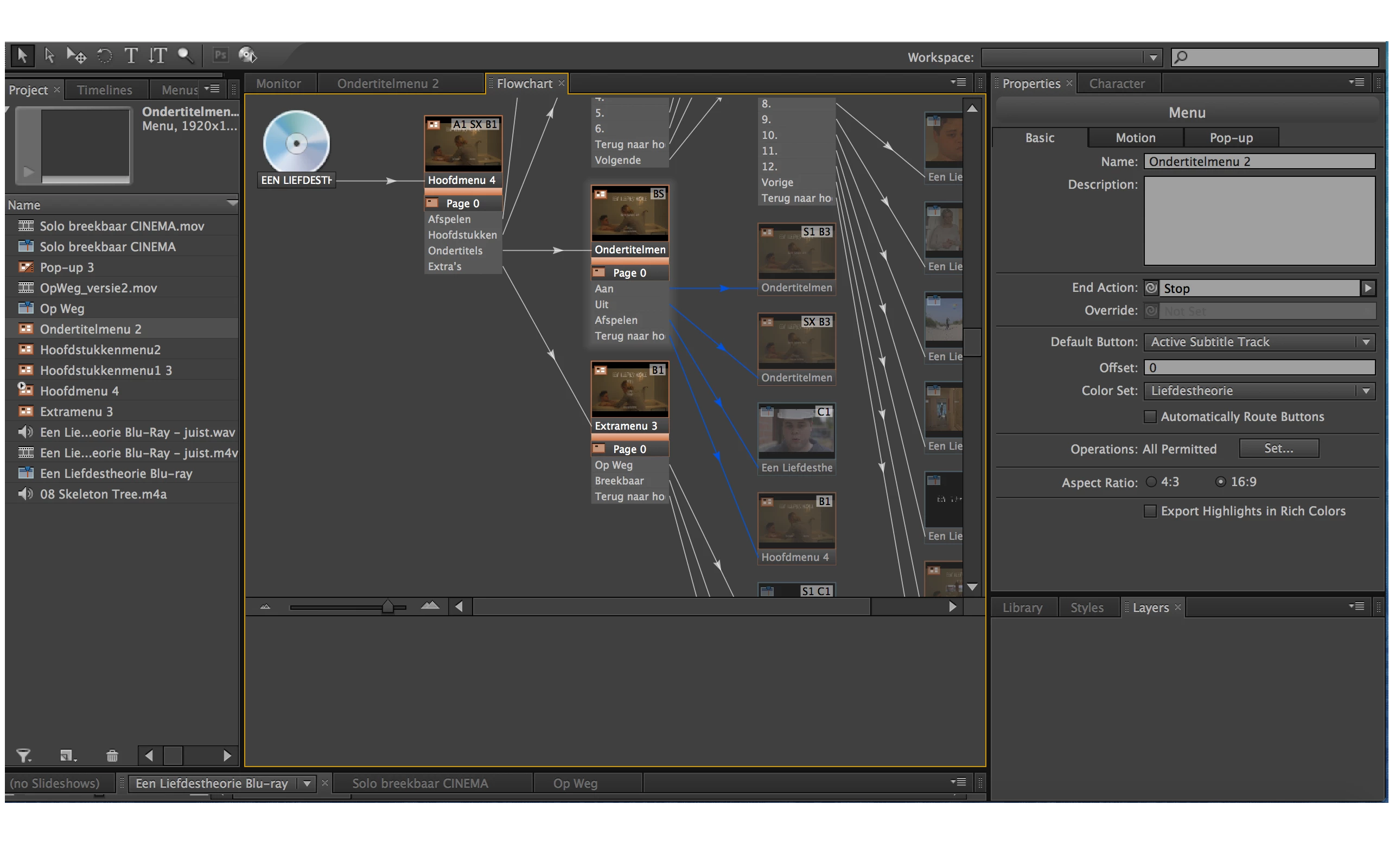
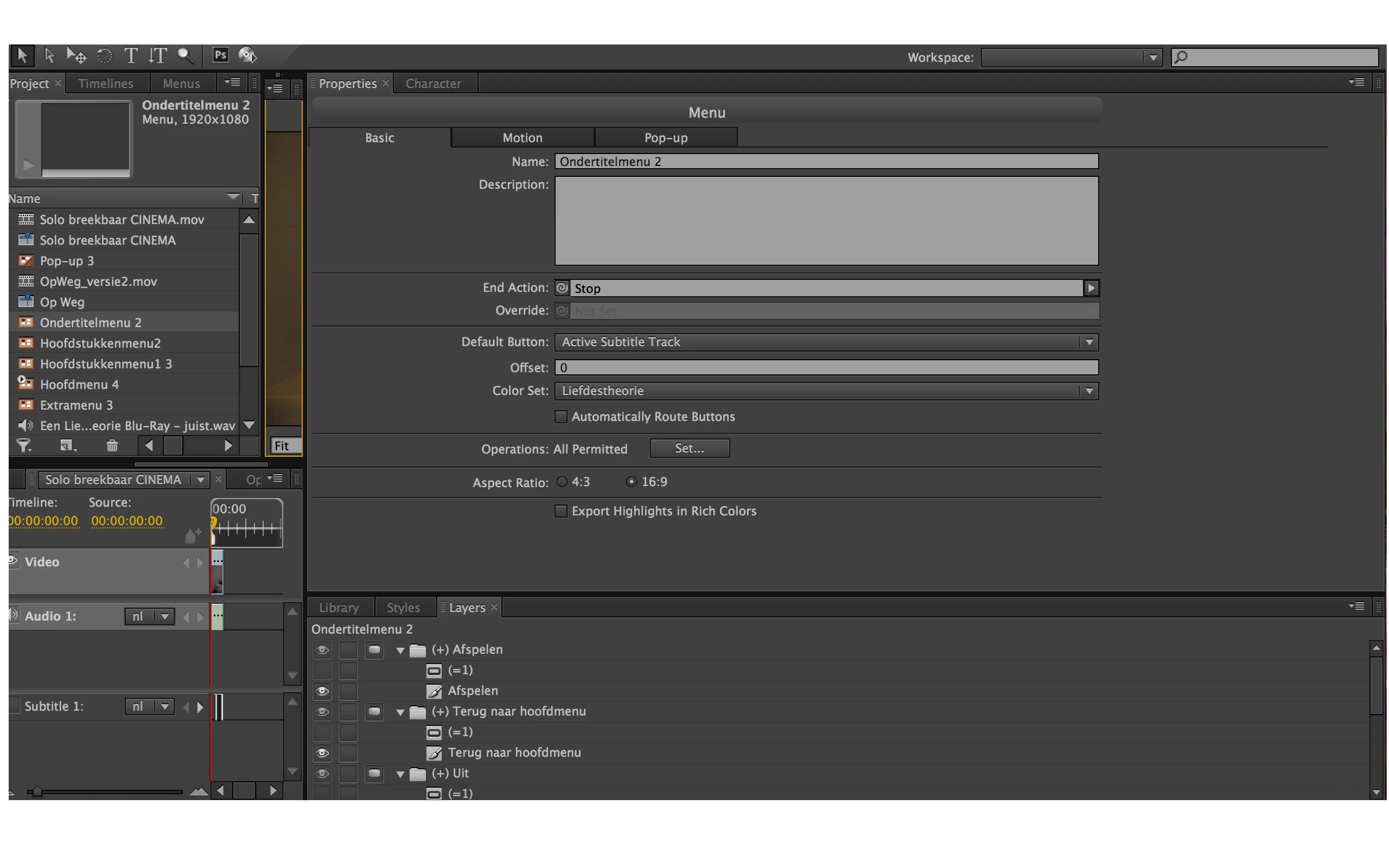
I am making an encore menu for a Blu-Ray disc and I'm having some problems on setting the default button in the encore menu. In the properties panel of the menu, I selected as default button: Active Subtitle Track and as the target of the subtitle buttons, I choose another button and I changed the subtitle track.

When I preview the project, all is fine: the active subtitle track is highlighted when I go to the subtitle menu and when I click on the subtitle button, the button I choose as a target highlights. I did the same thing for the DVD version of the project and everything works just fine.

But when I export the project to a Blu-Ray Disc or Blu-Ray Image, the button with who got number 1 is highlighted when I go to the subtitle menu and when I click on a subtitle button, the subtitle is selected, but the target button isn't highlighted.

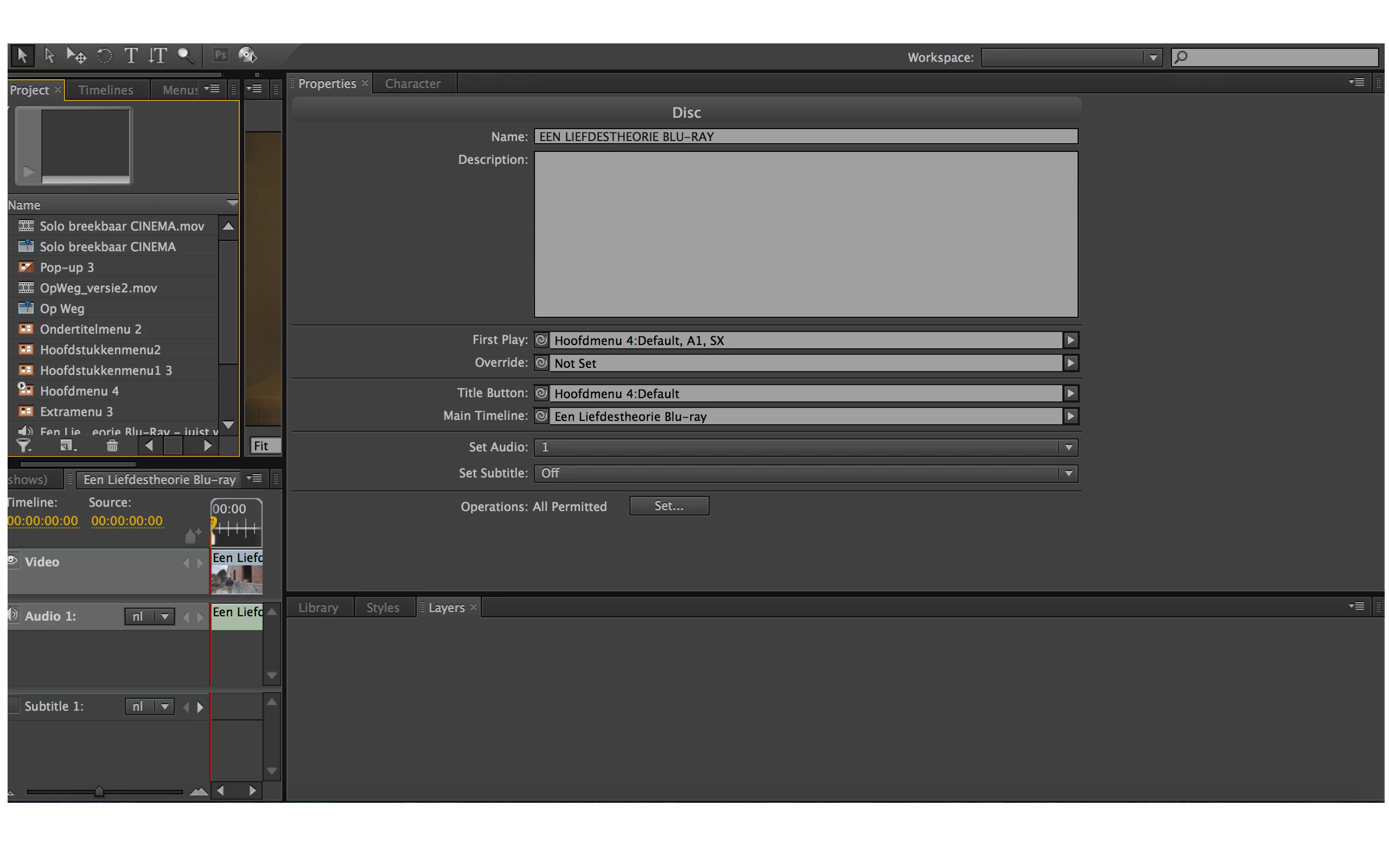
i added some screenshots for more information.

Can anyone help me?

Thanks in advance.

Kind regards

Wannes Gillis
This topic has been closed for replies.
Correct answer Stan Jones

Here you go!


OK, tried in a test project. Works on DVD; not on BD. Appears to revert to the project default after leaving the subtitle menu. And setting by remote does not appear to work either. The subtitles work, but the active track feature does not.

Looks like a bug to me.

I don't see any references to this problem in the CS6 release notes.

CS6 added this capability for web exports, and I have not tested it there.

1 reply

Stan Jones
Community Expert
Community Expert
August 27, 2017

Hmmm. I think it should work the same for DVD and Blu-ray.

But the "Active Subtitle Track" as default button means that your targeted button should not be highlighted/selected, but the one for the active track.

This means you set the target to "default," not to a button. In the "specify link," just click on the menu name, and default will appear below.

I can't tell what you intend from your button names. For example, a typical subtitle submenu is Off, On, Main Menu. With the Menu properties default button set to active subtitle, the "subtitle on" button is the default if subtitles are on, if the "subtitle off" button is clicked, the off button stays selected (since the active subtitle track is now "off"). When you click on "subtitle on," that button is now active and stays selected.

If you change the subtitle track with the remote, and you go to the subtitle menu, the correct button will be highlighted.

Participating Frequently
August 27, 2017

Hi Stan

Thanks for responding me again. The problem I have is just the fact that in the output, whenever I go to my subtitle menu, the button for the active subtitle track is not selected, it is just the first button of that menu.

Thanks in advance.

Kind regards

Stan Jones
Community Expert
Community Expert
August 27, 2017

Have you set the default subtitle state for the project? Select the project (for example, in the flowchart, click on the disk) and set subtitle in the properties.