erces989
Participant
December 29, 2018
Answered

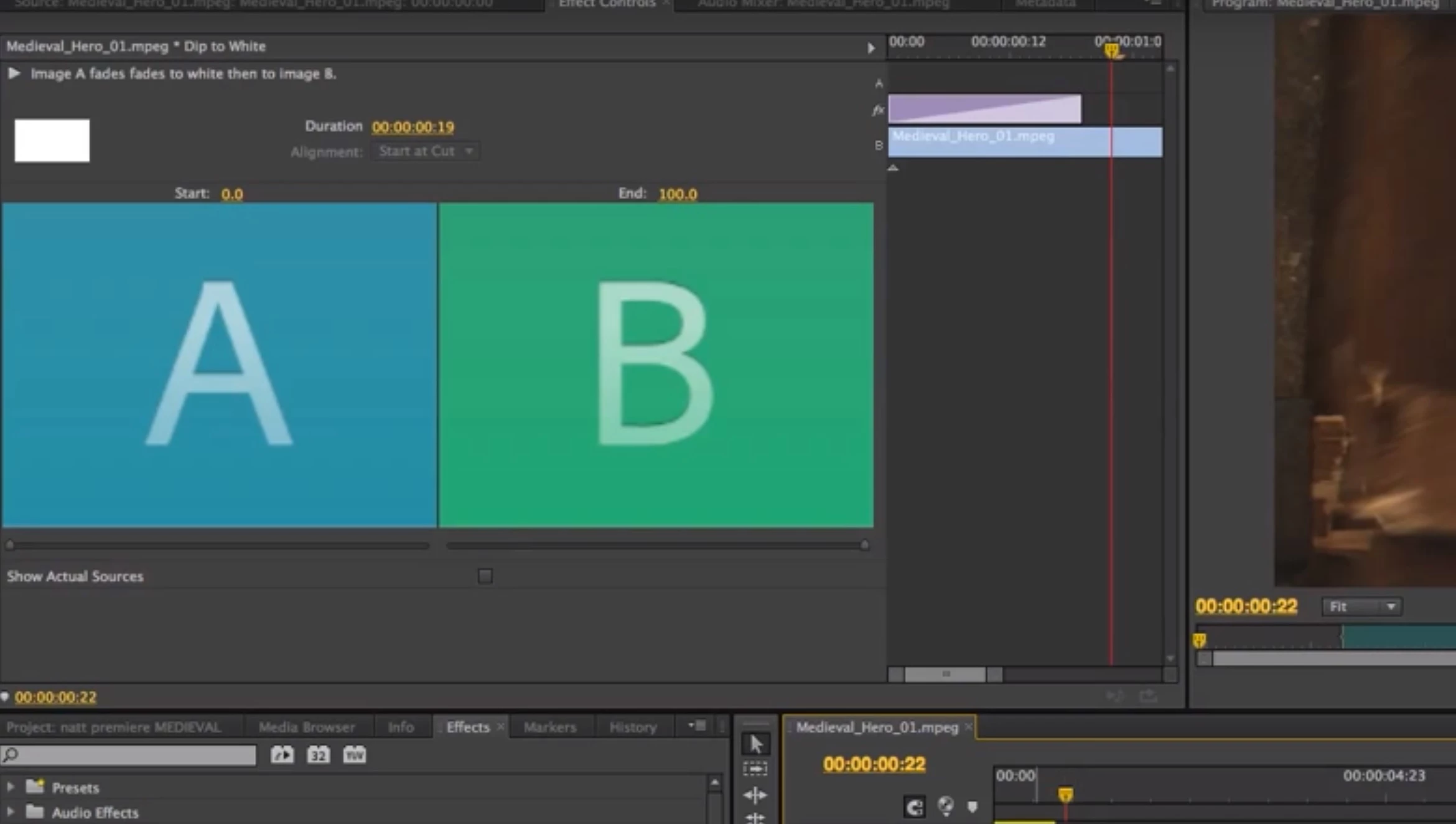
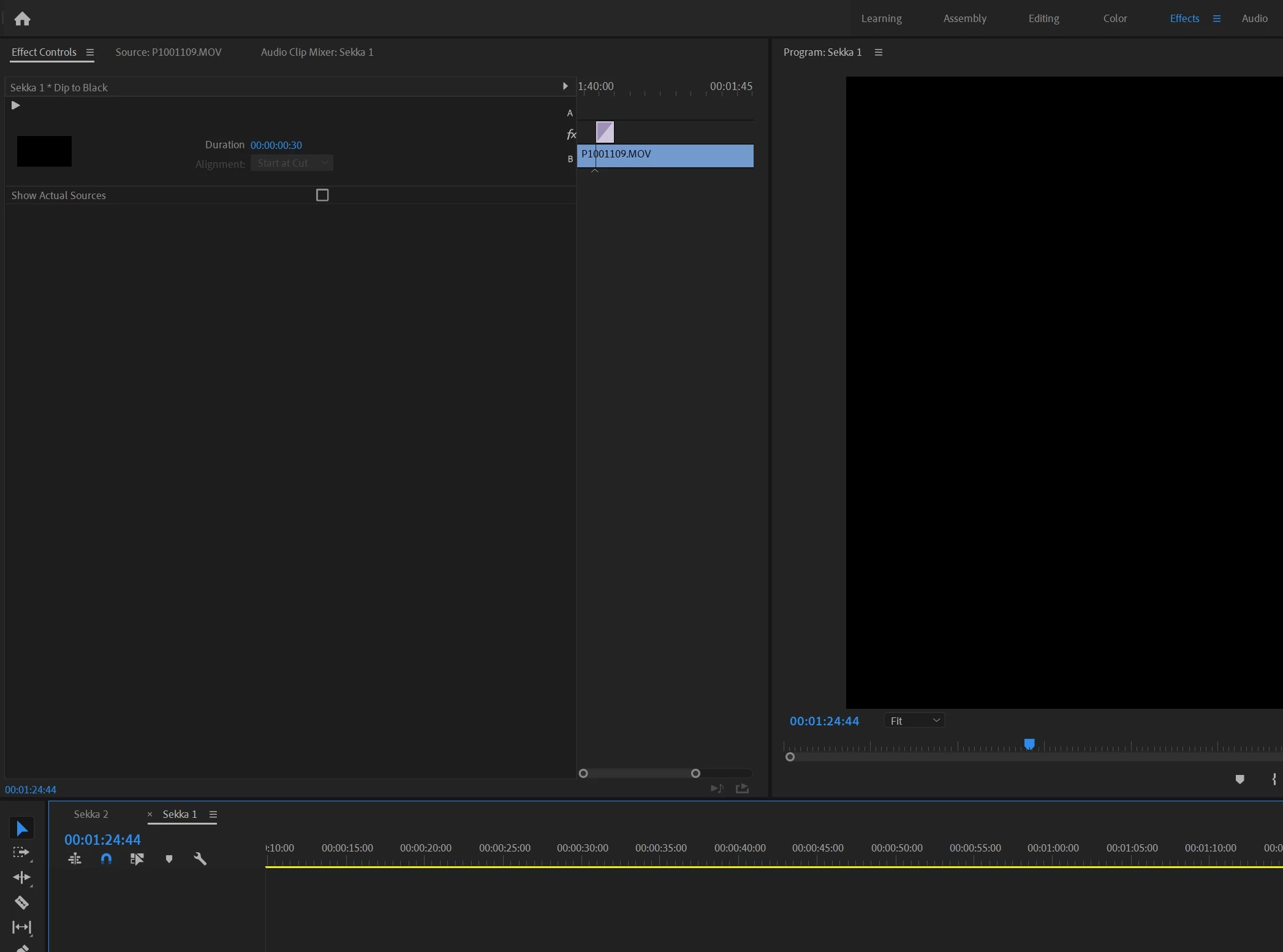
Effect Controls for "dip to black" not showing A-B clipsettings anymore

  • December 29, 2018
  • 1 reply
  • 3084 views

Hi,

before I updated I had the option to adjust the balance of the effect from clip A to B. After the update this doesn' t show up anymore. Anyone know how to bring it back?

Thanks!
    This topic has been closed for replies.
    Correct answer Ann Bens

    These transitions have been redesigned. No way to bring this back.

    1 reply

    Ann Bens
    Community Expert
    Ann BensCommunity ExpertCorrect answer
    Community Expert
    December 29, 2018

    These transitions have been redesigned. No way to bring this back.

    erces989
    erces989Author
    Participant
    December 29, 2018

    So there is no option anymore to adjust these settings? For example, when i used the transition to start a video with, I would put the setting of clip A to '50', which gave a smooth flow to it, because there isn't a clip before it. Since i can't adust that right now, I have to put keyframes for opacity. It works, but I was wondering if the way I did it before is totally gone.

    Ann Bens
    Community Expert
    Community Expert
    December 29, 2018

    Yes totally gone.

    On a side note dip to black/white is not intended to use as a single sided transition rather as a double sided transition.

    If you want smooth fade in/out: use dissolve from Impact.

    https://premierepro.net/impact-dissolve/