
Known Participant
November 29, 2016
Answered

Lumetri color preset - SL Gold Tobacco (Arri Alexa) has gone completely

  • November 29, 2016
  • 5 replies
  • 3317 views

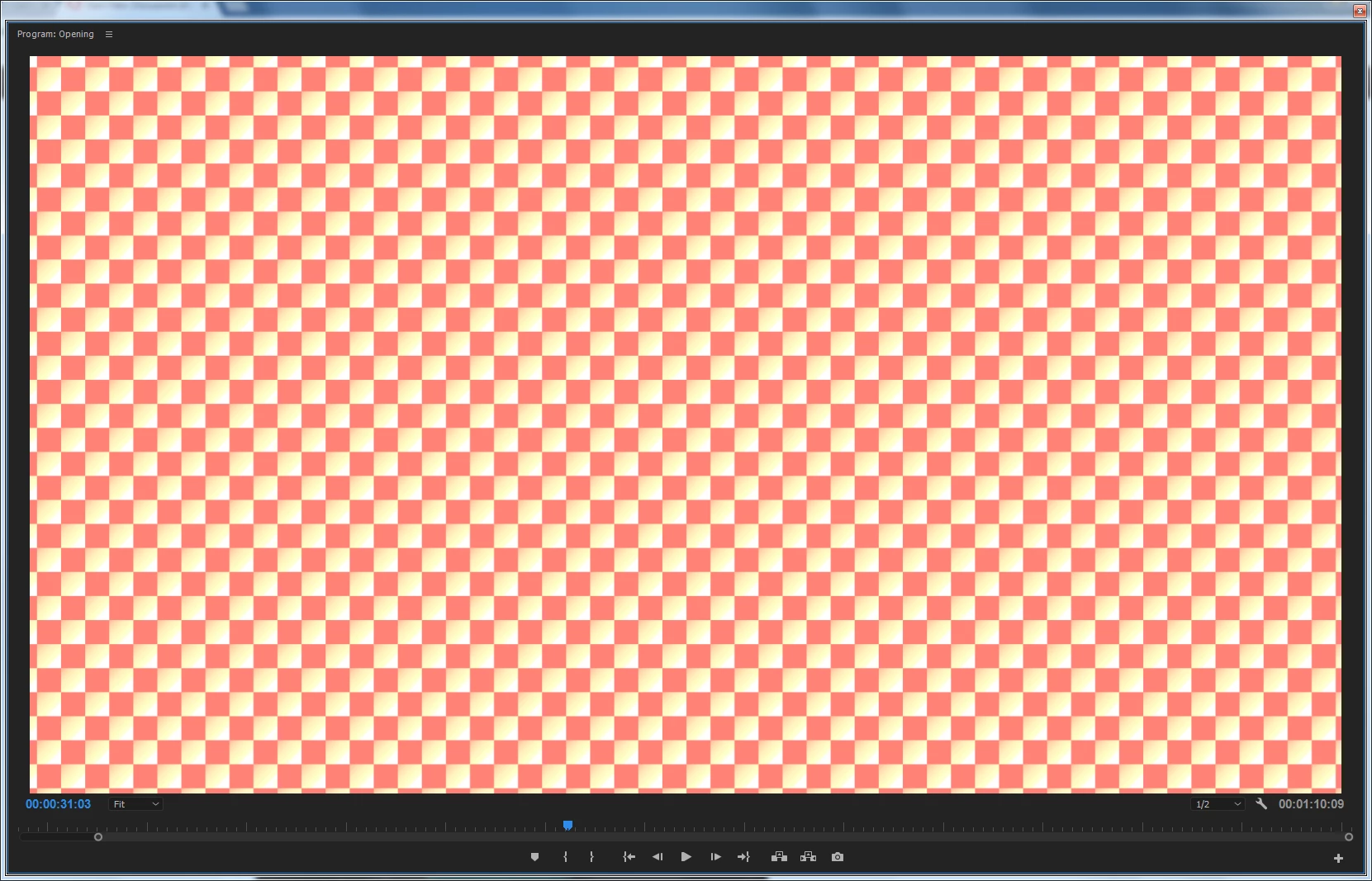
I used the preset "SL Gold Tobacco (Arri Alexa)" in Lumetri in a previous project built in CC2015.3. I then upgraded to 2017. Now that preset doesn't seem to exist and all I get is chequered screen for that clip (image below). I checked "known issues with 2017" announcement and the chequers problem is in there so I followed the workaround and removed the Lumetri effect then re-applied it but that preset is no longer offered as an option. The problem is that it's a pretty distinctive look and I don't know how to re-create it so I'm stuffed!

Does anyone know how to reinstate that preset to Lumetri, please?
This topic has been closed for replies.
Correct answer Kevin J. Monahan Jr.

Hi Kusumas,

I am seeing the SL Gold Tobacco LUT listed in my presets. The one you used for "Arri Alexa" is not a stock one. You probably created that one as a custom LUT and it doesn't exist in the new build.

Sorry.

Kevin

5 replies

KusumasAuthor
Known Participant
February 21, 2017

Hi Kevin, I know this is a very long time ago now but I found the plugin in a different menu:

I had been looking in the preset list in the Effect Controls window but I found and can use it in the Effects window - I just drag it in as a totally new effect so I can delete the other Lumetri effects from the Effect Controls window if I need to.

Kevin J. Monahan Jr.
Community Manager
Community Manager
February 21, 2017

Hi Kusumas,

Applying new versions of the same effect is the de facto workaround for your issue. Glad you got it working.

Take care,

Kevin

Kevin Monahan - Sr. Community and Engagement Strategist – Adobe Pro Video and Audio
KusumasAuthor
Known Participant
November 30, 2016

Sorry - I've found it now - it's in the Present list in the "Effects" Window / "Lumetri Presets" list. So it is there without me creating anything.

Just so you know.

KusumasAuthor
Known Participant
November 30, 2016

Thanks Kevin,

I genuinely don't know how to create or adapt one of those presets so I don't think that is the case ... HOWEVER, I found one that I think would work: "GOLD TOBACCO - SL - 3528" in the Legacy folder in Lumetri using Explorer (Finder to Mac users) and added it to Technical, as suggested in another thread on a similar subject. The problem now is that, in PPro2017, I can see it in the Lumetri presets list but my PC simply won't select it: I open the presets list, place the mouse cursor over the "GOLD TOBACCO - SL - 3528" preset and click but the programme uses the preset above, not the one I selected.

Any idea on that, please?

Kevin J. Monahan Jr.
Community Manager
Community Manager
November 30, 2016

Hi Kusumas,

The problem now is that, in PPro2017, I can see it in the Lumetri presets list but my PC simply won't select it: I open the presets list, place the mouse cursor over the "GOLD TOBACCO - SL - 3528" preset and click but the programme uses the preset above, not the one I selected. Any idea on that, please?

I wonder if the preset you were trying to access was for a previous version of Premiere Pro. Was it?

Thanks,

Kevin

Kevin Monahan - Sr. Community and Engagement Strategist – Adobe Pro Video and Audio
Kevin J. Monahan Jr.
Community Manager
Kevin J. Monahan Jr.Community ManagerCorrect answer
Community Manager
November 29, 2016

Hi Kusumas,

I am seeing the SL Gold Tobacco LUT listed in my presets. The one you used for "Arri Alexa" is not a stock one. You probably created that one as a custom LUT and it doesn't exist in the new build.

Sorry.

Kevin

Kevin Monahan - Sr. Community and Engagement Strategist – Adobe Pro Video and Audio
chrisw44157881
Inspiring
November 29, 2016

if they are in legacy folder, just copy them over to technical folder to show up in lumetri.