Participant
October 27, 2017
Question

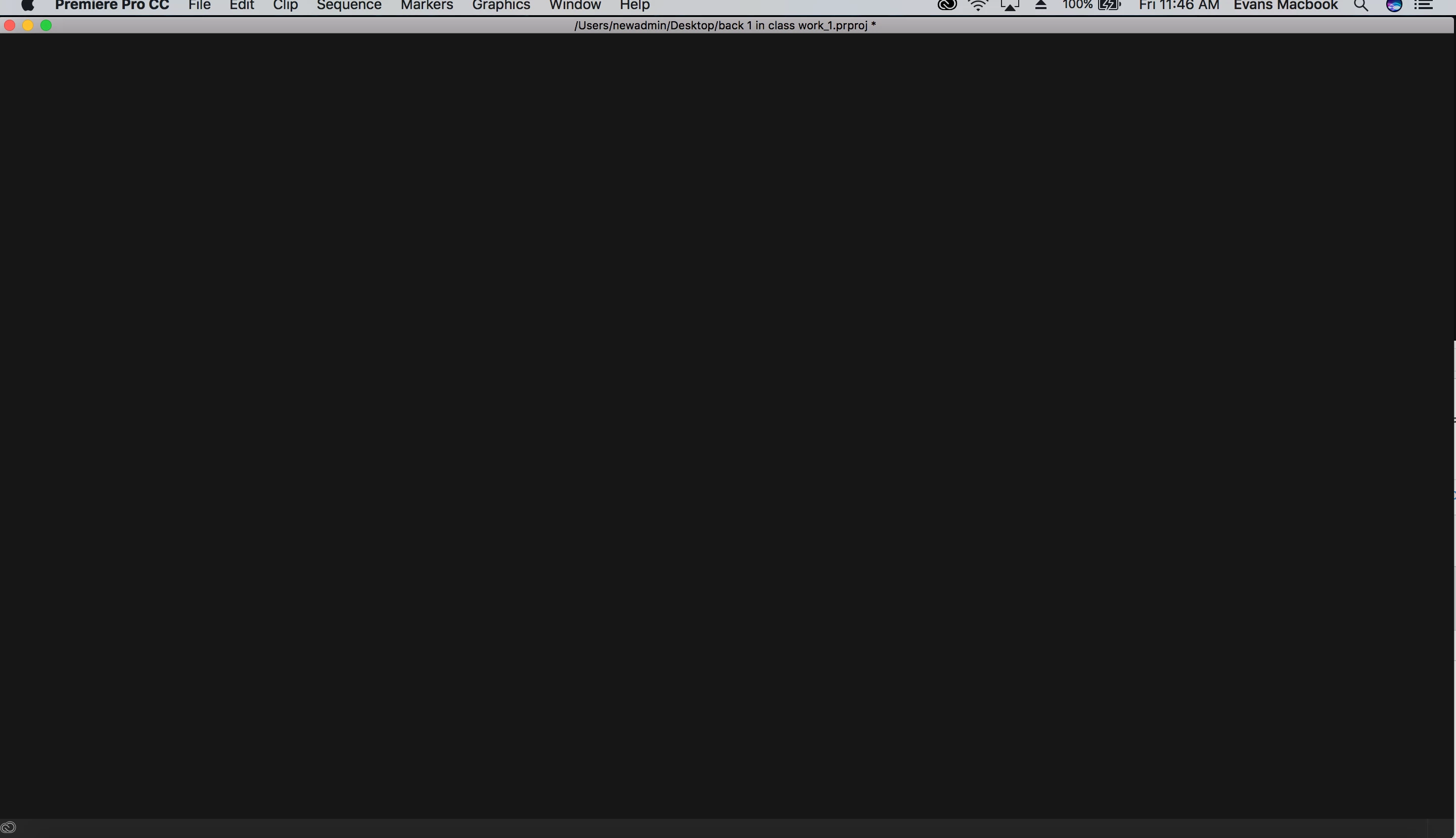
My screen in premiere goes black when I click on the Effect Controls tab

  • October 27, 2017
  • 3 replies
  • 2618 views

I downloaded yesterday. Now every time I click on the effects tab or editing tab my screen in premiere goes black.
    This topic has been closed for replies.

    3 replies

    Participant
    November 24, 2017

    That happened to me - restore the saved layouts to the factory settings and it all comes back.  Somehow, those two tabs have just managed to clear all the windows.  Restoring the saved layouts brings them all back.

    Participant
    April 15, 2018

    Could you give a more detailed instruction please?

    Peru Bob
    Community Expert
    Community Expert
    April 15, 2018

    odinl8174403  wrote

    Could you give a more detailed instruction please?

    Reset a workspace

    Reset the current workspace to return to its original, saved layout of panels.

    1. Do one of the following:
      • Click the Workspace menu icon and select Reset to Saved Layout.
      • Choose Window > Workspace > Reset to Saved Layout.

    from here:

    https://helpx.adobe.com/premiere-pro/using/workspaces.html

    laurenp29115635
    Participant
    November 23, 2017

    I get this too! Did you figure out the problem?

    Participant
    November 18, 2017

    I am also having same issue, overtime I want to switch to editing, colour or any other panel it just goes blank
