RED footage master clip effects not showing up on monitor Premiere Pro
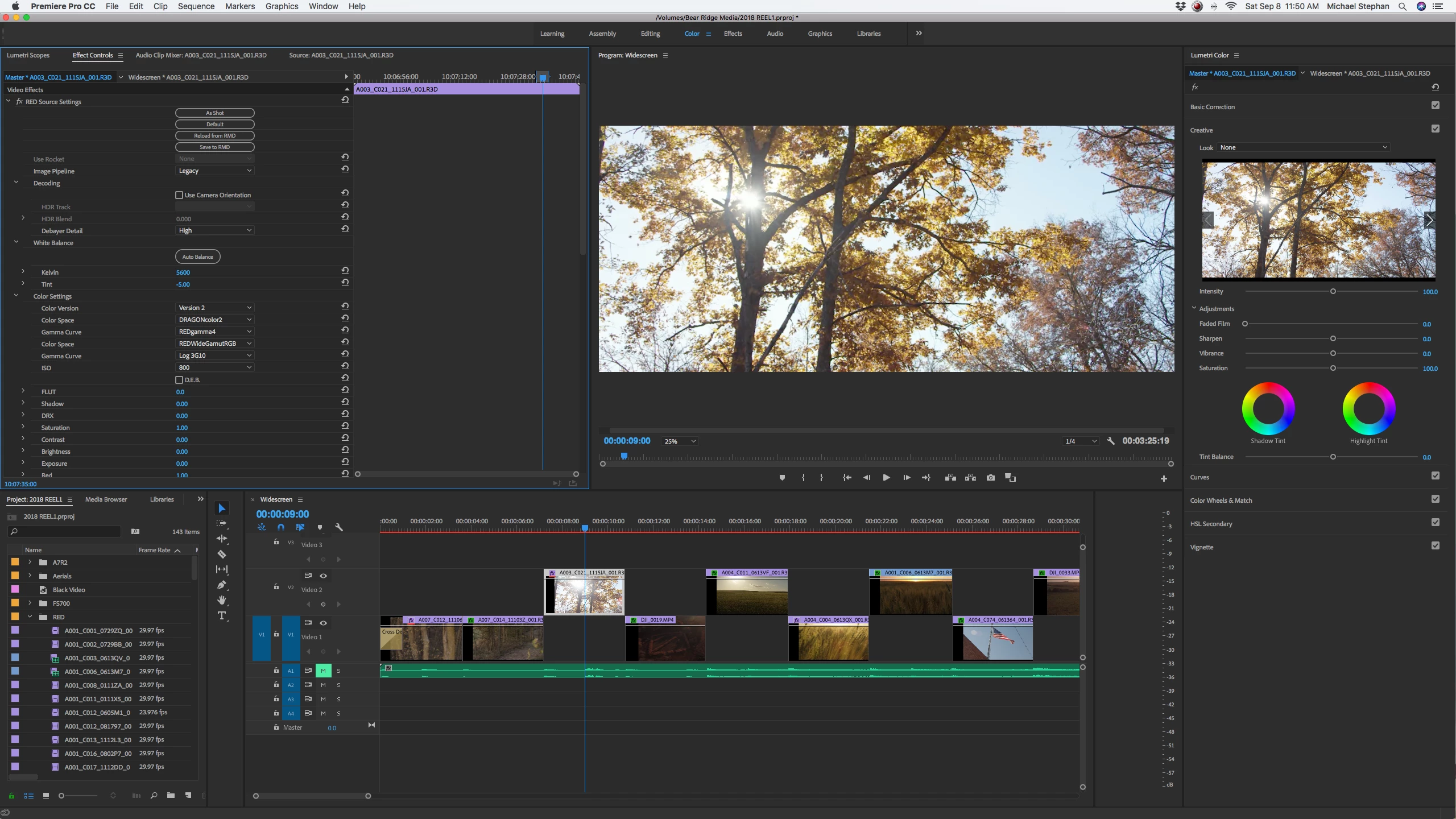
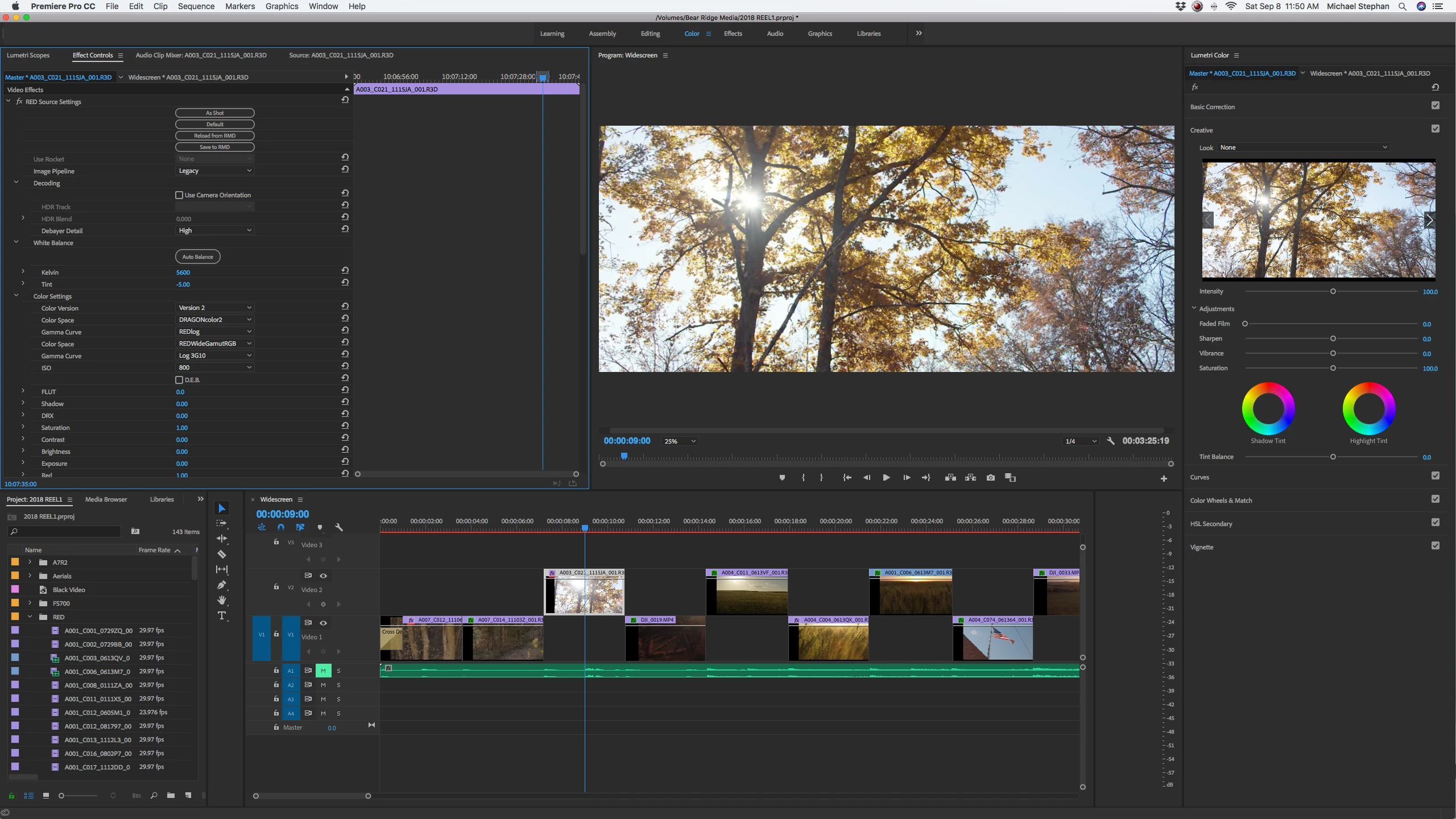
Ok so I'm getting super frustrated with this. Premiere Pro is latest version, CC 12.1.1 The clip is highlighted, I go over to the master clip tab, then change some settings and nothing happens to my footage. Not in the source monitor or the timeline monitor. I've toggled the fx button on and off and still nothing. As you can see in these pictures my gamma curve is different in each one, but my footage has not changed. I've also went into Red CineX and changed the settings and saved the RMD file and came back into premiere and the settings have changed on the master clip, but there is still no visual changed to the color of the clip. Thoughts?
Also I accidentally found out that if my gamma curve on the master clip is changed, once I render out the clip after doing Lumetri color changes, it renders it with the master clip changes. That stumped me for a minute.
 AdChoices