
Question
Text looks smooth when pausing and "pixely" when playing. How to make the text smooth all the time?
I have a problem with the pixels of the text when playing versus pausing, and especially when the video is in a small frame like on YouTube. The problem especially occurs with tiny text.
I made a video in Premier Pro, and implemented a text.png from Photoshop.
I'd like the text to be smooth (without showing the pixels) and don't differ between pausing and playing.
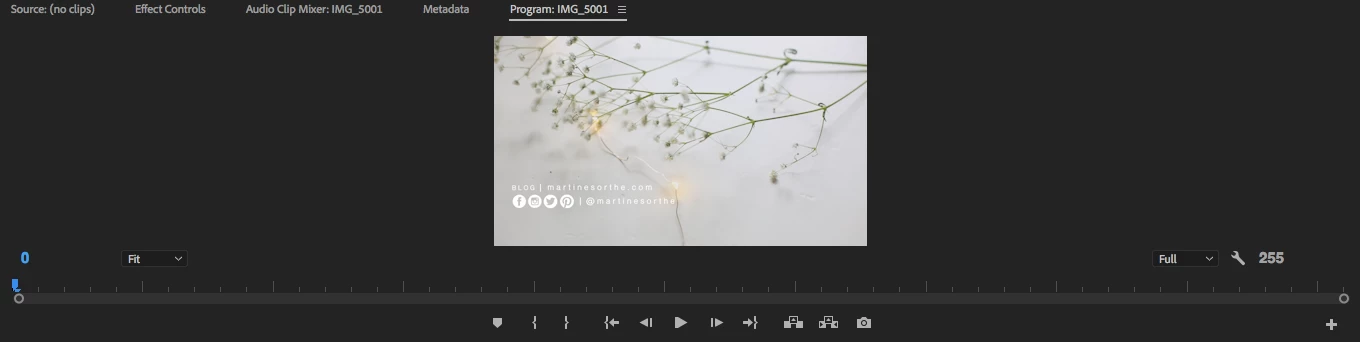
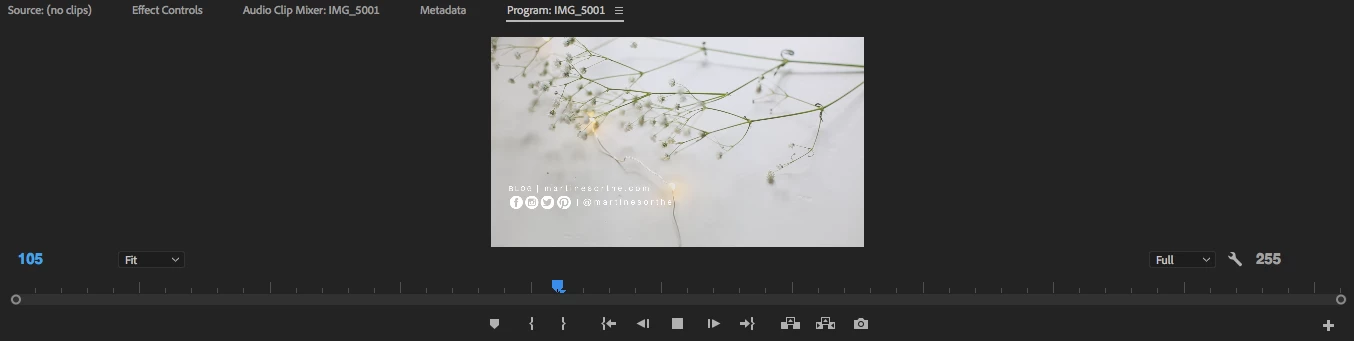
Below, you can see 1. when the video is pausing (looks good and smooth) and 2. when the video is playing (looks awful with the pixels).
The problem only occurs with the text, not with the video.
Can anyone help me fix this problem? What should I do?
Thank you so much for your help in advance!
1. When pausing
2. When playing
 AdChoices