
Participant
July 20, 2021
Question

Can't contact Adobe

  • July 20, 2021
  • 2 replies
  • 373 views

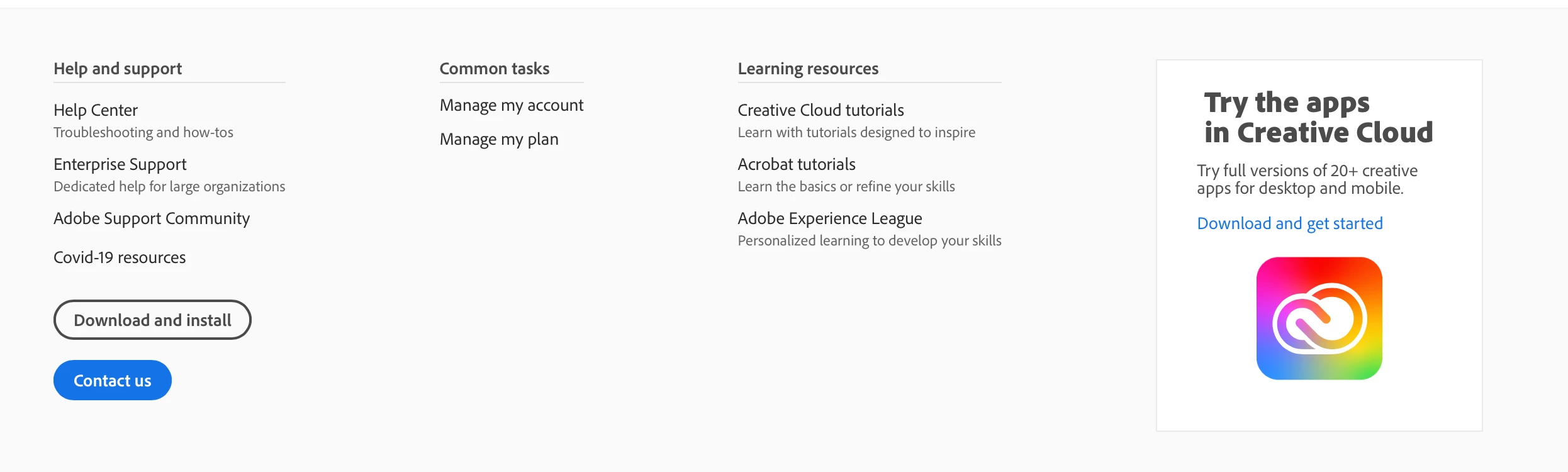
I need to cancel a plan because I got already another one for some reason (it's very complicated). Therefore I need to contact support to chat/call with them. But Adobe won't even let me. When I click on Contact us, nothing happens. 

When I go to https://helpx.adobe.com/contact.html , there's nowhere a contact button to be seen.

Same when I go to https://helpx.adobe.com/be_nl/support.html , there's however a contact link that says "Log in to contus us" but that just redirects me to https://helpx.adobe.com/contact.html because I'm already signed in.
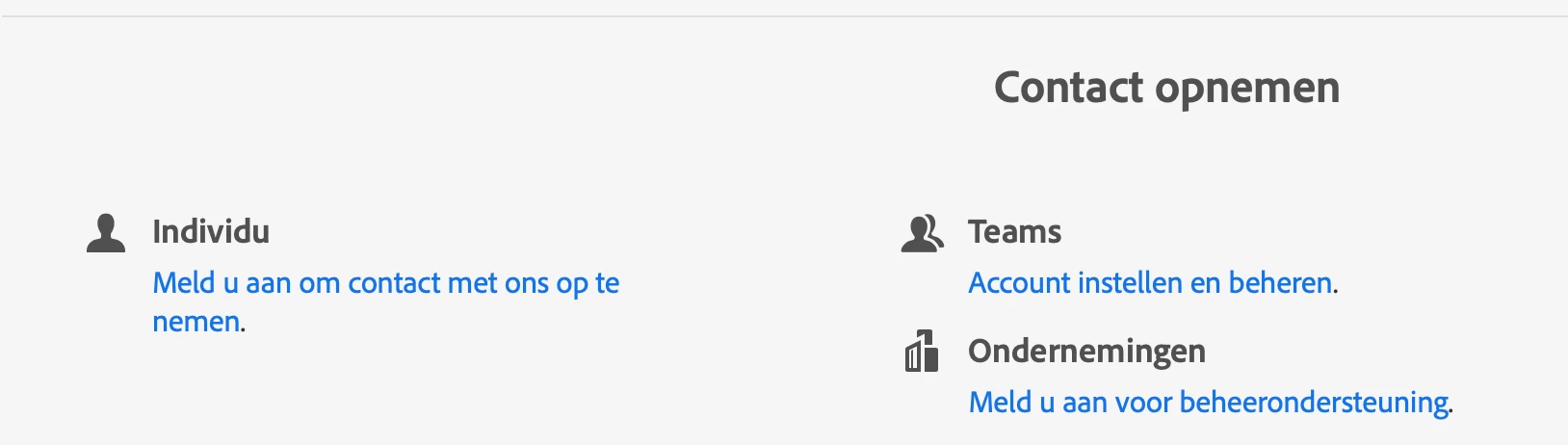
I've tried different browsers (safari, chrome) , different devices (android, macOS, iPadOS), incognito etc etc, but it all just doesn't work in the end.

This is very frustrating, why can't I just talk to a real human 1 on 1...


This topic has been closed for replies.

2 replies

Participant
July 20, 2021

I got it working.

Use this link on edge https://helpx.adobe.com/contact.html?rghtup=autoOpen

Get a vpn and set it up to United States.

Get Proton VPN if you don't have one, it's free but legitimate and secure, won't sell your data.


A window should pop up after you're signed in to Adobe in Edge and paste this link there.

Legend
July 20, 2021

Thanks for sharing. Since you needed a VPN to make it work, can I ask you what country your internet connection is (or seems to be) in, without the VPN, when it doesn't work?

Participant
July 20, 2021

I'm from Poland.

I find it very annoying as the number that's for Poland still needs you to talk about

your issue in English so I don't see the reason why we can't have access to the chat function in english aswell.

LinSims
Community Expert
Community Expert
July 20, 2021

Adobe provides support through the Chat function on the contact page or through a phone call. There is no email support.

CHAT: Click the following to contact Adobe customer support staff for help:

https://helpx.adobe.com/contact/support.html

You must be signed in with your Adobe ID and allow cookies in your web browser for this to work. Disable any ad, pop-up, or script blockers.

This is the link to the US website. If you are not in the US, the site should redirect to the page appropriate to the region associated with your ID.

Click the chat icon at the bottom right of the page to open a chat session.


If that doesn't work, try this link, which opens a chat window directly:

https://helpx.adobe.com/contact.html?rghtup=autoOpen


PHONE: You can also search this page for a regionally appropriate phone number for customer support.

https://helpx.adobe.com/contact/phone.html

Participant
July 20, 2021

They don't, I don't have the chat icon nor does the direct link work, it just directs me to here:


I have all my addons disabled. I'm signed in and accept cookies.