To remove debit/credit cards on your account you must at least have more than one.
When you go to your account details (you can do so by going through the CC panel, I find it's the easiest way)
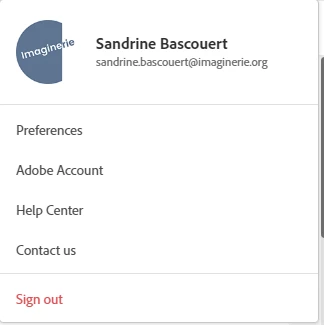
Choose Adobe account
Then Edit billing and payment in the next page
there you'll see all your cards with ADD NEW, EDIT, DELETE at the bottom of each card
(DELETE won't show if you have just one)
Click delete for all your unwanted cards.
If you don't have the delete option, then it's worth insisting with the webchat and wait until you get the prompt to talk to someone. If the bot keeps on suggesting things that aren't what you are asking, then keep on typing exactly what you want until you get redirected to an agent.
If you have trouble getting hold of someone, type "I want to cancel my account"
it is likely that a real CS agent will pop up.
If all fail, try:



 AdChoices