Inspiring
February 11, 2021
Answered

How do I change language on this site?

  • February 11, 2021
  • 2 replies
  • 1215 views

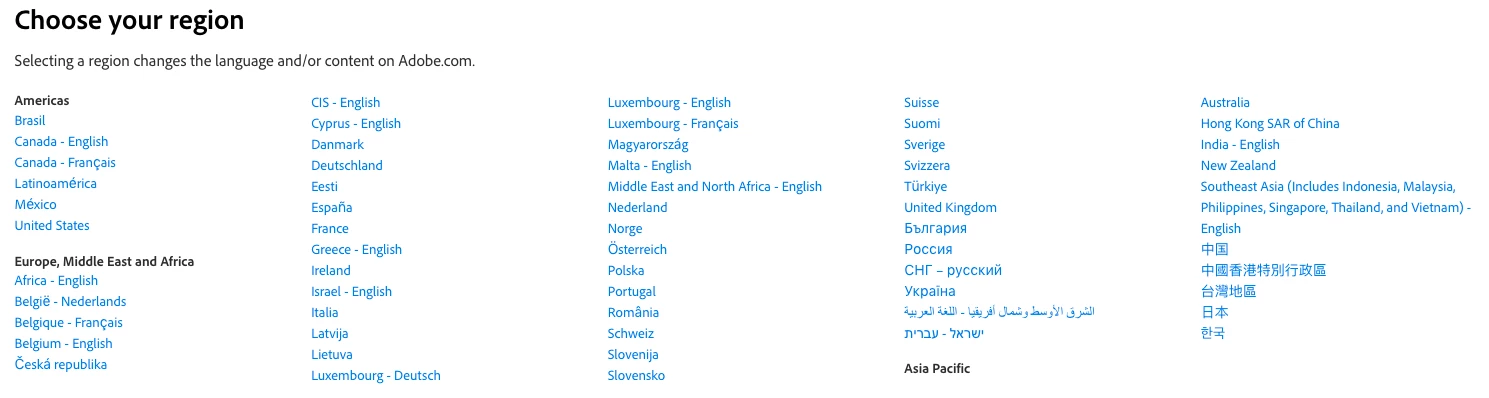
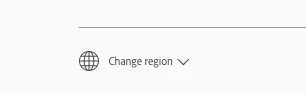
Is it possible to change the language? As soon as I sign in, the entire adobe.com page switches to Spanish. There's a button at the bottom of the Account page that has a globe symbol and says "Cambiar región" but nothing happens when I click on it. 
This topic has been closed for replies.
Correct answer David__B

Hi Lazar5E3C,


Odd, I do see it on both Adobe.com and account.adobe.com on my system. However, I didn't get the pop-up window to change it in Chrome initially. I did in Safari. After I enabled pop-ups in the Site settings and restarted Chrome it worked there too.


2 replies

David__B
Adobe Employee
David__BCorrect answer
Adobe Employee
February 11, 2021

Hi Lazar5E3C,


Odd, I do see it on both Adobe.com and account.adobe.com on my system. However, I didn't get the pop-up window to change it in Chrome initially. I did in Safari. After I enabled pop-ups in the Site settings and restarted Chrome it worked there too.


Participant
October 31, 2023

how do I change the language in my desktop app? I have already been able to change the language online on Google, but I would also like to do it in the app itself. only when I go to the app there is no "change region" option anywhere. do i need to delete the app and download it again? 

kglad
Community Expert
Community Expert
October 31, 2023

do a clean cc install carefully following each applicable step:

uninstall every cc app including preferences per https://helpx.adobe.com/creative-cloud/help/uninstall-remove-app.html

then uninstall the cc desktop app, again using the correct uninstaller per https://helpx.adobe.com/creative-cloud/help/uninstall-creative-cloud-desktop-app.html#sa_src=web-messaging

clean your computer of cc files per http://www.adobe.com/support/contact/cscleanertool.html

change your website language


restart your computer (don't skip this)

reinstall the cc desktop app using the "alternative download links" at the bottom of the page at https://helpx.adobe.com/download-install/kb/creative-cloud-desktop-app-download.html

use the desktop app to install your cc programs/trials

NOTE: win 11 users that have trouble with the latest win 10 installer often have success with the older win 10 installer.

lazar5E3CAuthor
Inspiring
February 11, 2021

Ironically, the change language function is at the bottom of this very page. What's weird is that it's not at the bottom of every page. Thus far I've only seen it at the bottom of Adobe Support Community pages. When you're actually looking at your account settings, which is where such a thing would normally be, there's no option to change language.