
Lightroom picking expired subscription plan
I used to have a photography plan which expired. Then I bought (activation code) the Creative plan which includes all of the Adobe apps. Lightroom Classic and Photoshoot uses the new plan and shows that everything is OK and I can easily use those apps (mentioning only the apps that are available in Photography plan, too). But for some reason, Lightroom app on my PC sees only the old Photography plan that has expired and says that my Trial has expired.
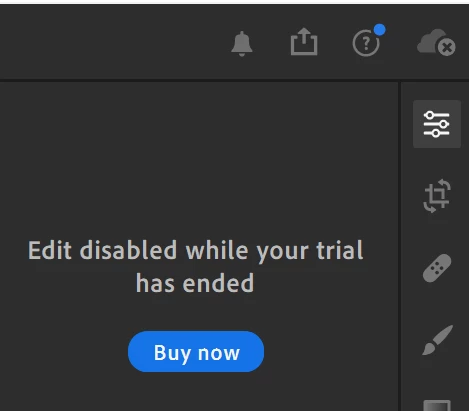
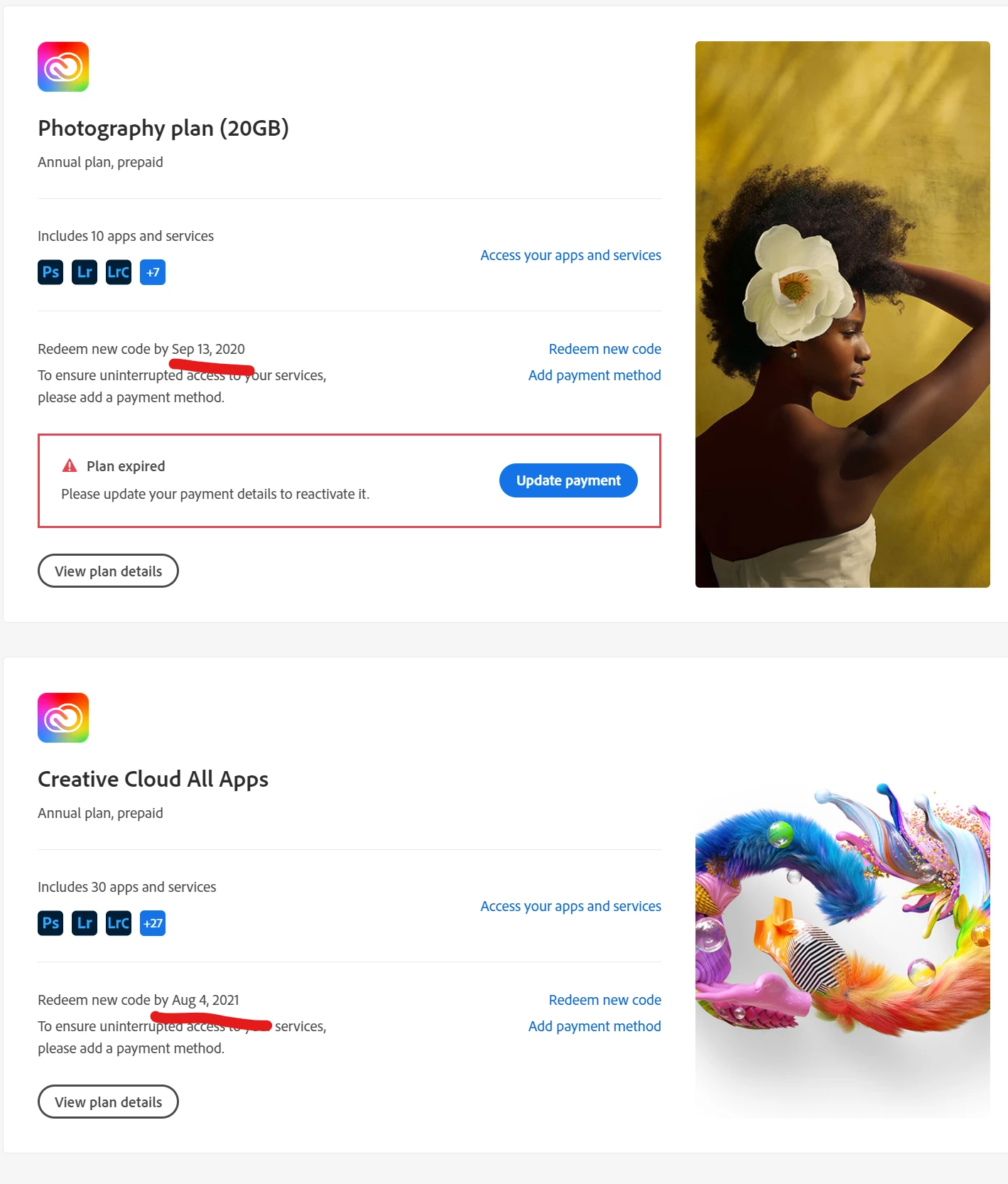
I tried logging out and in to my account. I tried deactivating my PC on Adobe website in my profile.
Every other app on my PC and phone uses the new Creative cloud plan apart from Lightroom on PC.
Any ideas what else I can do to trick Lightroom into realising that I have an active Adobe plan?
The only reason why I wanted to use the Lightroom app on PC is to sync presets to the mobile app. Apart from that, the Lightroom app is collecting dust. 99% of images I edit in Lightroom Classic. That remaining 1% is on phone, so I wanted to sync my presets.
 AdChoices