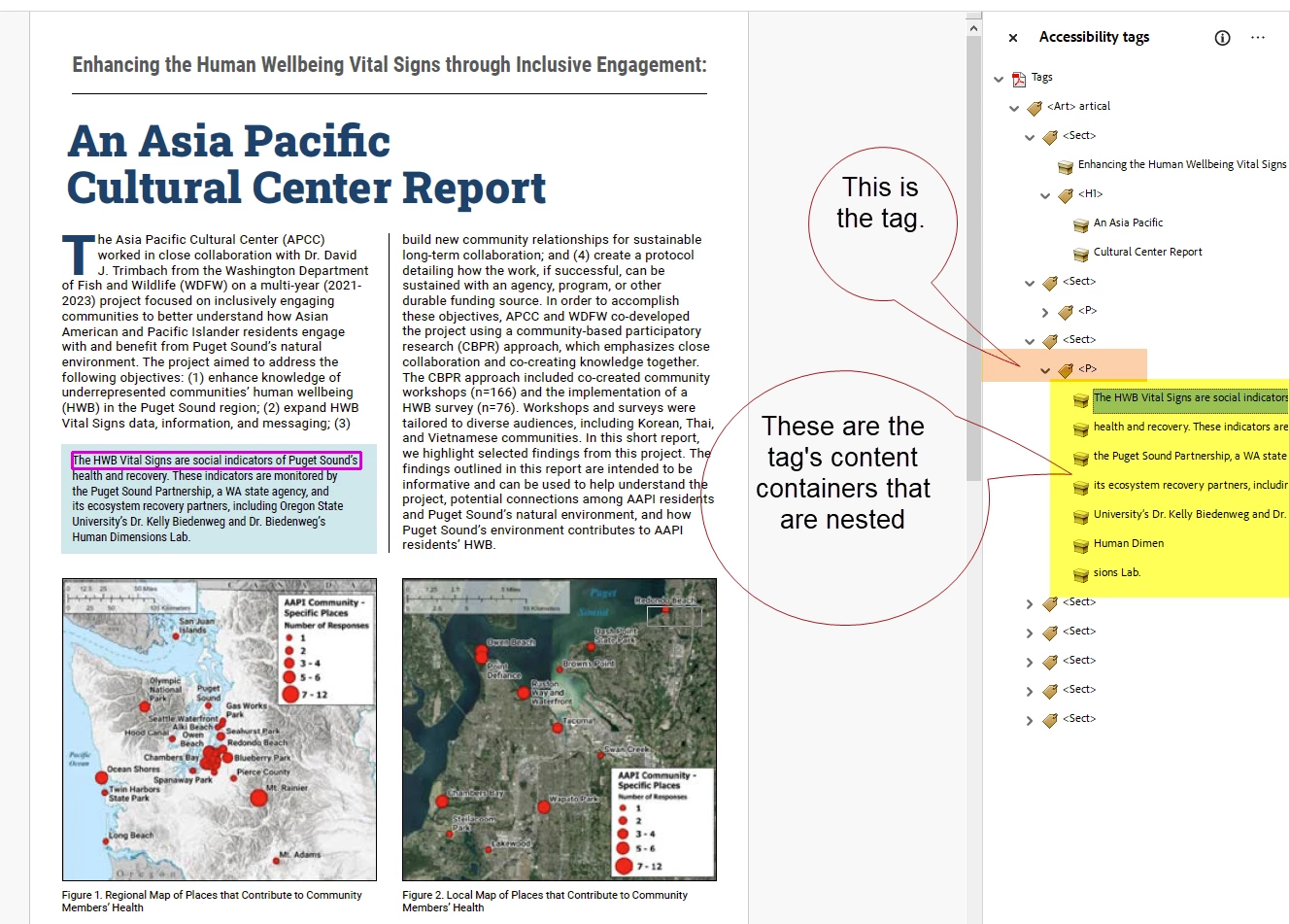
In accessible PDF, there are 2 parts to every tag: The tag itself, which wraps around the content like text or a graphic. And the content itself that's in the yellow content containers.
The yellow content containers hold the text and graphic content in your file, and a <Tag> can have multiple content containers in it. That's OK.
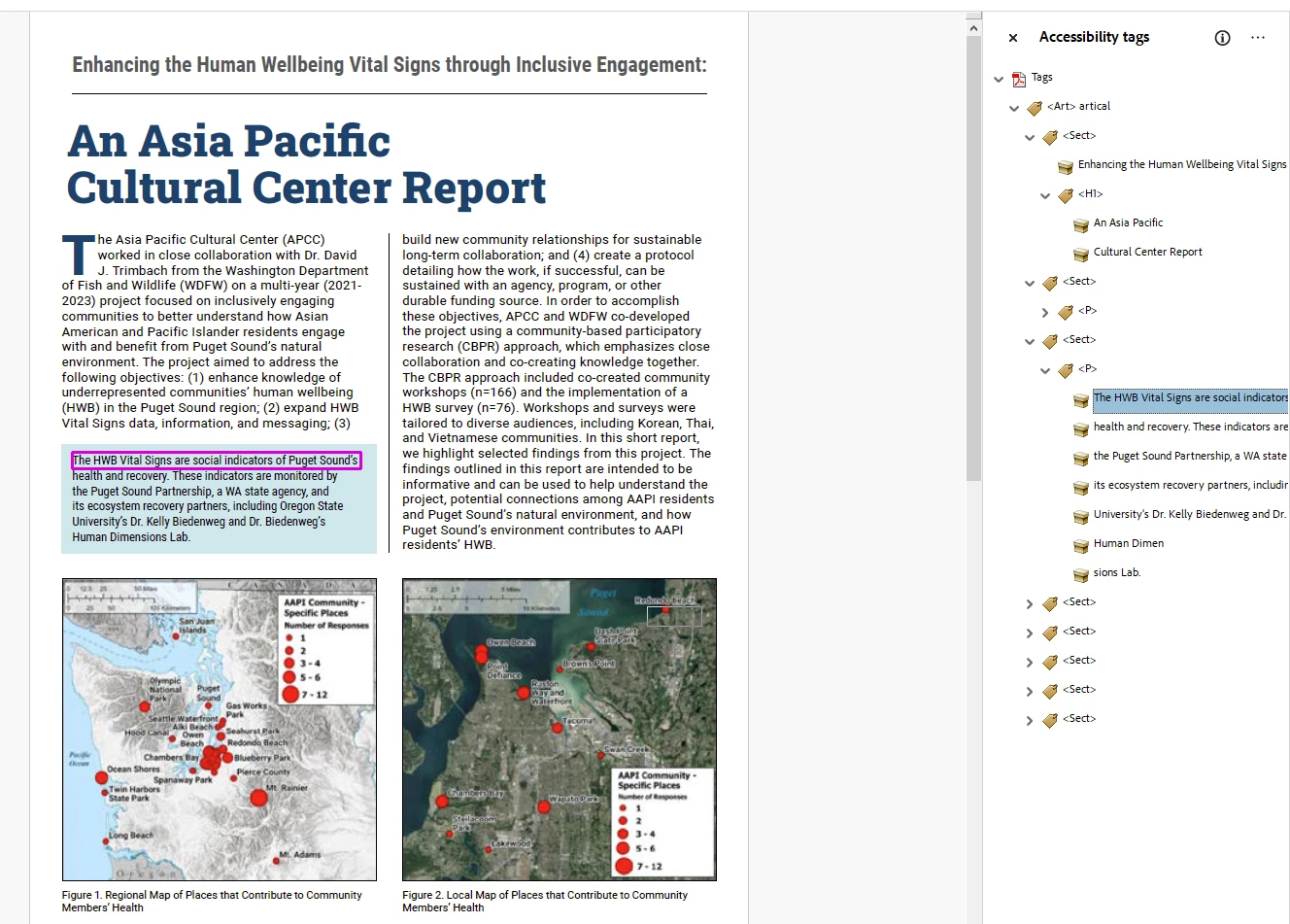
Adobe InDesign, because it has professional typesetting controls that compose the text by lines and paragraphs, creates a content container for every line of text in the paragraph. But because they are wrapped inside one <P> paragraph tag, they are one paragraph. You have no control over this, and when the PDF is correctly created, it does not pose problems for assistive technologies.
Real screen readers process the tag correctly. But you're using Acrobat's Read Out Loud — which is a very poor text-to-speech program — and it often doesn't voice the content correctly. We do not recommend using it to test PDFs for accessibility compliance: it will give you false positives and false negatives. Use better testing tools, as suggested in your other post.
RE: the drop cap, you're correct, it separates the big drop cap letter(s) into a <Span> tag which can cause the voicing to say "T" and "He" rather than "The." This is an Adobe InDesign issue that Adobe needs to correct.
But in the meantime, most of our screen reader testers aren't floored by this and figure out what they're hearing very quickly. It's more of a minor error for most drop caps.
Suggestion: you have a lot more to learn about making accessible PDFs from InDesign and I recommend focusing on major problems first and tackling the drop cap issue later on. One item I noticed is the number of <Sect> tags in your sample that fragment your reading orders: your file has "sectionitis" and that can prevent some assistive technologies from easily adjusting to the end user's needs.
Definitely take classes in this: it's not intuitive! A good class can show you better methods that create accessible PDFs much faster and more accurately. Our class is 16 hours of live training and I feel like I barely scratched the surface for my students! But they go on to do very successful, accessible graphic design. Very proud of them!
—Bevi

 AdChoices